Customer Support & Virtual Assistant Ergonomics: 8-Hour Chat Shift Setup
A practical keyboard and desk setup for customer support agents and virtual assistants who spend eight hours in chat queues: measurements, angles, screens, and breaks.
Short answer: a support desk works when the keyboard sits low enough that your elbows stay near 90°, the letters line up with your body rather than the monitor, and the hands stay flat instead of reaching up to a raised back edge. For most agents that means a keyboard at or slightly below elbow height and a small, consistent tilt — not a steep “ergonomic” ramp. Get those three things right and the rest of the shift is about screen layout, headset position, and how you handle the queue between tickets.
Support work looks like typing, but it rarely behaves like typing. A copywriter writes for twenty minutes and pauses. A support agent answers a chat, switches tabs, checks an order, pastes a macro, takes a call, and repeats for eight hours with a queue that never fully empties. The body pays for the transitions as much as for the words.
This guide is written for customer support agents, virtual assistants, help-desk staff, and the team leads who set up their desks. It covers measurements you can take in ten minutes, a keyboard position that survives back-to-back tickets, and a setup checklist you can hand to a new hire.
KeyRiser is an independent accessory for Logitech MX Keys keyboards and is not affiliated with Logitech. Some links in this article are affiliate links; if you buy through one, we may earn a small commission at no extra cost to you.
Why support work is different from other desk jobs
Three things separate a support shift from a normal office day.
 Desk complementiClever BK10 Bluetooth Keyboard with Number PadFull-size Bluetooth 5.1 keyboard with a number pad and ergonomic key layout for multi-device desk work.View on AmazonPaid link
As an Amazon Associate I earn from qualifying purchases.
The queue sets the pace. You cannot finish a thought and stretch. A new ticket arrives, the timer starts, and the hands go back to the keyboard. Micro-pauses disappear unless the workflow deliberately creates them.
You switch tools constantly. Chat, CRM, order system, knowledge base, email, and a phone app can all be open at once. Each switch moves the hand from keyboard to mouse and back, which is where a lot of wrist and shoulder tension accumulates.
The screen count is high, but the keyboard count is one. Agents usually have two monitors and a headset, and the desk is arranged around the screens. The keyboard ends up wherever there is space, which is often too high, too far forward, or angled toward the wrong monitor.
A support desk does not need a dramatic ergonomic rebuild. It needs the keyboard and the screens to stop competing for the same space.
The four measurements that matter on a support desk
Take these once, write them down, and set the desk to the numbers. Guessing from a photo is how desks end up at the wrong height for months.
- Seat height. Sit with both feet flat and the thighs roughly parallel to the floor. If the chair will not go high enough, a footrest is the fix, not a lower desk.
- Elbow height. Let the arms hang, then bend the elbows to about 90°. The keyboard surface should sit at or just below that height. Most desks are too high for most people, which is why the shoulders creep up by the end of a shift.
- Keyboard distance. The letter block, not the numpad and not the monitor, should line up with the centre of your body. The wrists should not rest on the desk edge while typing.
- Screen height. The top third of the primary monitor should be at or slightly below eye level, an arm’s length away. With two monitors, put the one you use for chat in front of you and the reference screen off to the side at a small angle.
If the chair, desk, and monitor cannot all be adjusted, prioritise the keyboard height. Hands are in contact with the keyboard all day; the screen only needs the eyes to move.
The keyboard position for back-to-back tickets
The most common support-desk problem is a keyboard that slopes up toward the back. The rear feet are extended, or the keyboard sits on a thick wrist rest, and the hands have to bend upward to reach the back row. That position is hard to hold for eight hours.
A flat-to-slightly-tilted keyboard keeps the wrist closer to neutral. For MX Keys owners, the practical version of that is a small, fixed tilt on the rear edge — around 15° on a keyboard that is otherwise flat. KeyRiser does exactly that: two PLA feet seat on the rear underside of the MX Keys, MX Keys S, or MX Keys Mini and lift the back edge to roughly 15°. It costs $16.99 and installs in about a minute; the installation guide has the steps.
Why a fixed tilt instead of adjustable feet? Adjustable feet tend to get changed once and then forgotten, and many of them only offer two positions: flat or steep. A fixed angle removes the decision and keeps the keyboard consistent across shifts. The angle guide explains the 10–15° range and when a steeper angle makes sense.
Three rules matter more than the exact angle:
- Do not type with the wrists resting on a pad. A wrist rest is for pauses, not for active typing. Resting the wrist while the fingers reach bends the hand upward.
- Keep the elbows under the shoulders. If the keyboard is too far forward, the shoulders roll forward to reach it. Pull the keyboard closer and move the mouse with it.
- Keep the mouse at keyboard height. A mouse on a higher surface, or on a stack of paper, undoes the keyboard setup. The keyboard and mouse height guide covers the pairing.
Screen layout for chat queues
Support agents often run two screens and a headset, and the desk becomes a wall of rectangles. A workable layout is simpler than it looks:
- Primary screen in front. Chat or the ticketing system goes here, centred on your body. The keyboard lines up with this screen.
- Secondary screen to the side. The knowledge base, order system, or email goes here. Angle it inward by 15–20° rather than turning your neck 90°.
- Laptop as a third screen only if necessary. A laptop screen beside two monitors usually pushes one monitor too far to the side. If the laptop is the only extra screen, raise it on a stand and use an external keyboard.
- Headset within reach. Keep the headset dock or hook on the side of the dominant hand, so answering does not require a reach across the desk.
The dual monitor ergonomic setup guide goes deeper on monitor arms and viewing distance, and the principles transfer directly to a support desk.
Headset, neck, and shoulders
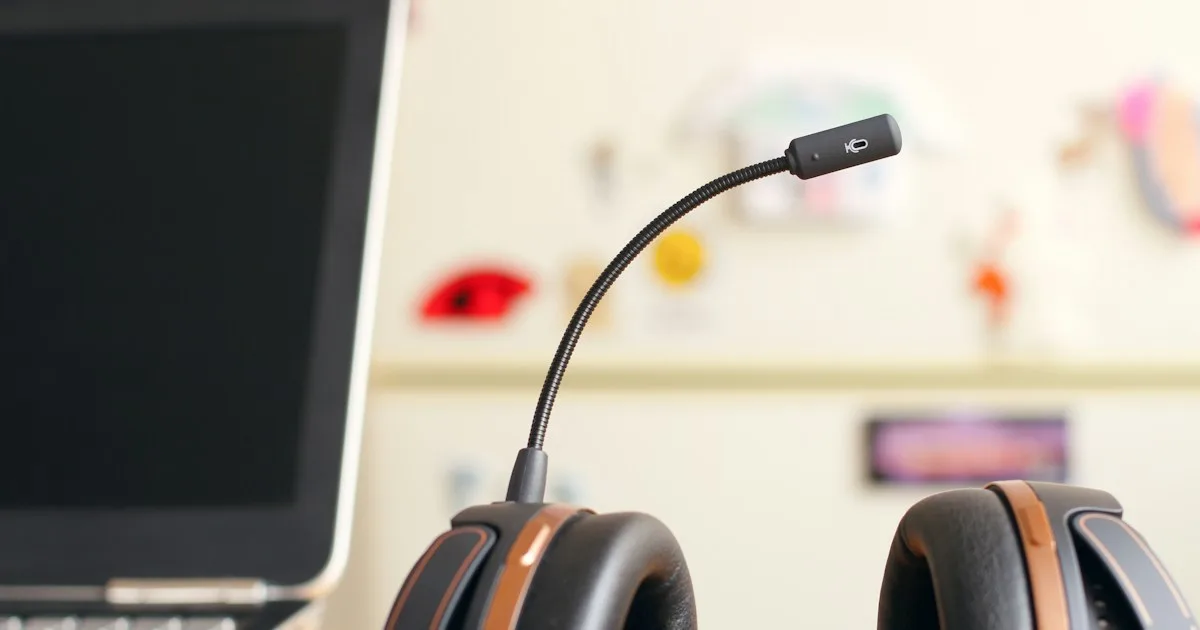
A headset is the most overlooked piece of support hardware. A heavy headset with a tight band creates a pressure point on the top of the head and pulls the neck forward. A boom mic that sits too far from the mouth makes the agent lean in, which is a repeated neck movement across a shift.
Practical fixes:
- Adjust the headband so the ear cups sit flat, not clamped.
- Put the mic a finger’s width from the corner of the mouth.
- If the headset is uncomfortable after two hours, ask for a lighter model or a headset with a different band; this is a work tool, not a personal purchase.
- Do not cradle the handset between shoulder and ear. If the phone is still in use, a headset is the ergonomic fix.
Breaks that survive a live queue
The standard advice — “take a break every hour” — fails in a support centre because the queue does not pause. The fix is to attach the break to the workflow instead of the clock.
- Use the after-ticket pause. After resolving a ticket, before opening the next one, stand up, drop the shoulders, and open and close the hands for ten seconds. It is short enough that the queue does not punish it.
- Batch the mouse work. If five tickets need the same lookup, do the lookups together. Fewer keyboard-to-mouse switches means fewer small reaches.
- Use keyboard shortcuts for the tools you touch most. Every shortcut replaces a mouse trip across the desk.
- Take the real break away from the desk. A five-minute break spent scrolling on the phone keeps the neck in the same position. Stand, walk, and look at something far away.
- Stretch the forearms, not just the wrists. The five-minute wrist and forearm routine is designed to be done between tickets without equipment.
If a break is impossible, change the task instead: switch from chat to email for twenty minutes, or move from typing to reviewing. A different physical pattern is a partial break even when the queue continues.
A 20-minute setup checklist for a new support desk
Use this when a new agent starts, or when an existing desk has drifted.
- Set the chair height so the feet are flat and the thighs are level.
- Set the keyboard surface at or just below elbow height.
- Move the keyboard so the letter block is centred on the body.
- Check that the wrists are straight, not bent up, while typing.
- Put the mouse on the same surface as the keyboard.
- Centre the primary monitor; move the secondary screen to the side.
- Raise the monitor so the top third is near eye level.
- Adjust the headset band and mic position.
- Clear the area under the wrists; no thick pad while typing.
- Save the settings and write the numbers on a card taped under the desk.
The last step matters. Desks get adjusted by cleaners, hot-desking colleagues, and new equipment. A card with the seat height, keyboard height, and monitor position makes the setup repeatable.
MX Keys specifics for support agents
The MX Keys family is common in support teams because it is quiet, rechargeable, and comfortable for long typing sessions. A few details matter when the keyboard is in use all day:
- It is a low-profile keyboard. That is good for wrist posture, but it also means the rear edge is low, and the temptation is to add a thick wrist rest to create an angle. A small riser is the cleaner fix.
- The feet are not adjustable. The MX Keys, MX Keys S, and MX Keys Mini ship flat. There is no built-in tilt, which is why an add-on riser exists; the model identification guide helps confirm which one is on the desk.
- The same KeyRiser fits all three models. The feet seat on the rear underside and do not block the charging port; the charging clearance check explains the cable path.
- PLA needs normal care. Keep the feet away from hot cars and dishwashers; the care guide covers cleaning.
If the team uses a mix of keyboards, check the compatibility page before ordering a batch. KeyRiser is shaped for the MX Keys family, not for every Logitech model.
When the setup is not enough
Ergonomics removes avoidable load; it does not treat a medical condition. If an agent has numbness, tingling, weakness, or pain that persists after the desk is adjusted and breaks are taken, the next step is a clinician, not another accessory. Persistent symptoms are worth documenting: when they start, which fingers are affected, and whether they improve away from the desk. That information makes a medical conversation more useful.
A setup change is still worth making in the meantime. A keyboard at the right height and a neutral wrist position are low-risk improvements that do not conflict with treatment.
FAQ
What is the best keyboard height for a customer support agent?
The keyboard surface should sit at or just below elbow height when the elbows are bent to about 90° and the shoulders are relaxed. If the desk is fixed and too high, raise the chair and add a footrest rather than reaching up to the keyboard.
Is a keyboard riser useful for chat support work?
Yes, if the keyboard is a Logitech MX Keys, MX Keys S, or MX Keys Mini. A small fixed tilt keeps the back edge from being flat and reduces the upward bend at the wrist. It is not a substitute for correct desk height, and it does not fit other keyboards.
How often should support agents take breaks?
More often than the standard hourly advice, because the queue prevents natural pauses. A ten-second reset after each ticket, plus a real five-minute break every hour away from the screen, is a practical pattern for an eight-hour shift.
Should a support agent use a wrist rest?
For pauses, yes; for typing, no. A thick rest under the wrists while the fingers reach for keys bends the hand upward. Keep the wrists straight and use the rest only between bursts of typing.
Can a standing desk help?
It can, if it is used. A standing desk that stays at sitting height is just a desk. Alternate between sitting and standing in blocks of 30–60 minutes, and keep the keyboard at elbow height in both positions.
The short version
A support desk is a typing desk with a queue attached. Set the keyboard at elbow height, centre the letter block on the body, keep the wrist straight, put the mouse on the same surface, and arrange the screens around the person rather than the other way round. For MX Keys owners, a small fixed riser is the simplest way to hold a consistent 15° angle through an eight-hour shift.
If you are setting up a team, start with the job-type ergonomics guide and the remote work ergonomics guide. For the product details, see the KeyRiser product page or check the compatibility list.
Ready for a Better Typing Angle?
Check KeyRiser on Amazon and confirm compatibility with your MX Keys model.
Buy Now - $16.99Related Articles



Complete your MX Keys setup
KeyRiser first, then the desk complements
KeyRiser addresses keyboard angle. These recommendations cover adjacent setup needs without replacing it.
Complete your MX Keys setup
KeyRiser lifts your keyboard; these complements cover mouse, wrist, monitor, or desk support — they do not replace it.
 Desk complementLogitech Ergo K860 Wireless Ergonomic Split KeyboardCurved split wireless keyboard with a padded wrist rest designed to reduce wrist flex during long typing days.View on AmazonPaid link
 Desk complementLogitech Wave Keys Ergonomic Wireless KeyboardWave-profile wireless keyboard with a built-in palm rest that spreads keystrokes across a natural hand arc.View on AmazonPaid link
 Desk complementKTRIO Keyboard Wrist Rest and Mouse Pad with Wrist RestDense support bar plus mouse-pad rest for offices that want one coordinated package.View on AmazonPaid link
 Desk complementCorsair MM300 PRO ExtendedA 930×300 mm cloth desk mat with room for a full-size MX Keys and an MX Master — pick this or the Logitech mat, not both.View on AmazonPaid link
As an Amazon Associate, we earn from qualifying purchases.