Dual Monitor Ergonomic Setup: Complete Guide for Programmers
Build the perfect dual monitor ergonomic setup for programmers. Learn monitor arm placement, keyboard position, and desk layout to prevent neck and wrist pain.
Quick answer: The best dual monitor ergonomic setup places your primary monitor directly in front of you and the secondary monitor at a slight angle to the side — with the inner edges of both screens close together. Center your keyboard on your body under the primary monitor. KeyRiser keeps your wrists straight while you type, even during long coding sessions across both screens.
Dual monitors are standard in programming, but most setups introduce ergonomic problems: the keyboard ends up between two screens, the head rotates to one side all day, or the monitors sit too low and cause neck strain.
The Right Monitor Layout
Primary Monitor: Dead Center
Your primary monitor — the one you look at most — should be directly in front of you. The top of the screen should be at or slightly below eye level. The keyboard should be centered under this monitor.
Secondary Monitor: Beside, Not Above
Place your secondary monitor to the side at a slight angle — about 20 to 30 degrees from your forward gaze. The inner edges of both screens should be nearly touching to minimize head rotation.
Avoid stacking monitors vertically unless you primarily read code on one and reference material on the other. Vertical stacking increases neck flexion and extension.
Monitor Arm Benefits
Using monitor arms lets you:
- Adjust height and angle independently for each screen
- Free up desk space for the keyboard
- Tilt screens to reduce glare
- Move the secondary monitor closer when needed
If you do not have monitor arms, place both monitors on sturdy risers or stands at the same height.
Keyboard Position in a Dual Monitor Setup
This is where dual monitor setups often go wrong. The keyboard slides between the two screens, or it sits off-center because one monitor is used more than the other.
The Rule
Center the keyboard on your body, not on the desk. The letter keys (G-H home row) should align with your torso. This keeps your shoulders symmetrical and your wrists neutral.
Where KeyRiser Helps
In a dual monitor setup, the keyboard position matters even more because your attention shifts between screens. If your keyboard angle is flat, you may unconsciously rotate your torso or lean to one side.
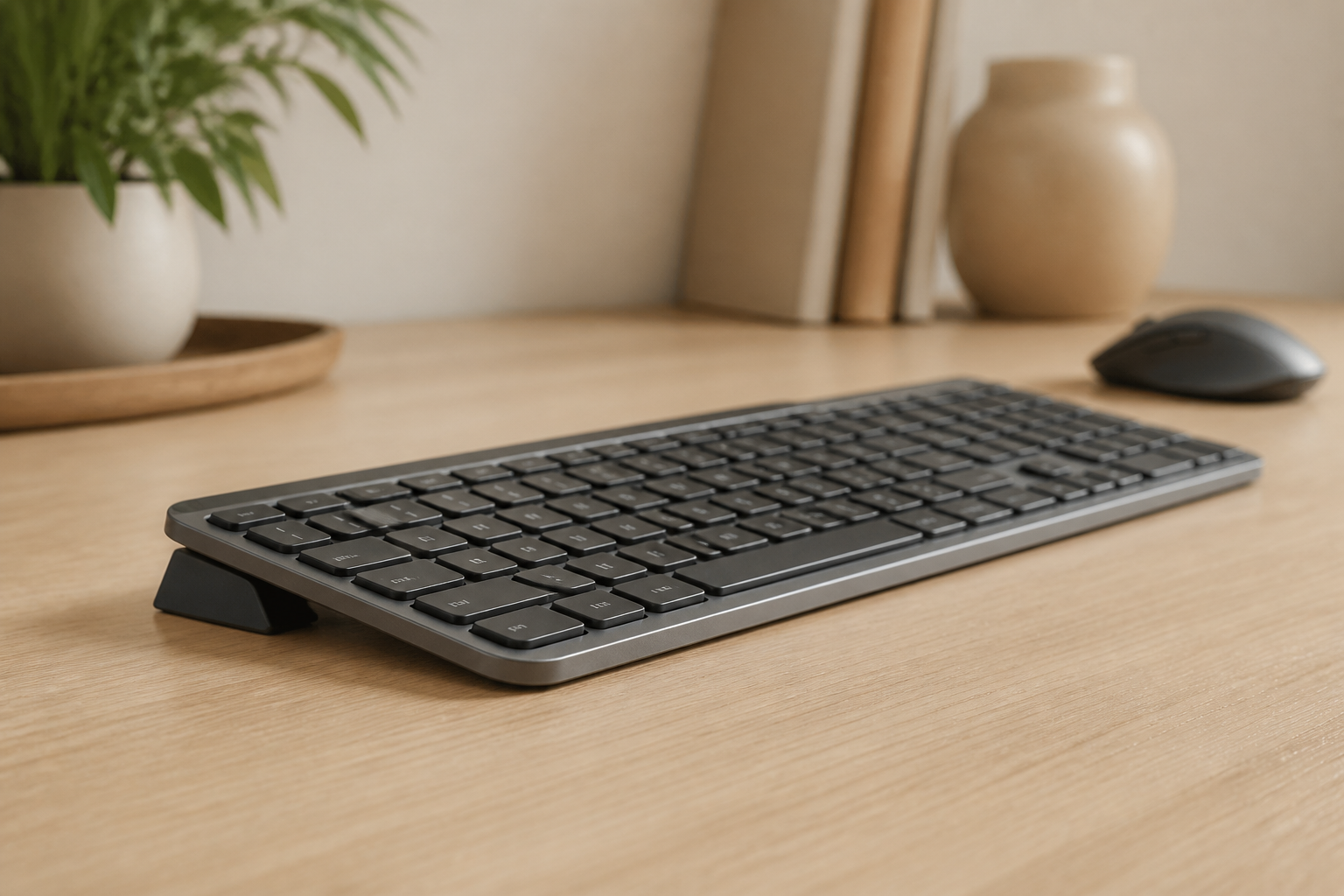
KeyRiser stabilizes the keyboard angle on MX Keys, MX Keys S, and MX Keys Mini. The 15-degree rear lift creates a rear lift that keeps your wrists straight regardless of which screen you are looking at. It also prevents the keyboard from sliding — a practical benefit when your desk is already crowded with two monitors.
Desk Layout Blueprint
                ┌──────────────┐
                │  Primary     │
                │  Monitor     │
                │  (center)    │
                └──────┬───────┘
                       │
          ┌────────────┴────────────┐
          │     Keyboard (center)   │
          │     + KeyRiser          │
          ├─────────────────────────┤
          │  Mouse at keyboard      │
          │  depth, close to body   │
          └─────────────────────────┘
    ┌────────┐                    ┌────────┐
    │Secondary│                  │(optional)│
    │Monitor  │                  │ 3rd scr │
    │(angled) │                  │         │
    └─────────┘                  └─────────┘
The keyboard stays centered. The primary monitor stays centered above it. The secondary monitor sits to the side at an angle that lets you glance rather than turn your head.
Common Dual Monitor Setup Mistakes
- Keyboard between monitors: Puts your torso in an awkward twisted position
- Both monitors at the same angle: The secondary should be angled toward you
- Monitors too low: Causes forward head posture and tech neck
- Mouse too far: Shoulder strain from reaching past the keyboard
- Different monitor heights: Your eyes constantly refocus and adjust
How to Test Your Setup
Sit at your desk and close your eyes. Open them and notice where your gaze naturally falls. If it is not centered on your primary monitor, reposition.
Type for 30 seconds with your eyes closed. Notice if your hands feel centered or shifted. If your torso is twisted or your shoulders feel uneven, adjust the keyboard and mouse position.
FAQ
Should I use two monitors or one ultrawide?
Both work well. Ultrawide monitors reduce bezel gap and keep everything in your forward vision. Two monitors are usually cheaper and let you position each screen independently.
How far should my secondary monitor be?
Close enough that you can read it without leaning — roughly an arm’s length at most. Angle it so the inner edge is close to your primary monitor.
Does KeyRiser work if I use a keyboard tray?
Yes, as long as the tray surface is flat and stable. KeyRiser’s two-piece design fits the MX Keys family on any surface.
Do I need a monitor arm for dual monitors?
Not required, but recommended. Monitor arms make height and angle adjustment much easier, which helps you find and keep the correct position.
Should I use a laptop as a second monitor?
You can, but the laptop screen will likely be lower than your primary monitor. Raise the laptop to match screen height, or use it as a third screen for reference material.
Final Takeaway
A dual monitor setup is only ergonomic if the keyboard stays centered and the monitors are at the right height. Most programmers set up the screens first and forget the keyboard. Start with the keyboard position, center it on your body, and place the monitors around it. KeyRiser helps keep your wrists neutral during the long typing sessions that dual monitor coding requires.
Ready for a Better Typing Angle?
Check KeyRiser on Amazon and confirm compatibility with your MX Keys model.
Buy Now - $9.99