5 Wrist Exercises for Office Workers: A Gentle 5-Minute Routine
Discover 5 gentle wrist exercises for office workers that may support mobility and typing comfort, plus practical desk setup tips and a clear 5-minute routine.
5 Wrist Exercises Every Office Worker Must Do
If you spend more than 6 hours a day in front of a keyboard, your wrists are bearing a silent burden that can turn into chronic pain, loss of strength, and even work disability. Recent studies show that 67% of office workers experience wrist pain at some point in their career, and many do nothing about it until it’s too late.
The good news is that with just 5 minutes a day and these specific exercises, you can support better desk habits, relieve accumulated tension, and keep your wrists healthy throughout your entire professional career.
Why Do Office Workers’ Wrists Suffer So Much?
Before diving into the exercises, it’s important to understand why your wrists are at risk.
The Anatomy of the Problem
The wrist is a complex structure made up of 8 small bones (carpals), multiple tendons, ligaments, and the median nerve that passes through the carpal tunnel. When you type for hours with your wrists in extension (bent upward), the following occurs:
- Carpal tunnel compression: The median nerve gets compressed, causing tingling and numbness
- Extensor tendon strain: The tendons controlling finger movement become inflamed
- Joint stiffness: Lack of movement reduces synovial lubrication
- Progressive muscle weakness: Forearm muscles fatigue and weaken
Risk Factors in the Office
Incorrect keyboard position: many workers use desk setups that are not ideal.
Continuous typing hours: Without breaks, tendons don’t have time to recover, accumulating micro-injuries that become tendinitis.
Poorly positioned mouse: Repeatedly reaching for the mouse causes tension in the shoulder, arm, and wrist.
Lack of movement: Joints need movement to stay lubricated and healthy.
The 5 Essential Exercises for Healthy Wrists
These exercises have been selected for their effectiveness, ease of execution, and ability to be performed at any time during the workday, even at your desk.
Exercise 1: Wrist Extension and Flexion with Resistance
Goal: Strengthen the extensor and flexor muscles of the forearm, balancing muscle tension.
How to do it:
- Extend your right arm forward with palm facing down
- With your left hand, gently pull your fingers downward, feeling the stretch on the top of your forearm
- Hold for 15-20 seconds
- Now turn your palm up and pull your fingers toward your body
- Hold for another 15-20 seconds
- Repeat with the left arm
Frequency: 3 sets per arm, 2-3 times daily
Why it works: This exercise lengthens the muscles shortened by constant typing and improves joint range of motion.
Exercise 2: Wrist Rotations with Closed Fist
Goal: Increase joint mobility and synovial lubrication of the wrist joints.
How to do it:
- Close both fists without squeezing excessively
- Make slow circles with your wrists clockwise
- Complete 10 rotations
- Switch to counterclockwise
- Complete another 10 rotations
- Gradually increase the range of motion
Frequency: 2-3 sets, every 2 hours of work
Why it works: Circular movement stimulates the production of synovial fluid, which acts as a natural lubricant for the joints.
Exercise 3: Finger Opening and Closing with Rubber Band
Goal: Strengthen the finger extensor muscles, counteracting the constant flexion movement when typing.
How to do it:
- Place a rubber band around all five fingers of one hand
- Open your fingers against the band’s resistance
- Hold the open position for 3 seconds
- Relax slowly
- Repeat 15 times per hand
Frequency: 3 sets per hand, twice daily
Why it works: Typing only works the flexors. This exercise balances hand musculature, reducing tension and support better desk habits from muscle imbalance.
Alternative without rubber band: Simply open your fingers forcefully, as if pushing against an invisible resistance.
Exercise 4: Reverse Prayer Stretch
Goal: Stretch the forearm flexor muscles and relieve accumulated tension in the carpal tunnel.
How to do it:
- Join your palms in front of your chest, as in prayer position
- Keeping your palms together, slowly lower your hands toward your navel
- Fingers should point upward and elbows to the sides
- Stop when you feel a gentle stretch on the inner forearms
- Hold for 20-30 seconds
Frequency: 3 sets, especially after long typing sessions
Why it works: This deep stretch relieves tension in the muscles crossing the carpal tunnel, reducing pressure on the median nerve.
Exercise 5: Hand Shake Out
Goal: Relax the musculature, improve blood circulation, and reset the neuromuscular system.
How to do it:
- Let your arms hang at your sides
- Shake your hands vigorously for 10-15 seconds
- Fingers should be completely relaxed
- Imagine you’re shaking water drops from your fingers
- Finish by closing and opening your fists 5 times
Frequency: Every 30-60 minutes of work, or when feeling stiff
Why it works: Shaking improves blood flow, eliminates accumulated muscle tension, and provides immediate relief to fatigued hands.
Exercise Protocol: Your 5-Minute Daily Routine
To maximize benefits, follow this structured protocol:
Morning Routine (Before starting work)
| Exercise | Duration | Sets |
|---|---|---|
| Extension and Flexion | 40 seconds per arm | 1 |
| Wrist Rotations | 30 seconds | 2 |
| Reverse Prayer | 30 seconds | 1 |
Total: 3-4 minutes
Micro-Breaks (Every 2 hours)
| Exercise | Duration | Sets |
|---|---|---|
| Hand Shake Out | 15 seconds | 1 |
| Wrist Rotations | 20 seconds | 1 |
Total: 45 seconds
End-of-Day Routine (Before finishing work)
| Exercise | Duration | Sets |
|---|---|---|
| Rubber Band Opening | 45 seconds per hand | 1 |
| Extension and Flexion | 40 seconds per arm | 1 |
| Reverse Prayer | 30 seconds | 2 |
| Final Shake Out | 15 seconds | 1 |
Total: 4-5 minutes
Complement Exercises with Proper Ergonomics
Exercises are fundamental, but they’ll be much more effective if you combine activity with correct ergonomic setup of your workstation.
The Keyboard Position Problem
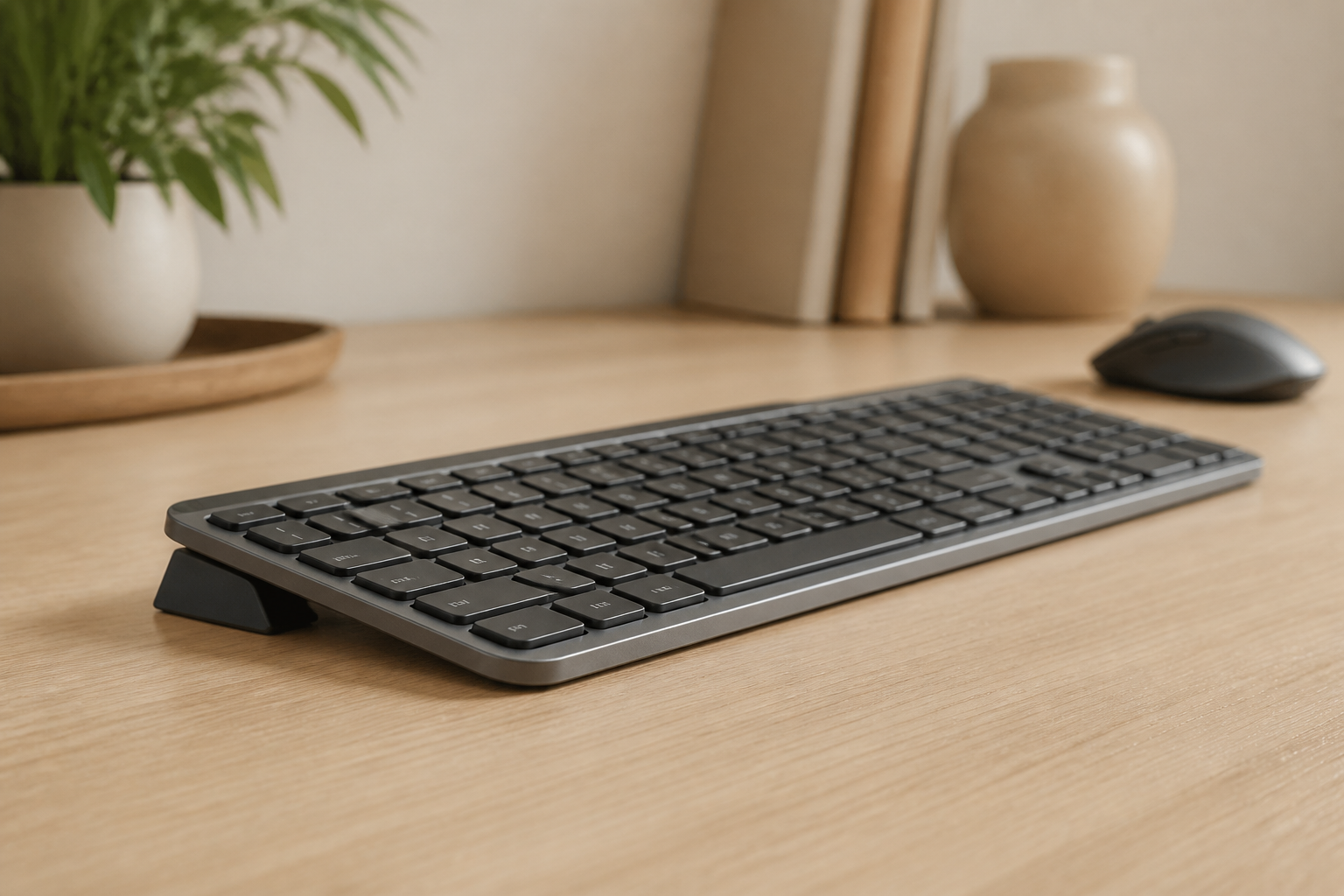
Most keyboards come with rear legs that raise the back. This design, although popular, is ergonomically incorrect and forces your wrists to maintain constant extension that increases pressure on the carpal tunnel.
The optimal solution is to raise the front of the keyboard, creating a rear lift angle of 10-15 degrees. This position:
- Keeps wrists in neutral position
- Reduces carpal tunnel pressure by 47%
- Decreases forearm muscle fatigue
- support a more neutral typing setup development
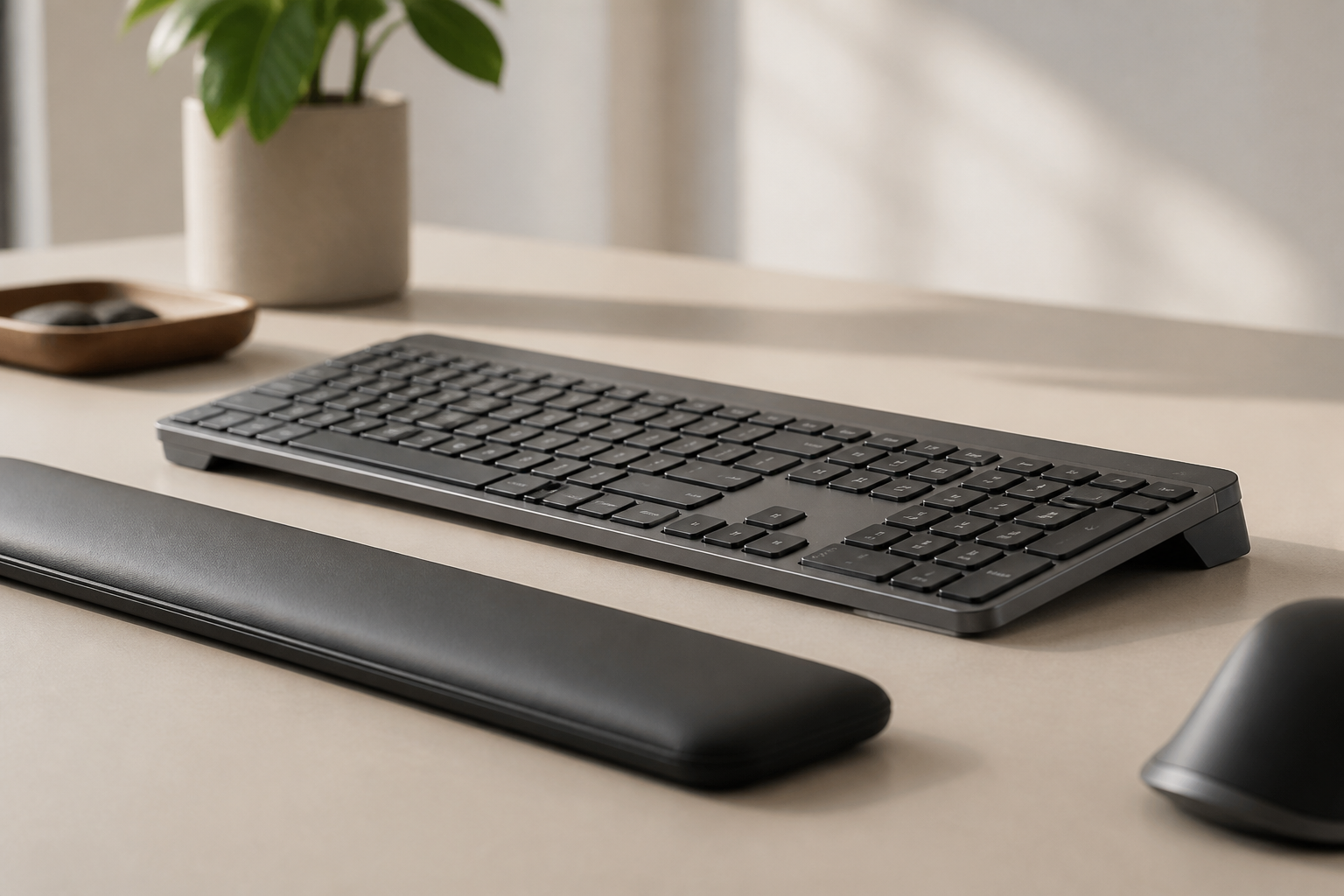
Professional recommendation: An ergonomic keyboard stand can provide the proper angle to help protect your wrists.
Other Important Ergonomic Adjustments
Desk height: Your elbows should form a 90-degree angle when hands are on the keyboard.
Mouse position: At the same level as the keyboard and close to your body to avoid reaching.
Active breaks: Exercises work best when combined with regular breaks from sitting.
Warning Signs: When to Seek Professional Help
Although these exercises are generally gentle, they are not suitable for everyone. Consult a healthcare professional when:
Symptoms Requiring Medical Attention
- Persistent tingling in the thumb, index, middle, or ring fingers
- Night pain that wakes you up
- Weakness when gripping objects or opening jars
- Numbness that doesn’t disappear with movement
- Radiating pain from wrist to elbow or shoulder
- Visible swelling in the wrist or hand
Conditions That May Require Treatment
Carpal tunnel syndrome: Compression of the median nerve causing pain, tingling, and weakness. Exercises are not a treatment for the condition; if symptoms are established, professional assessment may be needed.
De Quervain’s Tendinitis: Inflammation of tendons on the thumb side. Characterized by pain when moving the thumb or making the “OK” gesture.
Wrist Arthritis: Cartilage wear causing pain and stiffness. Mobility exercises can help, but treatment depends on severity.
Long-Term Benefits of Wrist Exercises
Incorporating these exercises into your daily routine produces significant cumulative benefits:
Physical Benefits
- **may support a more comfortable routine
- **A neutral wrist position from proper keyboard tilt amplifies the benefits of regular exercise. Consistency is more important than intensity.
Q: Can I do these exercises if I already have wrist pain?
A: Yes, but with caution. Start with gentle, pain-free movements. If any exercise causes discomfort, stop and consult a professional.
Q: How long until I notice improvements?
A: Most people notice less stiffness and fatigue within the first week. Long-term potential comfort benefits accumulate with consistent practice.
Q: Do exercises replace good ergonomics?
A: No, they’re complementary. Exercises keep your wrists healthy, but proper ergonomics reduces the tension causing problems. An ergonomic keyboard stand combined with these exercises may support a more comfortable setup.
Q: Can I do these exercises if I have arthritis?
A: Generally yes, as gentle movement is beneficial for arthritis. However, consult your doctor to adapt exercises to your specific condition.
Conclusion: Invest 5 Minutes Daily in Your Health
Your wrists are fundamental tools for your work and daily life. Neglecting them can lead to chronic pain, productivity loss, and even work disability. But prevention is simple, free, and takes only 5 minutes a day.
These 5 wrist exercises, performed consistently and combined with proper ergonomic setup, can support more comfortable work habits, although individual results vary. Don’t wait for pain to appear before taking action.
Start today:
- Bookmark this article
- Set alarms for your exercise breaks
- Perform the morning routine before starting work
- Consider improving your ergonomics with a keyboard stand
Your future body will thank you for this time investment. Your wrists are the engine of your digital productivity: care for them today to stay productive tomorrow.
This article provides educational information about prevention and does not substitute professional medical advice. If you experience persistent pain or concerning symptoms, consult a healthcare professional.
Related Reading
Ready for a Better Typing Angle?
Check KeyRiser on Amazon and confirm compatibility with your MX Keys model.
Buy Now - $9.99