
Keyboard and Mouse Riser Setup: How to Keep Both at the Same Height
Learn how to set your keyboard and mouse at a comfortable, consistent height. Compare trays, dual platforms, and a keyboard riser plus mouse setup.
Keyboard and Mouse Riser Setup: How to Keep Both at the Same Height
A keyboard and mouse riser setup should make your hands travel naturally across the desk. The goal is not to raise both devices as high as possible. The goal is to keep the keyboard and mouse close enough in height that your shoulders stay relaxed and your wrist does not repeatedly bend when switching between typing and pointing.
There are three common approaches: a shared keyboard-and-mouse platform, an under-desk tray, or a keyboard riser combined with a separate mouse surface. Each can work when the dimensions and height are right.
Why mismatched heights feel uncomfortable
When the keyboard is raised but the mouse remains low, your forearm changes angle every time you switch tasks. When the mouse is higher than the keyboard, the opposite can happen. A small difference is not automatically harmful, but a large difference can encourage shoulder elevation, wrist deviation, or repeated reaching.
The best setup keeps both devices within easy reach and lets your elbow stay close to your side. You should not need to lift your shoulder or reach forward to use the mouse.
Three ways to set up both devices
1. One shared platform
A large platform supports both keyboard and mouse. It is useful when you want one consistent surface or when the desk is shallow.
Check the platform width, mouse travel area, edge lip, and weight capacity. A platform that is technically wide enough but leaves no room to move the mouse will create a different problem.
2. Under-desk keyboard tray
A tray can place the keyboard and mouse below the desk surface. It saves desk space and can help with a high desk, but it must be deep and stable enough for both devices. Measure the tray carefully before buying.
3. Keyboard riser plus mouse surface
A keyboard-specific riser can be a compact option when you already like your keyboard position and do not want a large platform. Place a mouse pad or low-profile mouse surface beside it so your hand transitions smoothly.
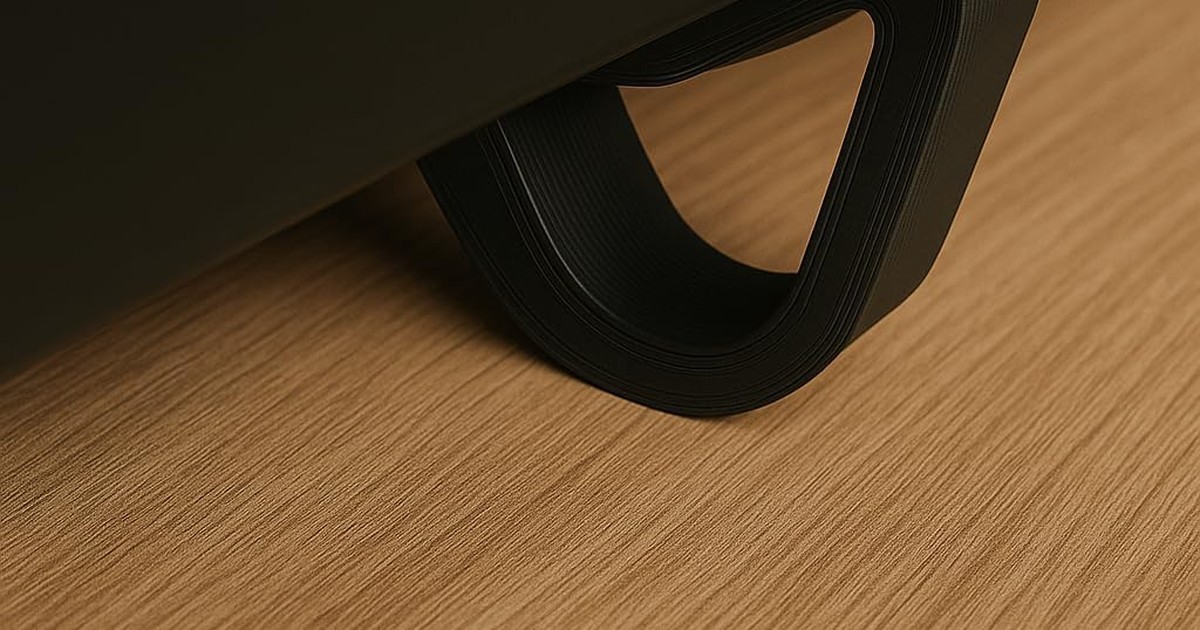
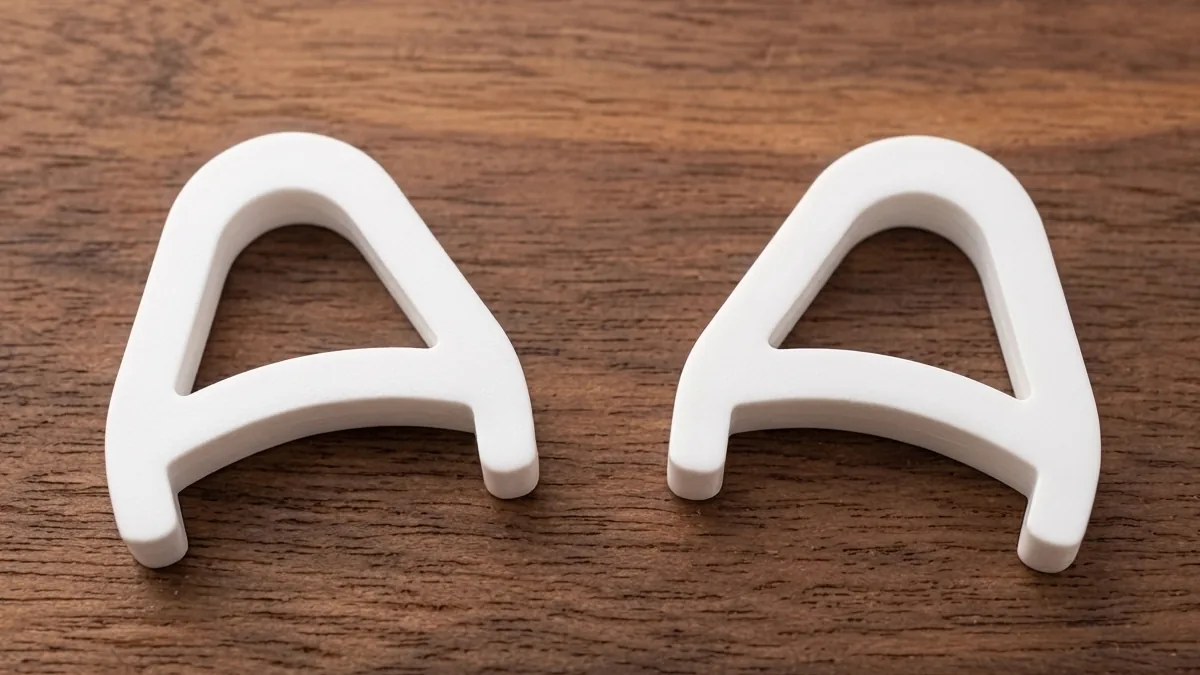
For Logitech MX Keys, KeyRiser is designed as a fixed 15° keyboard riser. It does not raise the mouse, so you should position the mouse pad to preserve a comfortable forearm line rather than trying to force the mouse onto an unsuitable ledge.
Step-by-step setup
- Sit with shoulders relaxed and elbows near your sides.
- Put the keyboard where you naturally type.
- Set the keyboard height so your hands are near elbow level.
- Place the mouse close to the keyboard, not far forward.
- Move between keyboard and mouse and notice whether your shoulder lifts.
- Adjust the chair or desk before adding more height.
- Test the arrangement during a normal work session.
Use a temporary book or stable wedge only as a short test. If the position feels better, replace improvised supports with a stable product designed for the keyboard’s dimensions.
Keyboard angle and keyboard height are different
A riser changes angle, height, or both. A comfortable angle does not guarantee that the keyboard is at a comfortable height. If a 15° riser makes your keyboard too high, lower the desk or chair if appropriate and keep your feet supported. Do not solve one mismatch by creating another.
The keyboard height guide covers the elbow and desk-height checks in more detail.
FAQ
Should the keyboard and mouse be exactly the same height?
They do not need to be mathematically identical. They should be close enough that your forearm and shoulder remain relaxed when you switch between them.
Is a keyboard-and-mouse platform better than separate risers?
It depends on your space and workflow. A shared platform offers consistency, while separate equipment is easier to adjust and replace.
Can I use a keyboard riser with a mouse?
Yes, but the mouse should remain on a stable surface with enough travel room. A keyboard-specific riser is not automatically a safe mouse platform.
What if my desk is too high?
Lower the desk if possible, raise the chair while keeping your feet supported, or use a keyboard tray. A riser alone cannot correct a large desk-height mismatch.
Bottom line
Place the keyboard and mouse so your hands move between them without shoulder lifting or awkward reaching. For a compatible Logitech MX Keys, review KeyRiser’s dimensions and current Amazon listing, then build the mouse position around your actual desk height and available space.
Ready for a Better Typing Angle?
Check KeyRiser on Amazon and confirm compatibility with your MX Keys model.
Buy Now - $9.99Related Articles


Complete your MX Keys setup
KeyRiser first, then the desk complements
KeyRiser addresses keyboard angle. These recommendations cover adjacent setup needs without replacing it.