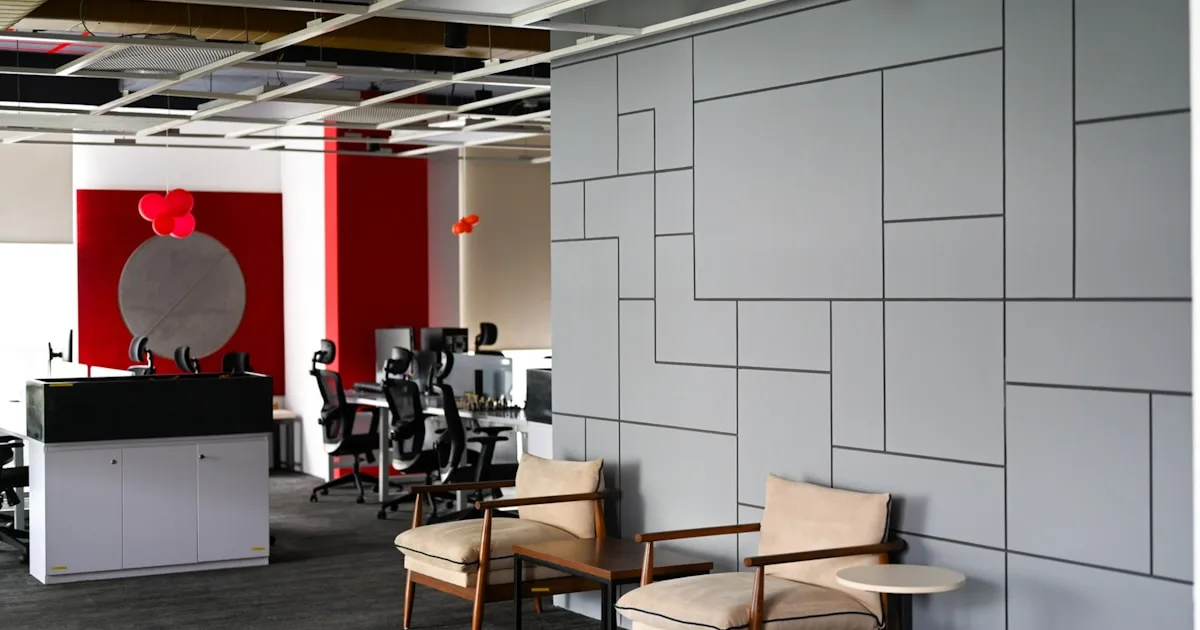
Hot Desking & Shared Desks: Ergonomic Setup That Isn't Yours
Back to the office and hot desking? Learn how to make a shared desk ergonomic in 2 minutes, protect your wrists, and stay comfortable all day.
Hot Desking & Shared Desks: Ergonomic Setup That Isn’t Yours
Return-to-office mandates and hot desking have put millions of people back at desks they do not own and cannot customize. The chair is set for someone else, the monitor is where the last person left it, and the keyboard lies flat on the desk with its feet kicked up.
The result is predictable: a wave of office workers reporting wrist, neck, and back pain after years of a home setup they had finally dialed in. This guide shows you how to make any shared desk ergonomic in about two minutes, which small tools are worth carrying with you, and how to protect your wrists without fighting your facilities team.
Why Shared Desks Hurt More Than Personal Desks
A personal desk drifts toward your body over time. You adjust the chair once, find the right monitor height, and it stays that way. A shared desk resets every morning — often badly.
The three most common problems are:
- A chair set for a different body. Height, armrests, and backrest all start wrong.
- A monitor left too low. This pushes your neck into a constant forward tilt.
- A flat or backward-tilted keyboard. This is the biggest wrist hazard, because most shared desks never have a keyboard riser.
You cannot fix all of this in a company with 100 hot desks and 400 employees. But you can fix the 20% that causes 80% of the pain, and most of it takes less time than getting a coffee.
The 2-Minute Shared Desk Reset
Do these in order every time you sit down.
1. Adjust the chair first
- Feet flat on the floor.
- Thighs roughly parallel to the floor.
- Lower back supported by the backrest.
- Armrests low enough that your shoulders stay relaxed.
If the chair will not go low enough, use a footrest — even a ream of paper works in a pinch. Do not perch on the edge or dangle your feet.
2. Raise the screen to eye level
The top of the monitor should sit at or just below eye level. On a shared desk this usually means a monitor riser, a stack of books, or the monitor’s own height adjustment if it has one.
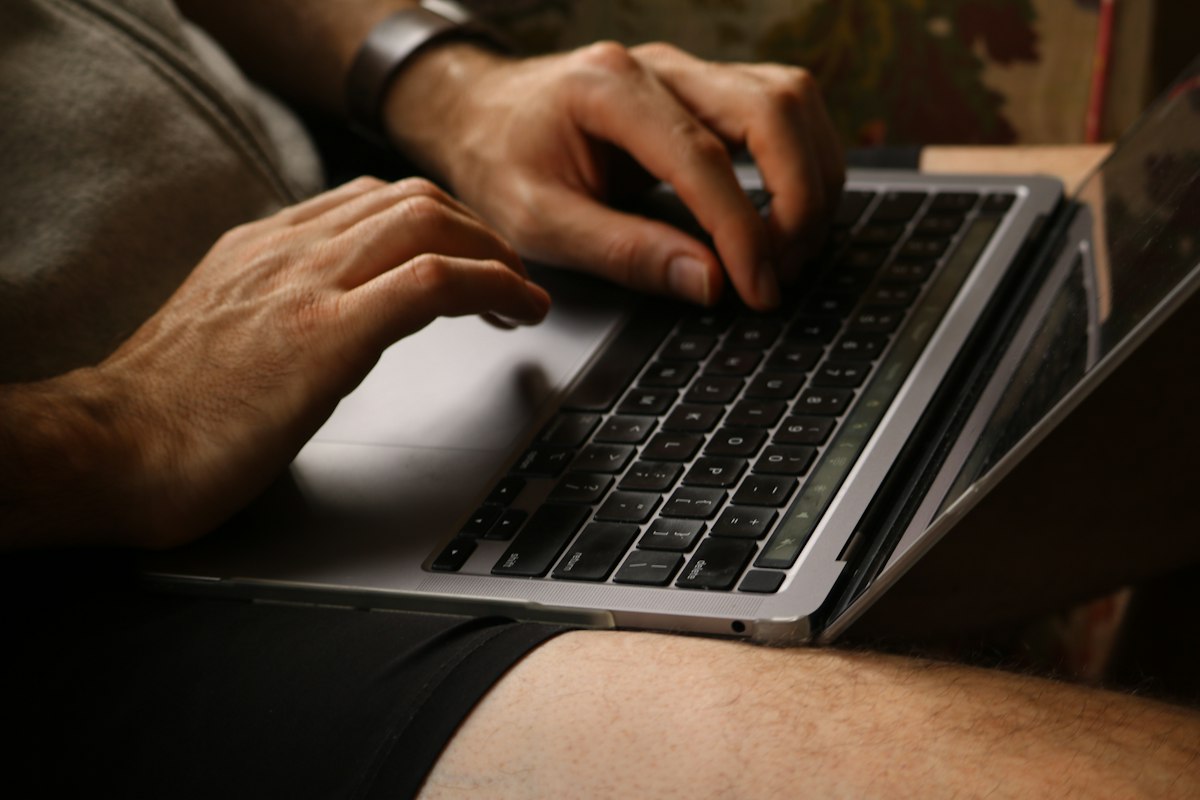
For a laptop, raise it on a stand and use an external keyboard. Typing on a raised laptop forces your wrists into a steep, painful angle. See our laptop ergonomics guide for the full setup.
3. Fix the keyboard angle
This is the step most people skip, and it is the one that decides what your wrists do all day. A flat keyboard makes your wrists bend backward. A keyboard with the rear feet up is even worse.
If you can, add a KeyRiser under the front edge of the keyboard to create a 10-15 degree rear lift. It is small enough to live in your locker or bag, and it works on the Logitech MX Keys, MX Keys S, and MX Keys Mini that many offices issue.
What to Carry With You to a Hot Desk
You cannot bring your whole desk, but a few small items transform a shared workstation.
The essentials
- A compact keyboard riser. The highest-impact item for wrist comfort. The KeyRiser weighs almost nothing and takes seconds to place.
- A small notebook wedge or monitor stand. If the desk has no monitor riser, a slim prop fixes your neck.
Nice to have
- A compact mouse if you find the shared one too large or too small for your hand.
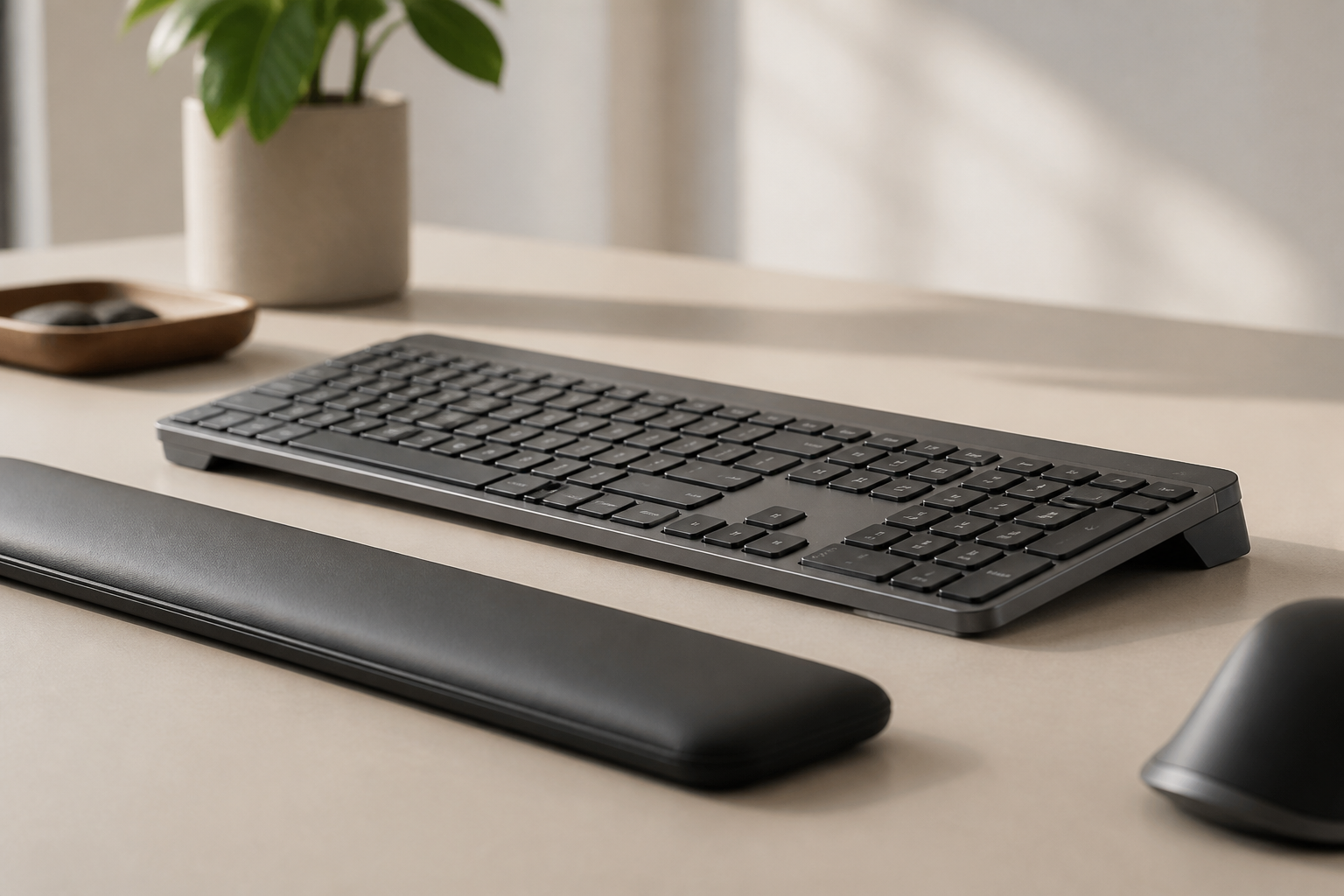
- A gel wrist rest for the mouse only. Avoid resting your wrists while typing; a wrist rest is for pauses, not for typing support.
Keep the list short. If your setup routine takes more than two minutes, you will stop doing it by Wednesday.
What to Do When You Cannot Change Anything
Some offices lock the furniture, fix the monitor, or discourage personal items. You can still protect yourself.
Raise the keyboard angle without buying anything
Stack a slim, stable object under the front edge of the keyboard — a folded cloth, a thin binder, or the edge of a desk mat. The goal is the same: front edge slightly higher than the back edge, wrists closer to neutral. Test it before you commit to a full workday.
Change your position, not the desk
- Sit slightly higher or lower until your elbows are near 90 degrees.
- Move the keyboard closer to the edge of the desk so your forearms can rest on the surface.
- If the desk is too high, raise the chair and add a footrest; if too low, raise the keyboard and lower the chair.
Use breaks as posture resets
Every 30-45 minutes, stand, shake out your hands, and reset your chair and screen before you sit back down. Small corrections add up across a day. Our 7 home office ergonomic mistakes list applies just as much to shared offices.
Hot Desking With the Logitech MX Keys
The Logitech MX Keys is a common office keyboard, and it is also one of the flattest. Its low profile is comfortable for travel but offers no built-in rear lift. The rear feet only raise the back of the keyboard, which increases wrist extension.
A low-profile keyboard riser changes that without adding bulk. The KeyRiser clips under the front edge and keeps the keyboard stable while you type, which matters on a shared desk where the surface can be worn or uneven.
If your office issues the MX Keys Mini, the same principle applies. Read best keyboard riser for MX Keys Mini for size-specific guidance.
Building a Case With Facilities (Without Being “That Person”)
If you hot desk daily, a short, polite request can get ergonomic tools stocked centrally.
Ask facilities to:
- Keep a few monitor risers at the shared desks.
- Provide a small number of keyboard risers for people who type for most of the day.
- Standardize chair setup instructions with a one-page cheat sheet at each desk.
Frame it as a productivity and health benefit for the whole team, not a personal complaint. Companies reduce absenteeism and complaints when shared desks are at least minimally adjustable, so it is an easy business case.
Frequently Asked Questions
How do I make a hot desk ergonomic?
Adjust the chair first so your feet are flat and your thighs are level, raise the screen to eye level, and add a keyboard riser for a rear-lift keyboard angle. Do those three steps in order and you have covered the biggest sources of office pain.
Can I bring my own keyboard riser to a shared desk?
Yes. A compact keyboard riser is one of the best things to carry to a hot desk. It is small, quick to place, and directly reduces wrist strain. Check that your workplace allows personal items, then keep it in your bag or locker.
Why does my wrist hurt at the office but not at home?
Your home desk is likely already adjusted to you. At the office, the chair, monitor, and keyboard all start in someone else’s position, and the flat keyboard is the most common wrist trigger. A two-minute reset with a keyboard riser usually closes the gap.
Is hot desking bad for posture?
It can be, because shared furniture rarely fits every body and resets to poor positions overnight. But a short setup routine — chair, screen, keyboard angle — removes most of the risk, even on a desk you do not own.
What is the easiest fix for wrist pain at a shared desk?
The easiest high-impact fix is a keyboard riser that tilts the keyboard to a negative angle. It takes seconds to place and works on the most common office keyboards, including the Logitech MX Keys family.
The Bottom Line
You do not need to own the desk to control your posture. Chair, screen, and keyboard angle — in that order — solve most shared-desk pain, and a compact keyboard riser is the single most valuable item you can carry with you.
For Logitech MX Keys users, the KeyRiser delivers the rear lift your wrists need in a form small enough for a hot-desk locker. Two minutes of setup beats eight hours of slowly building pain.
Related articles you might find helpful:
Ready for a Better Typing Angle?
Check KeyRiser on Amazon and confirm compatibility with your MX Keys model.
Buy Now - $9.99Related Articles

Complete your MX Keys setup
KeyRiser first, then the desk complements
KeyRiser addresses keyboard angle. These recommendations cover adjacent setup needs without replacing it.