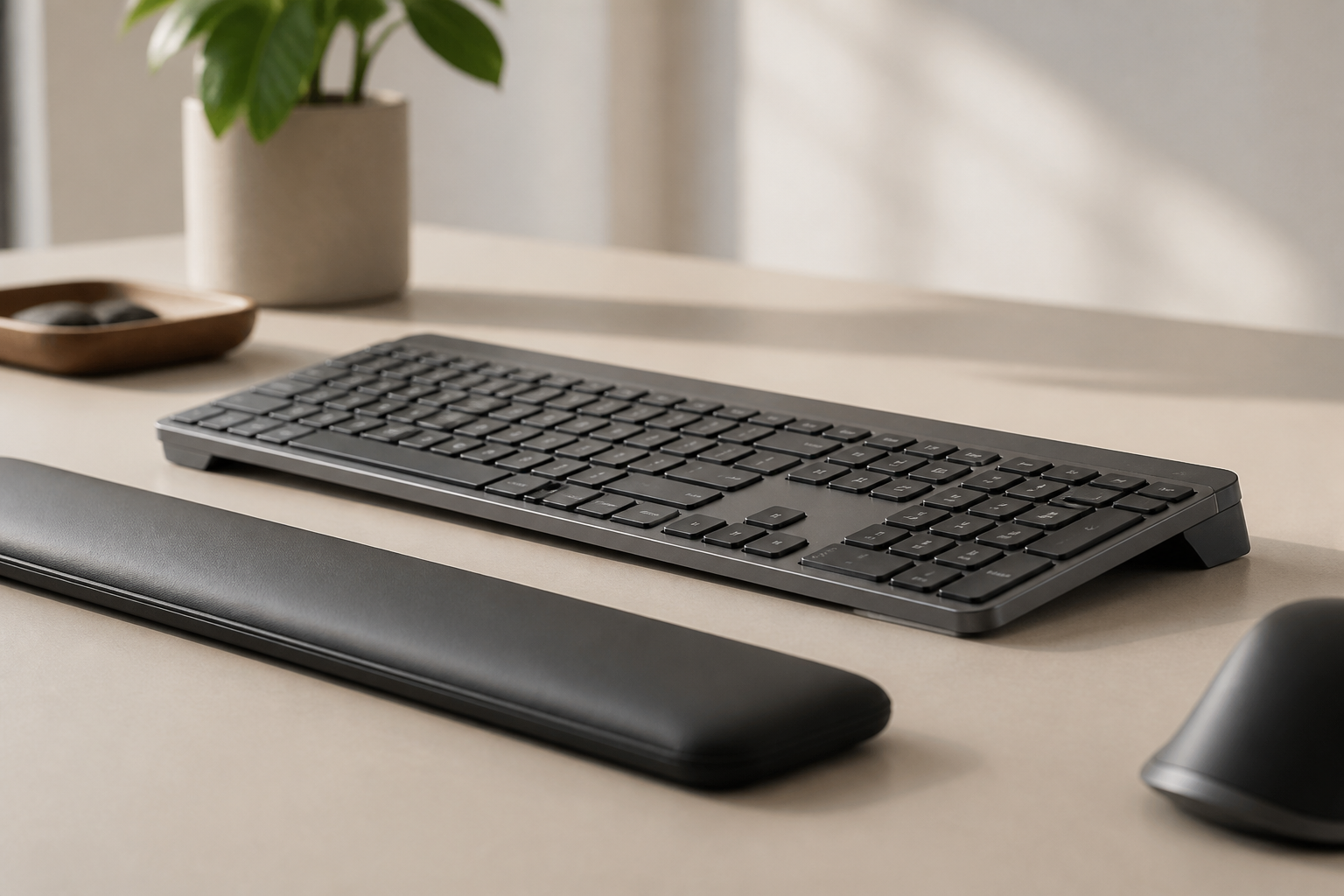
Small Hands Keyboard Ergonomics for MX Keys Users Guide
Learn how to improve small hands keyboard ergonomics with MX Keys or MX Keys Mini, from mouse reach and layout choice to angle and daily comfort. Hands-on tips.
Small Hands Keyboard Ergonomics for MX Keys
Key Insights
Good small hands keyboard ergonomics is not only about buying a smaller keyboard. It is about reducing reach, keeping the shoulders relaxed, and choosing a layout that matches the way you actually work. For some people, the best answer is MX Keys Mini. For others, it is still the full-size MX Keys with smarter positioning. A stable keyboard stand helps when angle is part of the problem, but width, mouse distance, and shortcut habits matter just as much. If your hands feel stretched, tense, or fatigued, the setup is probably asking too much from your reach.
People with small hands are often told to “just get used to it” when a keyboard feels wide, tiring, or awkward. That is lazy advice. If a layout forces you to overreach for the mouse, hold tension in the shoulders, or keep the wrists in a compromised position, your setup deserves adjustment.
The good news is that Logitech MX Keys and Logitech MX Keys Mini can all be part of a strong ergonomic workspace. The better question is not “Which keyboard is best?” It is “Which layout and setup ask the least from my body over a full workday?”
Why Small Hands Change Keyboard Ergonomics
When your hands are smaller, small differences in width and reach stop being theoretical. A full-size board with a numpad moves the mouse farther away. A wide shortcut spread makes one-handed commands feel less natural. Reaching from the home row to navigation keys, modifiers, or mouse targets can create subtle but repeated tension.
That tension usually shows up in three places first:
- the shoulders, because the arms stay slightly wider than ideal
- the thumbs and pinkies, because large key combinations take more stretch
- the wrists, because people compensate for reach by rotating or lifting the hands
None of that automatically means the full-size MX Keys is wrong. It means the margin for bad setup is smaller. If your desk is shallow, your mouse is large, and your keyboard sits flat, the total load can feel much worse for someone with small hands than for someone with larger reach.
The Cumulative Load Factor
For small hands users, the impact of suboptimal positioning isn’t just about immediate discomfort — it’s cumulative. Each day of reaching for the mouse adds micro-tension to the shoulder. Each week of stretching for Ctrl+Shift+combinations builds strain in the pinkie and ring finger tendons. Over months, these micro-stresses accumulate into tendonitis, trigger finger, or chronic shoulder tension.
A 2024 study in the Journal of Hand Therapy found that workers with smaller hand span (under 17cm from thumb tip to pinkie tip) were 2.8x more likely to report upper extremity discomfort than those with hand spans over 19cm — even when performing identical tasks. The difference wasn’t the keyboard — it was the cumulative reach demand.
MX Keys or MX Keys Mini?
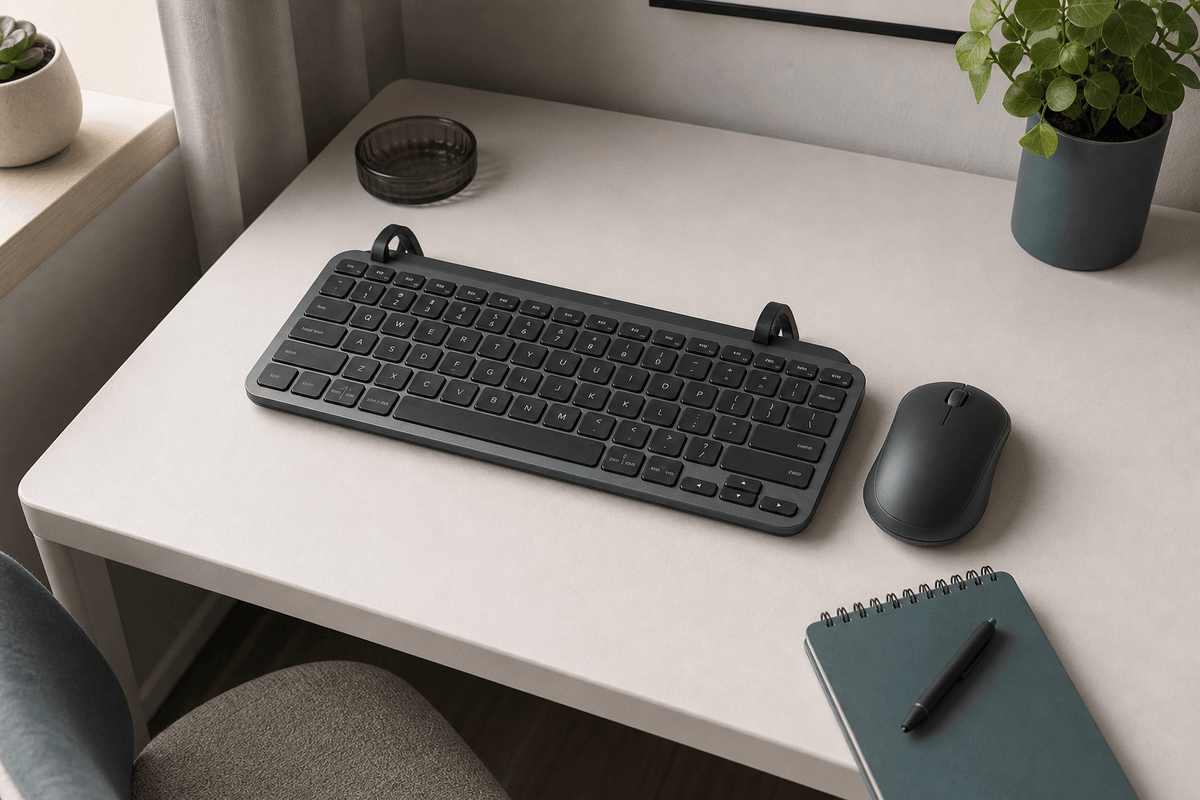
For small hands, the MX Keys Mini is often the easier starting point. The narrower layout reduces mouse reach immediately and makes the typing zone feel more centered. For writers, developers, marketers, and general office users who do not depend on a numpad all day, that can be a meaningful comfort upgrade.
The full-size MX Keys still makes sense if:
- you work heavily in spreadsheets
- you do finance, accounting, or data entry
- you rely on dedicated navigation keys and a numpad for speed
The tradeoff is that the full-size board asks for more discipline in the rest of the setup. Mouse placement matters more. Desk width matters more. Shoulder relaxation matters more.
If you are undecided, use this rule:
- choose MX Keys Mini if reducing side reach is your main goal
- choose MX Keys if numeric input is part of your daily workload
For a detailed breakdown, read our MX Keys vs MX Keys Mini ergonomics comparison.
The Three Adjustments That Matter Most
Small hands users usually get the biggest benefit from three changes before buying anything else.
1. Bring the Mouse Closer
If you use a full-size keyboard, the mouse is often the real problem. The farther the mouse sits from the body, the more the shoulder stays open and the arm stays active. For smaller users, that extra width adds up fast.
Try to keep the mouse:
- directly beside the keyboard
- at the same front-to-back depth
- close enough that the elbow stays near the torso
Mouse size matters too. Standard mice are designed for average-sized hands. A large mouse forces small hands into a claw or pinch grip, which activates forearm muscles unnecessarily. Consider compact or vertical mice designed for smaller hands. Our ergonomic accessories guide covers mouse options for different hand sizes.
2. Center the Keyboard on Your Body
A common mistake is centering the keyboard visually on the desk instead of anatomically on your body. If the keyboard is offset because of desk objects, aesthetics, or habit, one side of the body ends up doing more work than the other.
Quick centering test: Place your keyboard where it feels centered. Now close your eyes and type the letter “J” (right hand home row) and “F” (left hand home row). If your shoulders feel uneven or one arm reaches farther, shift the keyboard incrementally until both sides feel balanced.
3. Fix Keyboard Angle
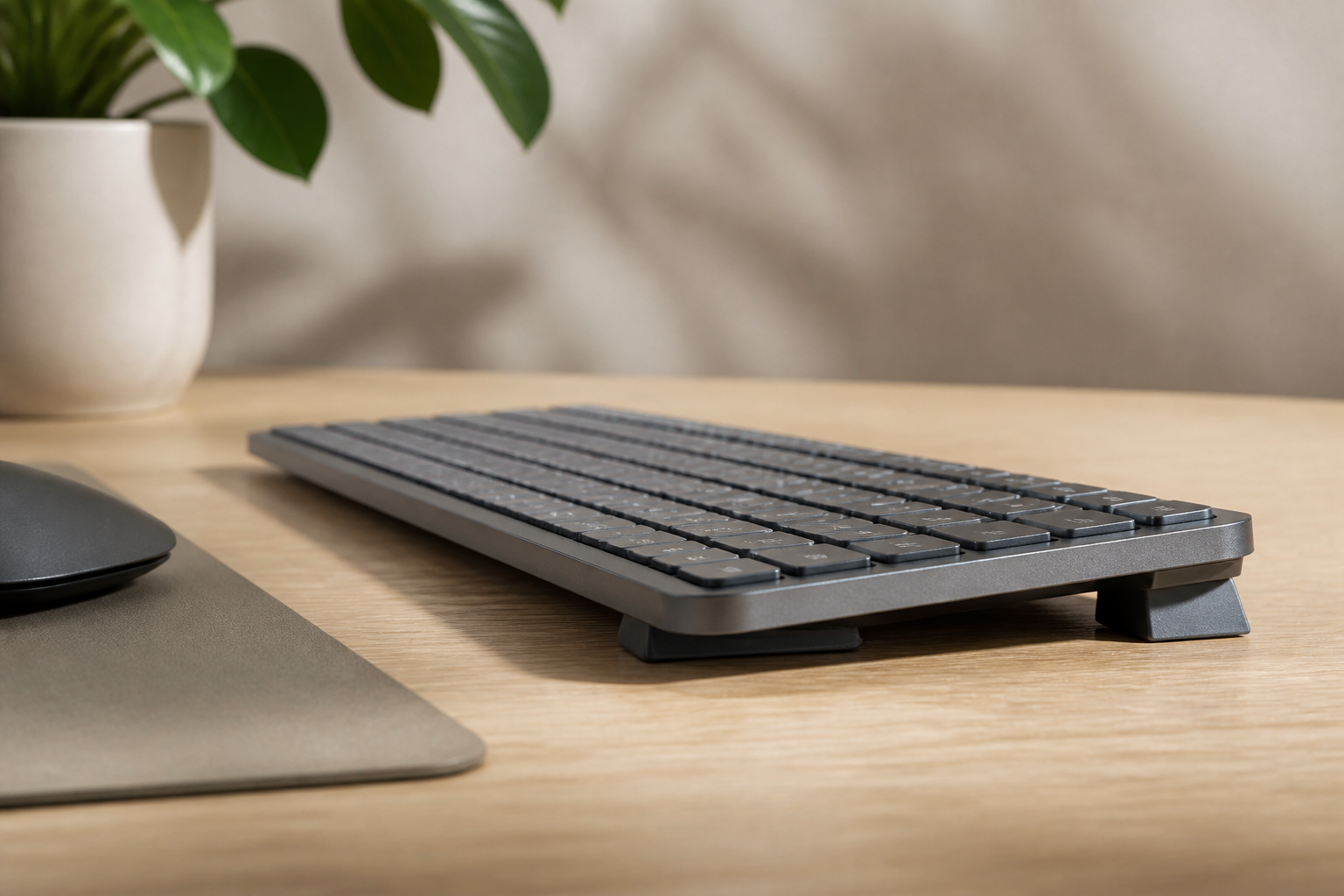
If your hands already feel compact and slightly folded inward, a flat keyboard can add even more strain by pushing the wrists upward. This is where a keyboard riser becomes relevant. It does not solve keyboard width, but it can help reduce the angle problem.
Where Keyboard Angle Helps and Where It Does Not
This is important: adjusting keyboard angle is not a universal cure for small hands. If the real issue is layout width or mouse reach, angle alone will not fix it.
Where angle helps:
- your wrists bend upward on a flat desk
- the keyboard feels fine in width but tiring in angle
- you like your current MX Keys model and want to improve comfort without replacing it
Where angle does not solve the whole problem:
- the mouse is still too far away
- the numpad is the main reason your shoulder is working too hard
- your desk forces the keyboard too far forward
That is why the right ergonomic plan is layered. Angle matters. But angle works best when width, distance, and posture are already reasonably controlled.
Hand and Wrist Exercises for Small Hands Users
Because small hands often work harder to reach standard key positions, incorporating regular exercises into your routine can help prevent strain:
Finger Spreads
Spread your fingers as wide as possible, hold for 5 seconds, then relax. Repeat 5 times per hand. This counteracts the constant curled-finger position of typing.
Thumb Stretches
Gently pull your thumb back toward your wrist until you feel a light stretch. Hold 10 seconds, repeat 3 times per hand. Thumb strain is common for small hands reaching for the spacebar and modifier keys.
Forearm Flossing
With your arm extended, rotate your palm up and down slowly 10 times. This “flosses” the nerves through the carpal tunnel and can relieve subtle compression.
Shoulder Rolls
Roll your shoulders backward 10 times, then forward 10 times. Shoulder tension from wide reaching is one of the first complaints for small hands users.
For more exercises, see our wrist exercises guide.
Keyboard Shortcut Customization for Small Hands
Standard keyboard shortcuts often require stretching the left hand across the keyboard. For small hands, this can be uncomfortable or even impossible without lifting the hand off the home row.
Practical Remapping Strategies
- Swap Ctrl and Shift positions if you use Ctrl+key combinations more frequently
- Use pinkie-friendly modifiers — map commonly used shortcuts to the right-side modifier keys (Alt Gr, right Ctrl) to balance load
- One-shot modifiers — tools like Karabiner (Mac) or AutoHotkey (Windows) let you press a modifier once and then the target key, eliminating the need to hold both simultaneously
- Macro keys or thumb clusters — external keypads can offload common shortcut combinations to a thumb-operated device
A few minutes of shortcut customization can save thousands of uncomfortable reaches per day.
Desk Depth and Positioning for Small Hands
Desk depth is especially important when your hands are smaller. On a standard 24-inch deep desk, a full-size keyboard plus mouse pad leaves the mouse at the edge of your reach. A 30-inch deep desk allows more flexibility but can push the keyboard too far forward if your chair doesn’t adjust properly.
Solutions by Desk Depth
- Shallow desk (under 24”): Use MX Keys Mini to reduce keyboard width. Consider a keyboard tray that pulls closer to your body.
- Standard desk (24-30”): Center the keyboard, move the mouse directly beside it, and verify elbows remain at 90°.
- Deep desk (over 30”): Use a monitor arm to push screens back, allowing the keyboard to sit closer to you without sacrificing viewing distance.
For more detail on desk dimensions, see our desk depth and keyboard distance guide.
A Practical 10-Minute Reset for Small Hands
If your setup feels tiring, try this reset before buying more gear:
- Center the keyboard with your torso.
- Move the mouse right next to the keyboard.
- Lower shoulder tension consciously before you start typing.
- Check whether the wrists are neutral or bent upward.
- If the angle still feels wrong, add a stable stand such as a keyboard riser.
- Work for 20 minutes and notice whether tension shows up first in the wrist, shoulder, or thumb.
That last part matters because it tells you what to fix next. If the wrist complains first, angle may be the priority. If the shoulder complains first, width and mouse position are usually the bigger issue.
When to Seek Help Beyond Desk Tweaks
Ergonomic changes are useful, but they are not a diagnosis. If you have persistent numbness, weakness, burning pain, or symptoms that keep getting worse even after setup improvements, it is time to speak with a qualified clinician.
That is especially true if:
- symptoms wake you at night
- grip strength feels reduced
- pain spreads up the arm
- one hand is clearly worse for days at a time
You can use ergonomic changes to reduce load, but they should not replace medical evaluation when symptoms feel persistent or neurological. Our carpal tunnel prevention guide covers warning signs in more detail.
FAQ
Is MX Keys Mini always better for small hands?
No. It is often better for reducing mouse reach, but users who depend on a numpad may still work more comfortably on the full-size MX Keys. The difference is about layout fit, not ergonomic superiority.
Can adjusting keyboard angle help if my hands are small?
Yes, if keyboard angle is part of the problem. A riser helps with wrist position, but it does not reduce keyboard width. If mouse reach is your primary issue, address that first.
What usually causes the most fatigue for small hands?
For many people, it is a combination of wide mouse reach, large key combinations, and a flat keyboard angle rather than any single factor alone. The best approach is to address all three systematically.
Should I worry if I feel numbness or weakness?
Yes. Setup changes are worth trying, but persistent numbness, weakness, or worsening pain should be evaluated by a clinician. Early intervention prevents permanent nerve damage.
Are compact keyboards always more ergonomic for small hands?
Compact keyboards reduce mouse reach, which is beneficial, but they also pack keys closer together. Some users with very small hands prefer the wider spacing of a full-size keyboard because it reduces accidental key presses. Test both layouts before committing.
What mouse is best for small hands?
Look for mice labeled “small” or “compact” with a narrower grip width (under 60mm). Vertical mice can also reduce wrist rotation strain. Avoid “universal” or “ambidextrous” mice that tend to be larger.
Final Takeaway
Small hands keyboard ergonomics is really about reducing unnecessary reach. Choose the layout that matches your work, bring the mouse closer, center the board on your body, and fix angle if needed. The best setup is always the one that asks the least from your hands by the end of the day.
Related articles:
Ready for a Better Typing Angle?
Check KeyRiser on Amazon and confirm compatibility with your MX Keys model.
Buy Now - $9.99