Carpal Tunnel Prevention: Complete Guide for Keyboard Users
Prevent carpal tunnel with proper ergonomic setup, early warning signs, and wrist exercises for keyboard users. Learn the daily habits that protect your wrists.
Carpal Tunnel Syndrome Prevention: Essential Guide for Keyboard Users
Carpal tunnel syndrome (CTS) affects millions of keyboard users every year. The good news? It’s largely preventable if you take action early. This comprehensive guide will help you protect your wrists and avoid this painful condition.
What is Carpal Tunnel Syndrome?
CTS occurs when the median nerve—which runs through a narrow passage in your wrist called the carpal tunnel—becomes compressed. This compression causes:
- Numbness and tingling in thumb, index, and middle fingers
- Weakness in the affected hand
- Pain that may radiate up the arm
- Difficulty with fine motor tasks
- Symptoms often worse at night
Why Keyboard Users Are at High Risk
Typing puts your wrists in constant flexion and extension, creating repetitive pressure on the median nerve. Studies show that people who type more than 4 hours daily have a 3x higher risk of developing CTS.
Early Warning Signs (Don’t Ignore These!)
The earlier you catch CTS, the easier it is to reverse. Watch for:
Stage 1: Mild Symptoms
- ⚠️ Occasional finger tingling, especially at night
- ⚠️ Mild wrist discomfort after long typing sessions
- ⚠️ Temporary numbness that resolves quickly
- ⚠️ Slight clumsiness when handling small objects
Action needed: Immediate ergonomic adjustments
Stage 2: Moderate Symptoms
- 🔴 Frequent numbness that takes longer to resolve
- 🔴 Visible wrist swelling
- 🔴 Pain that interrupts sleep
- 🔴 Weakness when gripping
Action needed: Ergonomic changes + medical consultation
Stage 3: Severe Symptoms
- 🚨 Constant numbness
- 🚨 Significant weakness
- 🚨 Muscle atrophy (wasting) at base of thumb
- 🚨 Inability to perform daily tasks
Action needed: Immediate medical intervention
The Science of Prevention
Research from the Journal of Occupational Health identified three key prevention factors:
1. Neutral Wrist Position (Most Critical)
- Wrists should be in line with forearms
- No upward or downward bending
- Minimal side-to-side deviation
- Solution: Proper keyboard elevation
2. Reduced Force
- Lighter keystroke force = less strain
- Quality keyboards require less pressure
- Proper technique reduces unnecessary force
- Solution: Quality keyboard + proper typing form
3. Adequate Rest
- Median nerve needs recovery time
- Micro-breaks prevent cumulative damage
- 5-minute break every hour is ideal
- Solution: Timer-based break reminders
The Optimal Angle Solution: design-focused Prevention
Multiple ergonomic studies confirm that elevating the front of your keyboard (rear lift) is optimal for preventing CTS:
Why Optimal Elevation Works:
- Maintains neutral wrist position
- reduces median nerve compression
- Improves blood flow to hands
- Allows natural hand and arm alignment
- Prevents the compensatory movements that cause strain
The Wrong Angle:
- 0° (flat): Causes wrist extension
- Positive tilt (back raised): Makes extension worse
- Too steep (>20°): Creates new strain on forearms
Comprehensive Prevention Strategy
Daily Ergonomic Checklist
Keyboard Setup:
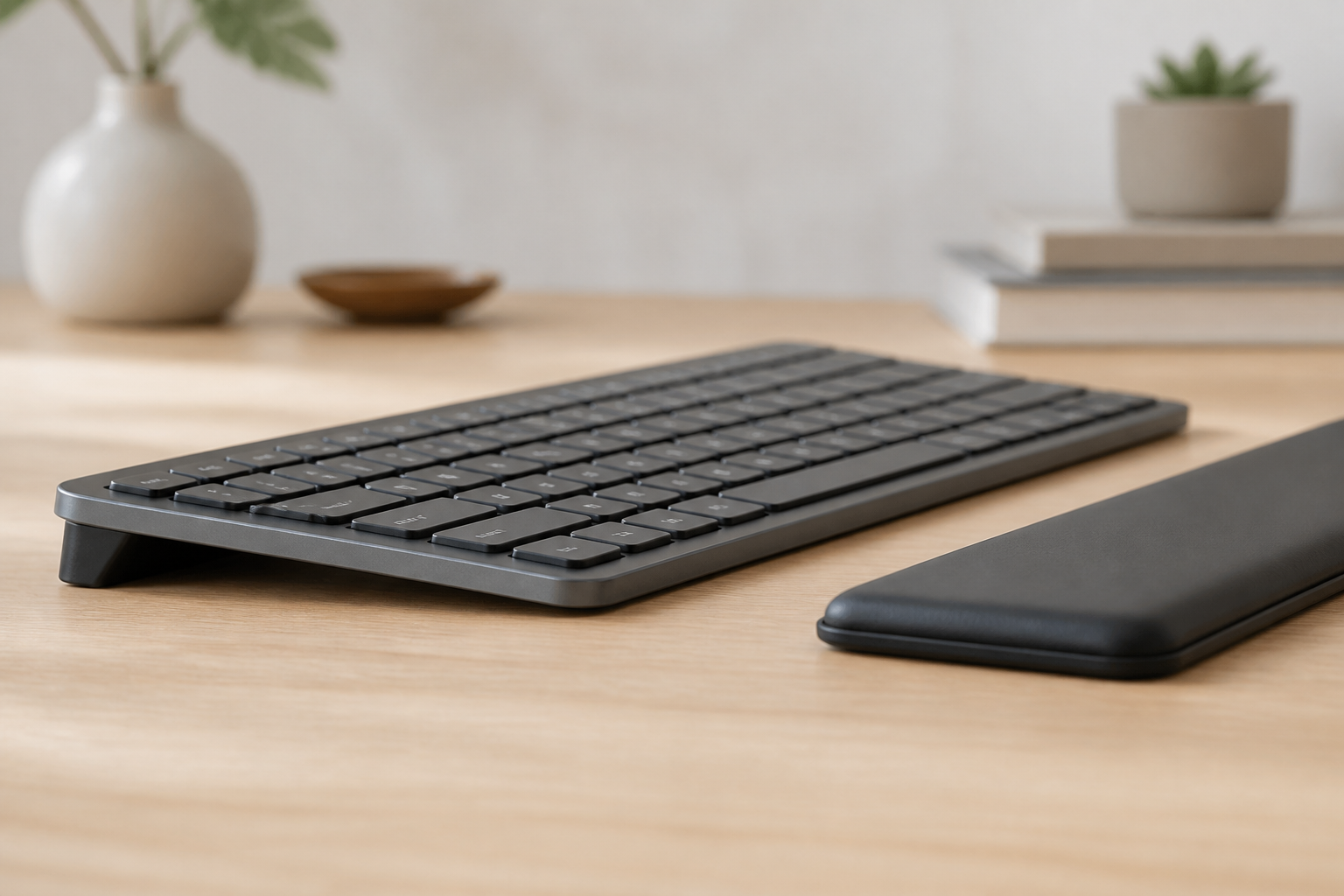
- Front edge elevated to optimal angle
- Keyboard centered with body
- Top row keys at or below elbow height
- No wrist rests used during active typing
Desk Position:
- Chair height allows feet flat on floor
- Monitor top at or slightly below eye level
- Arms relaxed at sides, elbows at 90°
- Back supported, shoulders relaxed
Typing Technique:
- Hands float above keyboard (not resting)
- Light touch on keys
- Wrists neutral (straight line from arm)
- Fingers do the work, not wrists
Hourly Break Routine (5 Minutes)
Minute 1-2: Stretches
- Wrist flexion: Gently bend wrist down, hold 10 seconds
- Wrist extension: Gently bend wrist up, hold 10 seconds
- Wrist rotation: Slowly rotate wrists in circles
Minute 3-4: Circulation
- Shake hands loosely
- Make fists and release 10 times
- Spread fingers wide, hold, release
Minute 5: Rest
- Let arms hang at sides
- Gentle shoulder rolls
- Look away from screen
Weekly Prevention Habits
Strengthen Supporting Muscles:
- Grip strengthener exercises
- Forearm stretches
- Hand therapy putty
- Light resistance bands
Monitor Your Symptoms:
- Keep a pain diary
- Note what makes symptoms better/worse
- Track when symptoms occur
- Early detection = easier fix
Maintain Overall Health:
- Regular exercise improves circulation
- Healthy weight reduces inflammation
- Good sleep supports healing
- Hydration aids tissue health
The Role of Keyboard Elevation: Stand vs. Riser
You might wonder: “Do I really need to elevate my keyboard with a keyboard stand or riser?”
The answer is yes, and here’s why:
Without Proper Elevation:
- Wrists bend upward (extension)
- Constant pressure on median nerve
- 8+ hours daily of damaging position
- Cumulative trauma over months/years
With Proper Elevation:
- Wrists remain neutral
- Median nerve moves freely
- Natural, sustainable typing position
- Prevention of long-term damage
Think of it like this: You wouldn’t sit in a chair without back support for 8 hours—why would you type without wrist support? An ergonomic riser is that essential support for your wrists.
Risk Factors You Can’t Control (But Should Know About)
Some factors increase CTS risk but can be managed:
- Genetics: Smaller carpal tunnel size is hereditary
- Pregnancy: Fluid retention can compress nerves
- Health conditions: Diabetes, thyroid issues, rheumatoid arthritis
- Previous injuries: Old wrist fractures or sprains
If you have these risk factors, prevention becomes even MORE important.
When to See a Doctor
Seek medical attention if you experience:
- Symptoms persisting more than 2 weeks despite changes
- Nighttime pain that wakes you up
- Weakness dropping objects
- Visible muscle atrophy
- Symptoms affecting work or daily life
Treatment Options Available:
- Wrist splints (especially at night)
- Physical therapy
- Anti-inflammatory medications
- Corticosteroid injections
- Surgery (last resort, usually avoidable)
Real Prevention Success Stories
“I started feeling numbness in my fingers after long coding sessions. I immediately elevated my keyboard and started taking breaks. Six months later, no symptoms at all. Prevention really works!” - James K., Software Developer
“My doctor said I was heading for carpal tunnel surgery. I changed my entire setup—proper keyboard angle, regular breaks, stretches. Two years later, symptom-free and more productive than ever.” - Michelle R., Writer
Your Prevention Action Plan
This Week:
- ✅ Assess your current keyboard position
- ✅ Implement proper 15° elevation
- ✅ Set hourly break reminders
- ✅ Note any current symptoms
This Month:
- ✅ Make ergonomic setup permanent
- ✅ Learn proper typing technique
- ✅ Start daily wrist stretches
- ✅ Monitor symptom changes
Long-Term:
- ✅ Maintain good ergonomic habits
- ✅ Regular equipment check-ins
- ✅ Annual workspace assessment
- ✅ Stay educated on new research
The Bottom Line
Carpal tunnel syndrome is serious but preventable. The key is taking action before symptoms become severe. Proper keyboard elevation, regular breaks, and good technique are your best defense.
Don’t wait for pain to force change—protect your wrists proactively. Your career, hobbies, and quality of life depend on healthy wrists. Invest in prevention today, and your future self will thank you.
Related reading: Why keyboard ergonomics matter, typing ergonomics guide, and Wrist pain recovery: 7-day plan.
Medical Disclaimer
This article is for informational purposes only and does not constitute medical advice. If you experience persistent wrist pain, numbness, or suspect carpal tunnel syndrome or another condition, please consult a qualified healthcare provider.
Frequently Asked Questions
Q: What is carpal tunnel syndrome?
A: Carpal tunnel syndrome occurs when the median nerve in your wrist becomes compressed, causing numbness, tingling, and pain in your hand. It’s common among keyboard users and is largely preventable.
Q: What are the early warning signs of carpal tunnel?
A: Early signs include occasional finger tingling (especially at night), mild wrist discomfort after typing, temporary numbness, and slight clumsiness. If you notice these, take immediate action.
Q: Can carpal tunnel be prevented?
A: Yes, carpal tunnel is largely preventable through proper ergonomic setup, regular breaks, and maintaining neutral wrist position. Early intervention is key.
Q: What’s the best keyboard angle for preventing carpal tunnel?
A: Ergonomic research consistently shows that elevating the front of your keyboard (rear lift) is optimal. This keeps your wrists in a neutral position and significantly reduces median nerve pressure.
Q: How much does proper ergonomic setup cost?
A: A precision keyboard stand or riser is a low-cost investment that works with any keyboard. This is one of the most cost-effective prevention measures available.
Q: If I already have carpal tunnel symptoms, can they be reversed?
A: Early-stage symptoms (Stage 1-2) are often reversible with proper ergonomic changes, rest, and medical treatment if needed. Later stages may require more intensive treatment.
Ready for a Better Typing Angle?
Check KeyRiser on Amazon and confirm compatibility with your MX Keys model.
Buy Now - $9.99