
MX Keys vs MX Keys S: Same 15° Riser, 2026 Guide
MX Keys vs MX Keys S share the same full-size chassis, so one 15° KeyRiser pair fits both. Compare Bolt vs Unifying, layout, and which model to buy now.
MX Keys vs MX Keys S: Same 15° Riser, 2026 Guide
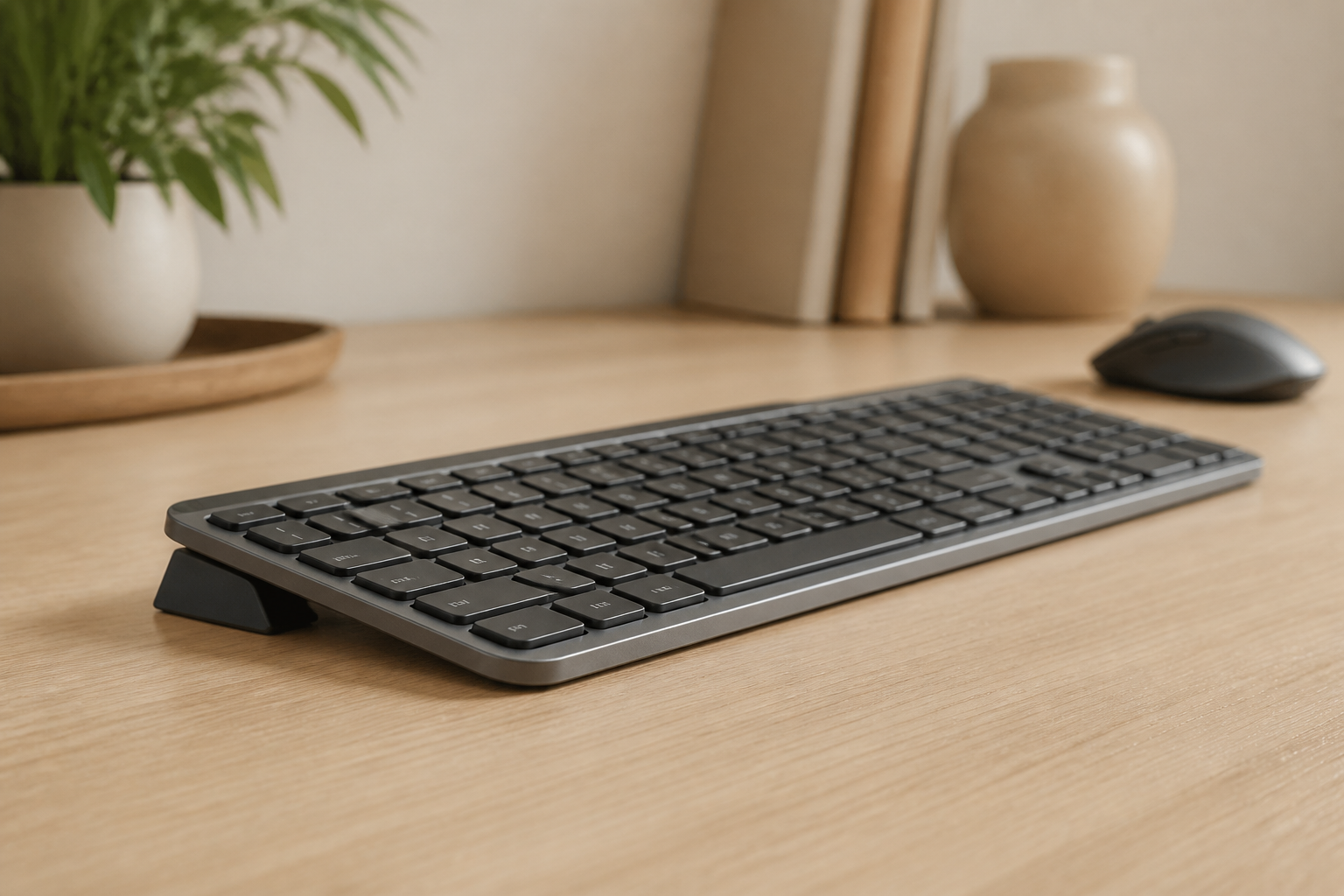
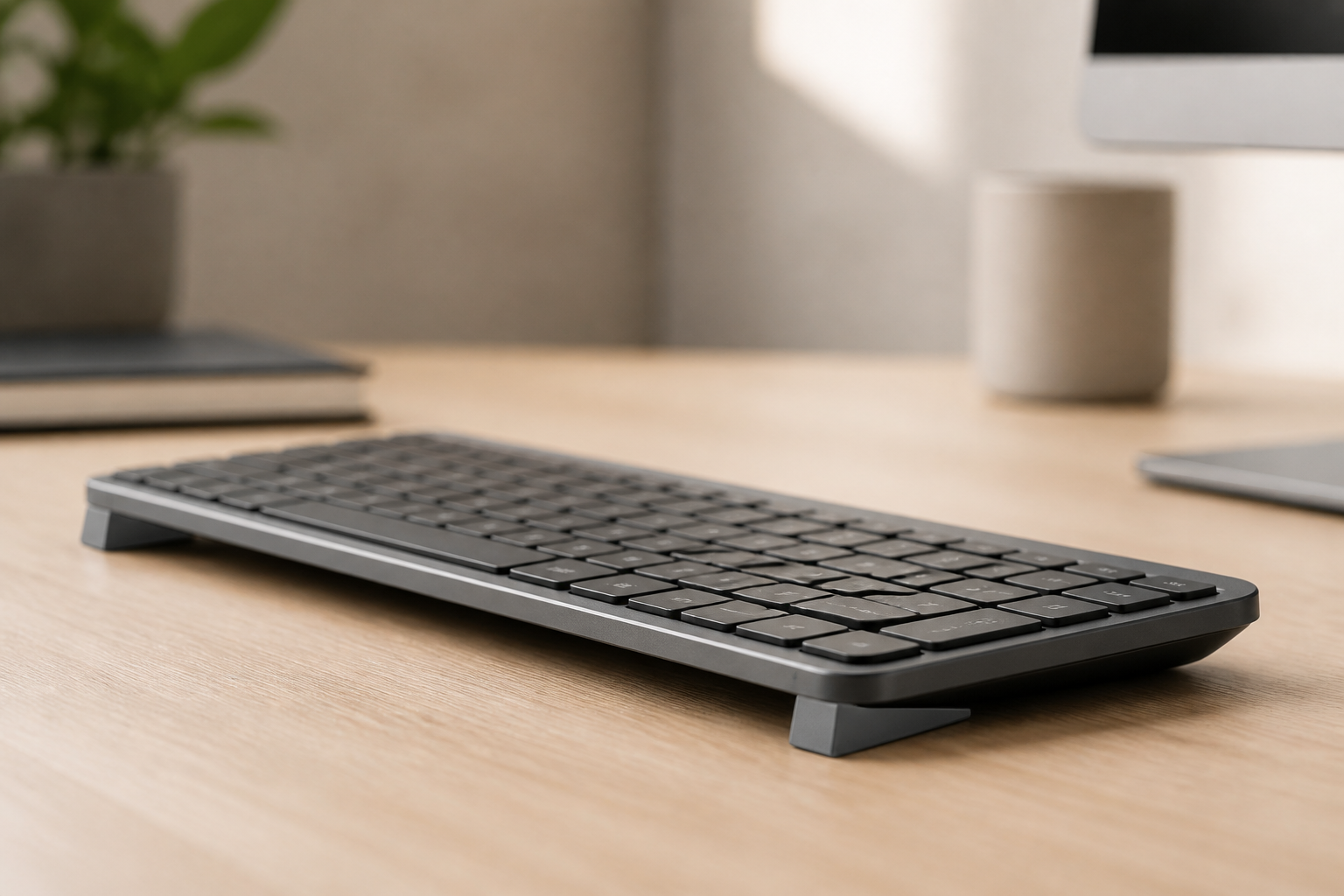
If you are choosing between the original Logitech MX Keys and the MX Keys S, the accessory question is usually the one Amazon listings skip: will the same rear riser actually clip onto both? The short answer is yes. KeyRiser is a pair of 3D-printed PLA feet shaped for the Logitech MX Keys family — original MX Keys, MX Keys S, and MX Keys Mini — and it adds a fixed 15° rear lift without tools or glue. The keyboard you already like stays the keyboard you type on.
That is the commercial fork most people are in. You either own a full-size MX Keys and want to know whether a newer S listing still uses the same feet, or you are about to buy a keyboard and do not want to pick the “wrong” chassis for a 15° stand. This guide compares the two full-size models on the points that change a purchase, then shows why the riser decision is the same for both.
KeyRiser is not a medical device and does not treat carpal tunnel syndrome or RSI. A more defined typing angle is one part of a workstation, along with desk height, chair height, and breaks. For persistent pain, see a qualified clinician.
MX Keys vs MX Keys S at a glance
| What you are comparing | Original MX Keys | MX Keys S |
|---|---|---|
| Layout class | Full-size, low-profile | Full-size, low-profile |
| Built-in tilt legs | None | None |
| Default desk angle | Sits flat | Sits flat |
| Wireless | Bluetooth + Unifying receiver | Bluetooth + Logi Bolt receiver |
| Easy-Switch channels | Three devices | Three devices |
| KeyRiser pair | Same two rear feet | Same two rear feet |
| Stated KeyRiser angle | Fixed 15° rear lift | Fixed 15° rear lift |
| Mini sibling | MX Keys Mini | MX Keys Mini (same family) |
The typing feel is the same family: dished keycaps, scissor-style low-profile travel, backlighting, and a rechargeable battery. Reviews that put the two keyboards side by side keep landing on the same conclusion: S is a refinement, not a new shape. The chassis width and depth stay in the full-size MX Keys footprint, which is why a model-specific rear clip does not need a second SKU for S.
If your question is Mini versus full-size, that is a different article: Logitech MX Keys vs MX Keys Mini. Mini is the compact board. This page is only original MX Keys versus MX Keys S.
Why both keyboards still sit too flat
Logitech shipped the MX Keys without flip-out tilt legs. The MX Keys S did not add them. On a normal desk, both boards rest essentially at 0°. That is a design choice — low visual profile, stable wireless slab — not an ergonomic setting you can toggle.
CCOHS describes a neutral wrist as aligned with the forearm, not bent up, down, or sideways. OSHA says the useful tilt is the one that keeps wrists straight for your chair and desk height, and that raising the back or the front can both be appropriate depending on how you sit. Neither agency names a single magic number for every body.
On a low-profile MX Keys that already sits dead flat, many people type with the wrists extended (the back of the hand higher than the forearm). A fixed 15° rear lift is KeyRiser’s answer for supported models: the rear edge comes up, the front stays on the desk, and the key plane becomes a consistent slope. Comfort still depends on elbow height. If the desk is already too high, raising the rear will not fix that — lower the chair, raise the feet, or drop the keyboard surface first. See desk height versus keyboard angle.
What actually changed on the MX Keys S
Buy the S if you want the current retail full-size MX Keys. Keep the original if you already own it. The riser does not care which one you kept.
Receiver: Unifying versus Logi Bolt
The original MX Keys uses Logitech’s older Unifying receiver. The MX Keys S uses Logi Bolt. That matters if you already have a Unifying mouse dongle you hoped to share, or if your workplace locks down USB receivers. It does not change the plastic underside of the keyboard, and it does not change how KeyRiser clips on.
Bluetooth works on both. If you hop between a laptop and a desktop, Easy-Switch is the feature you will use more than the dongle.
Function row and a few keys
S inherited several Mini-style keys (emoji and mute placement among them) and dual legends that make mixed Windows/macOS desks less confusing. The original MX Keys function row is slightly older. Neither change moves the rear corners, which is where the two riser feet sit.
Software, not geometry
Logi Options+ is the same app family. Macros, backlight timing, and Easy-Switch linking live in software. They do not replace a physical typing angle. If you already use Options+ to cut repetitive keystrokes, keep doing that — and still decide whether the board itself should sit flat. The Options+ article is here: How to use Logi Options+ for a more comfortable setup.
What did not change
- No adjustable feet on either model.
- Same low-profile key well.
- Same reason people look for a riser: the board is excellent and still flat.
- Same KeyRiser compatibility list: original MX Keys, MX Keys S, MX Keys Mini only.
Does KeyRiser fit the MX Keys S?
Yes. KeyRiser compatibility lists Logitech MX Keys, Logitech MX Keys S, and Logitech MX Keys Mini. It is not a universal stand. It will not seat correctly on MX Mechanical, Apple Magic Keyboard, laptop keyboards, or generic “MX-style” boards that are not those three models.
The package is two matte-black PLA feet, not a full-width platform. You clip one foot onto each side of the rear edge. No tools, no adhesive, no keyboard modification. The angle is a fixed 15° rear lift — you cannot stack two sets for a steeper slope, and the FAQ explicitly advises against it because stacking makes the keyboard unstable.
The same pair is used on Mini and on full-size. You do not buy a different SKU for S versus original MX Keys. Confirm the model name on the underside or in Bluetooth settings before you order; if the board is not one of the three listed names, skip it.
Which full-size keyboard should you buy?
Use this as a buying filter, not as a review of every switch.
Buy or keep the original MX Keys if:
- You already own it and it still types the way you like.
- Your existing Unifying receiver setup is simpler than adding Bolt.
- You only needed a typing-angle fix, not a new keyboard.
Replacing a working MX Keys with an S does not add tilt legs. Spend the keyboard budget only if you want Bolt, the newer function row, or a replacement unit. Add KeyRiser either way if the board is compatible.
Buy the MX Keys S if:
- You are purchasing full-size MX Keys in 2026 and want the current model.
- You prefer Logi Bolt in a busy wireless office.
- You want the updated keys and mixed-OS legends.
Then add the same two-piece riser. Do not wait for a rumored S2 to “fix ergonomics.” The MX Keys S2 rumors piece already covers that: thinner chassis and colors are not the same as adjustable feet.
Choose Mini instead if:
- You need a smaller footprint, travel, or closer mouse reach.
- You do not need a numpad.
Mini is still compatible with the same KeyRiser pair. It is not the S. If Mini is the real decision, read the MX Keys Mini riser buyer guide.
How to install the same 15° lift on either board
- Confirm the keyboard is Logitech MX Keys, MX Keys S, or MX Keys Mini.
- Take both KeyRiser feet out of the pack.
- Clip one foot onto each side of the rear edge until it sits flush.
- Check that the keyboard does not rock corner-to-corner.
- Type a few lines. The angle is immediate; there is no app and no calibration.
If a foot feels loose, reseat it. If the keyboard is not a listed model, stop — forcing a clip-on foot onto the wrong chassis is how people end up on Amazon returns. Installation detail also lives on support and in how to raise an MX Keys safely.
Objections that should not block the S (or the original)
“I need an adjustable angle.” KeyRiser is fixed at 15°. That is the product. If you want a tray that goes negative, that is a different desk accessory and a different budget. Fixed angle is the point: the same slope every morning.
“I already have a wrist rest.” A rest cushions the heel of the hand. It does not change keyboard tilt. You can use a separate palm rest in front of an MX Keys; KeyRiser still only lifts the rear. See keyboard riser vs wrist rest if you are choosing one or the other first.
“Generic Amazon wedges are cheaper.” Generic wedges are cut for a rectangle, not for the MX Keys underside. The original and the S share that curved rear edge. A model-specific pair is the reason KeyRiser exists; the KeyRiser vs generic stand comparison is the longer version of that argument.
“Will it work on a standing desk?” Yes, if the keyboard model is supported and the desk height still puts your elbows in a sensible range. The riser does not replace height adjustment. See standing desk keyboard ergonomics.
“What if it does not fit?” Returns follow the Amazon listing you bought. Check compatibility first. KeyRiser is an independent accessory, not a Logitech part.
Specs that stay honest
From the current KeyRiser site, not from older blog tables:
- Format: two separate rear riser feet (keyboard not included).
- Angle: fixed 15° rear lift.
- Material: 3D-printed PLA, matte black.
- Weight: ultralight; the homepage lists about 3 g per piece.
- Color currently sold: black. Do not assume Arctic White or Space Gray is in the box.
- Price: whatever the live Amazon listing shows. Do not treat a screenshot as the offer.
Who this comparison is for
- Shoppers typing “MX Keys vs MX Keys S” who also need a stand.
- Original MX Keys owners who do not want to replace the keyboard just to get tilt.
- MX Keys S buyers who noticed there are still no legs in the box.
- Anyone comparing a $100-class keyboard replacement against a two-piece clip-on accessory.
If you are still in “what even is a riser” territory, start with what is a keyboard riser and come back. If you already know you want feet for this family, the product page is enough: Logitech MX Keys keyboard stand.
FAQ
Does KeyRiser work with the Logitech MX Keys S?
Yes. MX Keys S is on the official compatibility list with original MX Keys and MX Keys Mini. It is not a universal riser.
Do I need a different KeyRiser for original MX Keys and MX Keys S?
No. The same two-piece pair is specified for both full-size models and for Mini.
Does the MX Keys S have adjustable feet?
No. Like the original MX Keys, it sits flat unless you add an external rear lift.
Is 15° the same as a medical treatment?
No. KeyRiser is a desk accessory. A fixed 15° rear lift changes the key plane. It is not a medical device.
Will KeyRiser fit MX Mechanical or Magic Keyboard?
No. Those boards are listed as not compatible. Do not order KeyRiser for them.
Where do I buy it?
Checkout is on Amazon. Use Buy KeyRiser to pick a live marketplace, then confirm stock, shipping, and returns on the listing.
Related reading
- Logitech MX Keys S ergonomic setup checklist
- Why Logitech MX Keys has no adjustable feet
- Logitech MX Keys riser feet: what to know before buying
- Your MX Keys is too flat — the 15° fix
Product and support
Confirm fit on compatibility, then order on Amazon via the buy page. Setup steps and returns are on support. Technical details: specifications.
KeyRiser adds a fixed 15° typing angle to Logitech MX Keys, MX Keys S, and MX Keys Mini. It installs in seconds, with no tools and no glue. Check the live Amazon price before you buy.
KeyRiser is a desk accessory, not a medical device. This article is not medical advice.
Ready for a Better Typing Angle?
Check KeyRiser on Amazon and confirm compatibility with your MX Keys model.
Buy Now - $9.99Related Articles

Complete your MX Keys setup
KeyRiser first, then the desk complements
KeyRiser addresses keyboard angle. These recommendations cover adjacent setup needs without replacing it.