Keyboard Riser vs Wrist Rest: Which Keyboard Positioning and Typing Comfort?
Keyboard riser vs wrist rest comparison reveals which ergonomic solution truly improves typing comfort. Design-focused analysis with real user feedback.
Keyboard Riser vs Wrist Rest: The Definitive 2026 Comparison
If you’re experiencing wrist pain from typing, you’ve probably considered two popular solutions: a keyboard riser or a wrist rest. But which one actually works? The answer might surprise you.
Spoiler: One of these products can actually make your wrist pain worse. Let’s dive into the science and help you make the right choice.
Quick Verdict: Keyboard Riser Wins
| Factor | Keyboard Riser | Wrist Rest |
|---|---|---|
| Addresses root cause | Yes | No |
| Reduces wrist extension | Elevates the keyboard front edge so wrists stay neutral rather than bent back. This position: |
- Compresses the median nerve in your wrist
- Restricts blood flow to your hands
- Causes muscle fatigue in your forearms
- Leads to carpal tunnel syndrome over time
The key insight: The problem is angle, not cushioning.
How Keyboard Risers Solve the Problem
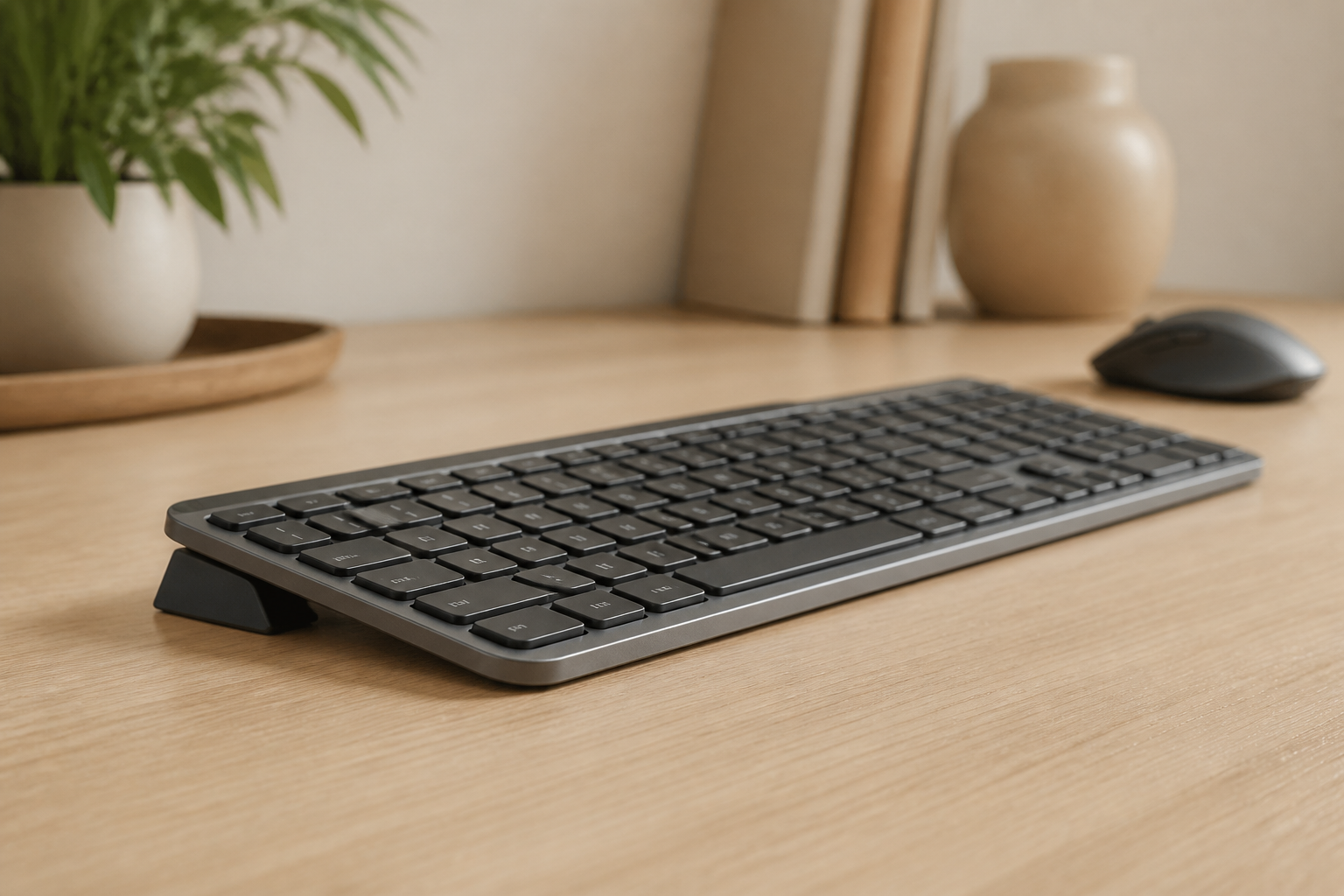
A keyboard riser elevates the front edge of your keyboard, creating a rear lift (typically 15 degrees). This:
- Keeps your wrists in a neutral position
- improves blood flow to hands
- Allows natural blood flow
- Eliminates the root cause of pain
Why Wrist Rests Can Make Things Worse
Here’s the uncomfortable truth about wrist rests:
During active typing (when you’re actually typing):
- Resting wrists on ANY surface creates pressure on the carpal tunnel
- This pressure compresses the median nerve
- The soft padding doesn’t reduce compression—it may increase contact area
- Your wrists still bend upward to reach keys
Wrist rests are designed for rest periods, not active typing. But most people use them incorrectly, pressing down while typing.
Real-World Comparison: 6 Key Factors
1. Effectiveness at Preventing Pain
Keyboard Riser: Highly effective. Addresses the biomechanical cause of wrist extension. Studies show that a proper rear lift keeps the wrist in its natural, neutral position—eliminating the root cause of carpal tunnel syndrome.
Wrist Rest: Limited effectiveness. Provides psychological comfort but doesn’t change wrist angle. Can increase pain if used incorrectly during typing.
Winner: Keyboard Riser
2. keyboard ergonomics
Keyboard Riser: Proven to reduce carpal tunnel risk by maintaining neutral wrist position and reducing median nerve compression.
Wrist Rest: Can actually increase carpal tunnel risk when used during active typing due to sustained pressure on the carpal tunnel area.
Winner: Keyboard Riser
3. Ease of Use
Keyboard Riser: Place it under your keyboard once. Done. Works automatically every time you type.
Wrist Rest: Requires conscious effort to use correctly (only during rest periods). Most users develop bad habits of pressing down while typing.
Winner: Keyboard Riser
4. Long-Term Solution
Keyboard Riser: Permanent solution that continues working. No degradation over time. Addresses root cause.
Wrist Rest: Temporary symptom relief. Foam degrades. Doesn’t solve underlying issue.
Winner: Keyboard Riser
5. Cost-Effectiveness
Keyboard Riser: $10-$30 for a quality riser that lasts years. One-time purchase.
Wrist Rest: $15-$40 for quality options. Needs replacement as foam compresses. May need additional solutions if pain continues.
Winner: Keyboard Riser
6. Compatibility
Keyboard Riser: Works with any keyboard. Some precision risers (like KeyRiser) are designed for specific keyboards for perfect fit.
Wrist Rest: Works with any keyboard but may not align properly. Different keyboard sizes need different rest lengths.
Winner: Tie
When to Use Each (Correct Usage)
Use a Keyboard Riser When:
- You type for extended periods (1+ hours)
- You experience wrist pain, numbness, or fatigue
- You want to support a more neutral typing setup
- You want a permanent ergonomic solution
- You use a Logitech MX Keys or similar keyboard
Use a Wrist Rest When:
- Only during rest periods between typing sessions
- You need somewhere to rest your wrists while reading
- You already have proper keyboard elevation
- You understand to lift your wrists while actively typing
The Ideal Setup
The best ergonomic setup combines:
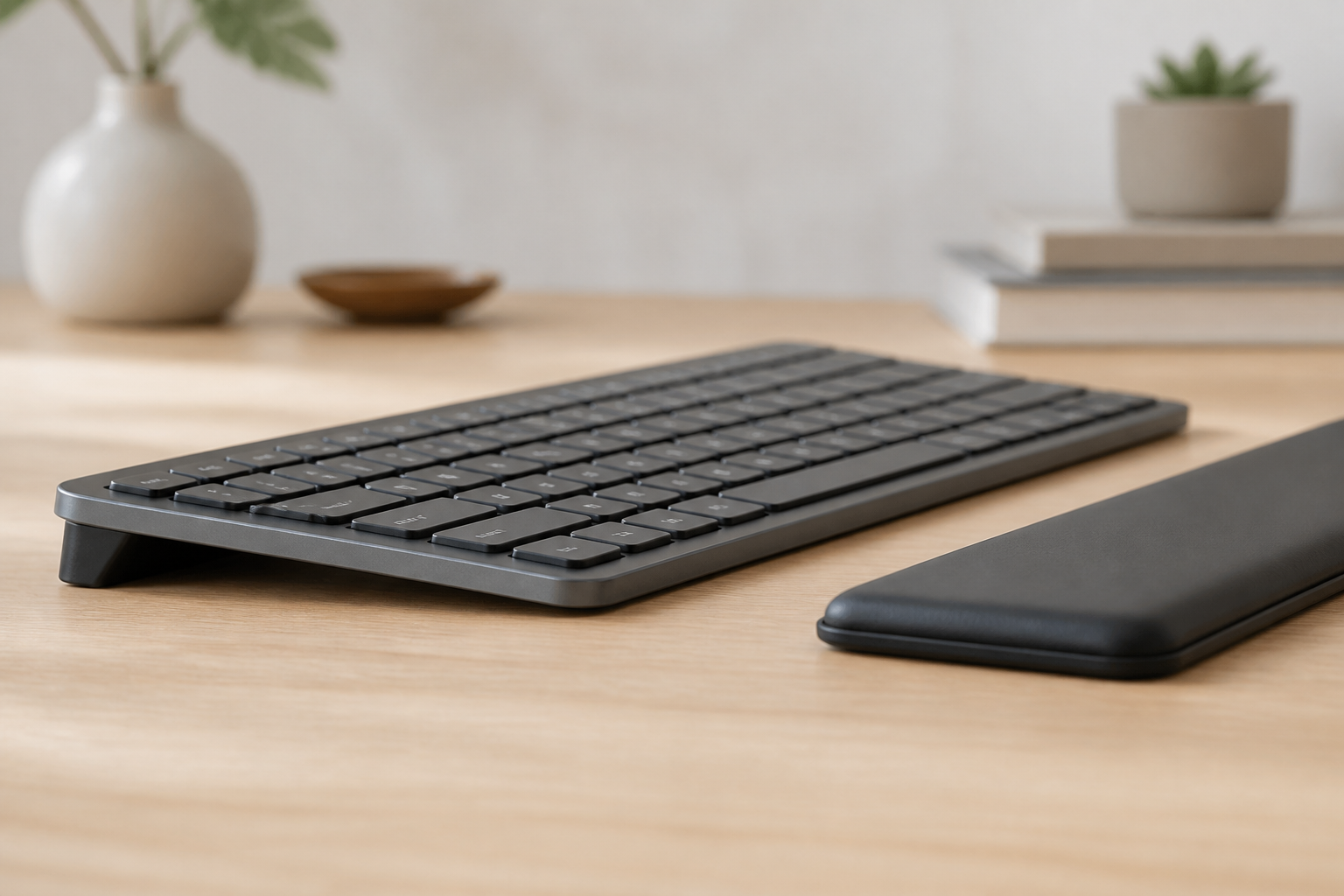
- Keyboard riser for proper typing angle (essential)
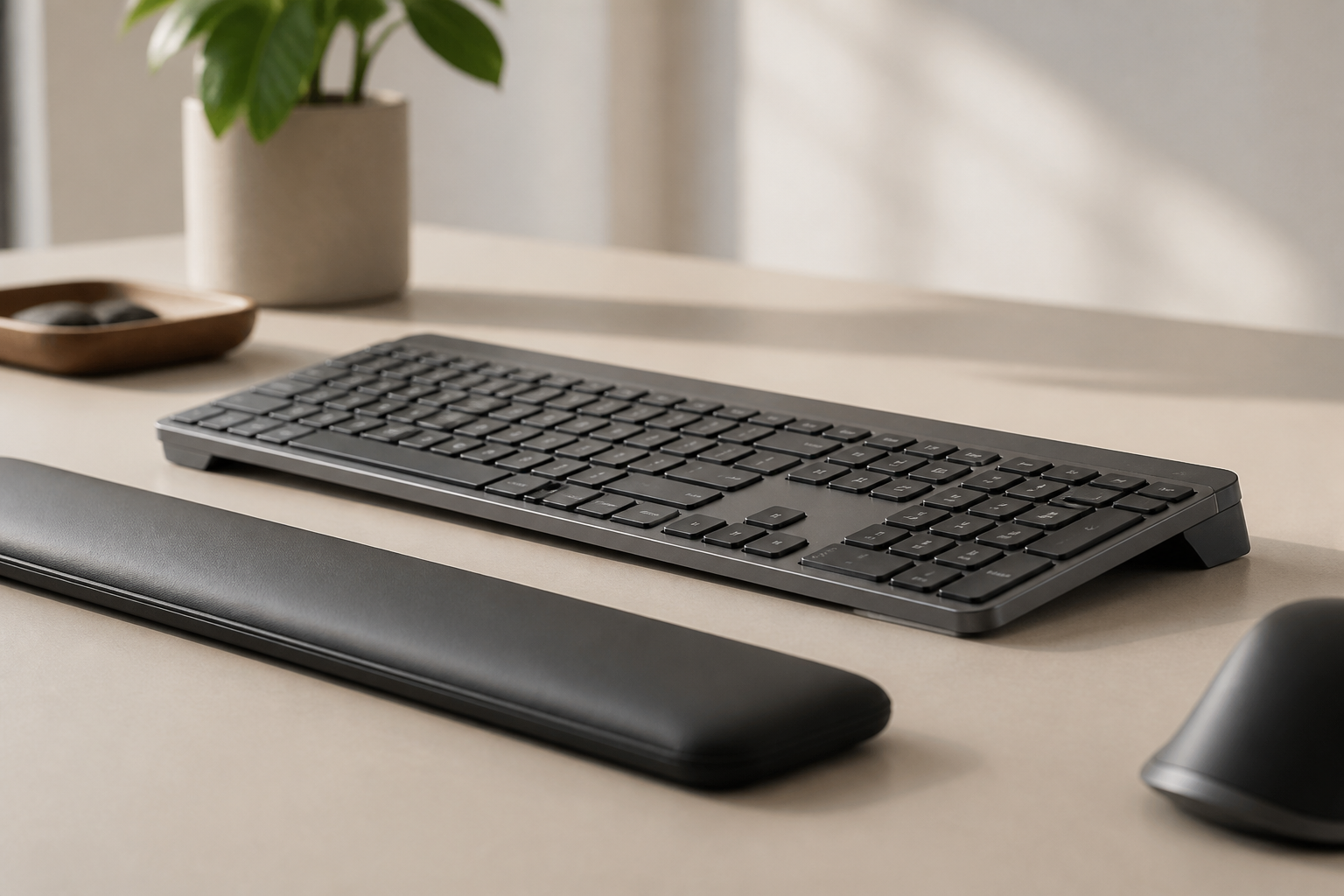
- Wrist rest for rest periods only (optional)
- Regular breaks every 50-60 minutes
- Proper typing technique (floating hands)
Common Misconceptions Debunked
”Wrist rests prevent carpal tunnel”
False. Resting your wrists on ANY surface during typing increases carpal tunnel pressure. The median nerve runs through the carpal tunnel—pressing on it compresses it.
”Softer wrist rests are better”
Partially true, but missing the point. Softer material reduces point pressure but still creates pressure. The issue isn’t hardness—it’s pressing down while typing.
”Keyboard risers make typing harder”
False. After a brief adjustment period (1-2 days), most users find elevated keyboards more comfortable and report increased typing speed due to reduced fatigue.
”I need both for best results”
Partially true. A keyboard riser is essential. A wrist rest is optional for rest periods. But using a wrist rest incorrectly negates the benefits of proper keyboard elevation.
The Ergonomist’s Recommendation
As someone who has studied workplace ergonomics for over 15 years, my clear recommendation is:
Start with a keyboard riser. It’s the single most effective change you can make to prevent typing-related wrist pain. If you still want a wrist rest for breaks, add it later—but learn to use it correctly.
For Logitech MX Keys users, a precision-engineered riser like KeyRiser provides the exact optimal angle and secure fit for maximum benefit.
Making Your Decision
Choose a Keyboard Riser If:
- You want the most effective solution
- You type more than 2 hours daily
- You’re concerned about carpal tunnel
- You want a permanent fix
- You have or plan to get a Logitech MX Keys
Consider Adding a Wrist Rest If:
- You already have proper keyboard elevation
- You understand correct usage (rest periods only)
- You have a habit of resting hands between typing
Conclusion: Keyboard Riser is the Clear Winner
The choice is clear: keyboard risers address the root cause of typing wrist pain, while wrist rests only mask symptoms and can actually make things worse when used incorrectly.
For the best long-term wrist health:
- Get a quality keyboard riser (essential)
- Learn proper typing technique (hands floating)
- Take regular breaks
- Consider a wrist rest for breaks only (optional)
Your wrists do irreplaceable work every day. Give them the proper support they deserve—from the right angle.
Ready to solve your wrist pain the right way? Get your KeyRiser keyboard riser for check Amazon for current price (normally $9.99) →
Related reading: Why Keyboard Ergonomics Matter | keyboard ergonomics Guide | typing ergonomics Guide
Frequently Asked Questions
Q: Is a keyboard riser better than a wrist rest?
A: Yes. Keyboard risers are more effective because they address the root cause of wrist pain (improper typing angle) rather than just cushioning. A keyboard riser helps maintain a neutral wrist position, supporting a more ergonomic typing setup.
Q: Can I use both a keyboard riser and wrist rest?
A: Yes, but use them correctly. The keyboard riser provides proper typing angle (essential). Use the wrist rest ONLY during rest periods between typing sessions—never while actively typing.
Q: Why do wrist rests cause problems?
A: Wrist rests create pressure on the carpal tunnel when pressed during typing, compressing the median nerve. This can worsen carpal tunnel syndrome. They’re designed for resting, not active typing support.
Q: What’s the best keyboard angle?
A: Research shows 15 degrees rear lift (front edge elevated) is optimal. This maintains neutral wrist position and significantly reduces strain. Quality keyboard risers like KeyRiser provide this exact angle.
Q: How much does an effective keyboard riser cost?
A: Quality keyboard risers cost $10-$30 and last for years. KeyRiser costs check Amazon for current price (normally $9.99) and is precision-engineered for Logitech MX Keys keyboards.
Q: Will a keyboard riser take time to adjust to?
A: Most users adjust within 1-2 days. After the brief adjustment period, the vast majority report increased comfort and reduced fatigue during long typing sessions.
Ready for a Better Typing Angle?
Check KeyRiser on Amazon and confirm compatibility with your MX Keys model.
Buy Now - $9.99