Logitech MX Keys Riser Feet: What to Know Before Buying
Everything to know before buying riser feet for the Logitech MX Keys: angle, fit, material, and compatibility with MX Keys S and Mini. Avoid the mistakes that
Logitech MX Keys Riser Feet: What to Know Before Buying
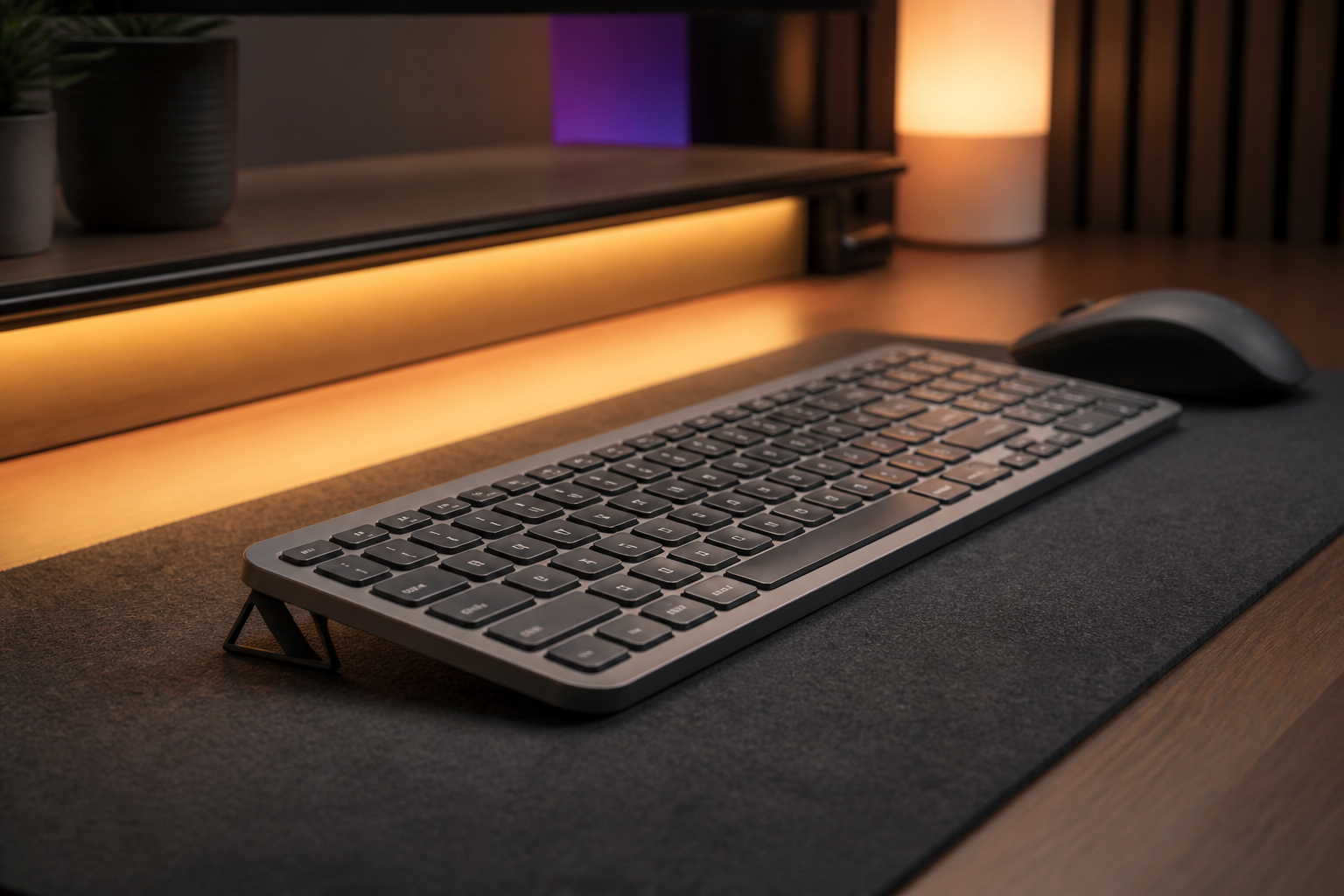
Riser feet for the Logitech MX Keys are small supports that raise the rear edge of the keyboard so it slopes away from you at a comfortable angle. The most common setup uses two precision feet that lift the back of the keyboard by 15 degrees, keeping your wrists in a more neutral position while you type. If you are shopping for riser feet today, you already know why: the MX Keys ships perfectly flat, and hours of flat typing can leave your wrists feeling stiff and tired by the end of the day.
This buying guide walks through everything that matters before you spend money on riser feet for the MX Keys family — the angle to look for, the fit differences between MX Keys, MX Keys S, and MX Keys Mini, the materials and stability you should expect, and the mistakes that make most generic risers a waste of money. By the end you will know exactly what to check on any product page and how to judge whether a set of riser feet is right for your desk.
Why the MX Keys Needs Riser Feet at All
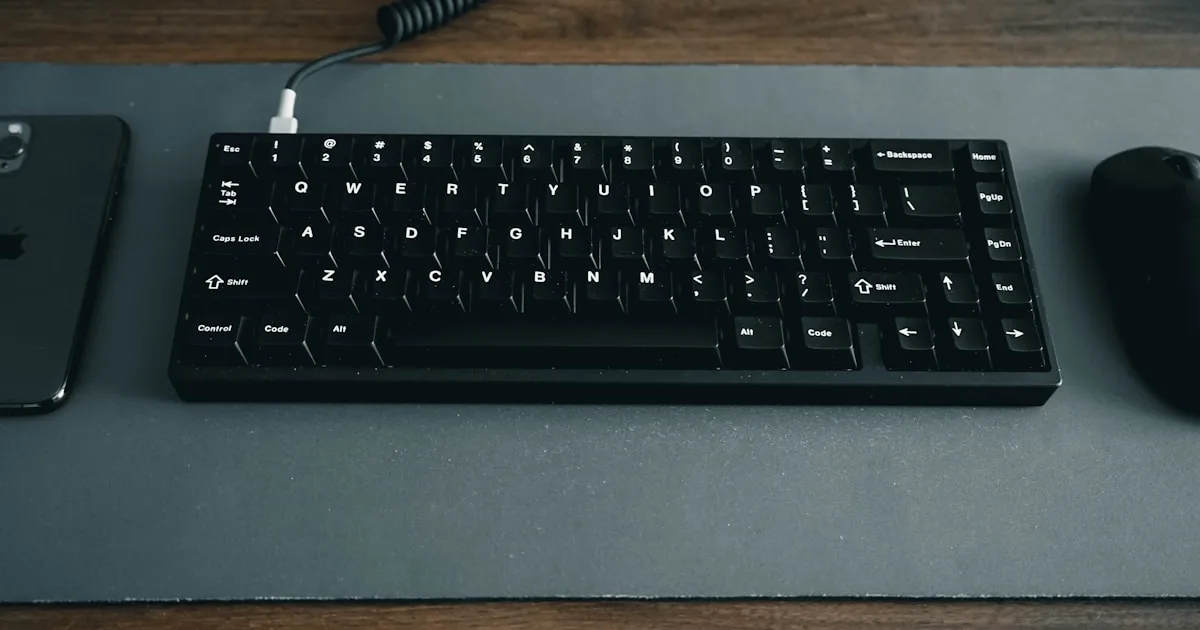
The Logitech MX Keys is a low-profile keyboard designed to sit flat on your desk. It has no built-in tilt legs, which means the typing surface stays at zero degrees unless you add something underneath it. When a keyboard sits completely flat, your wrists bend upward to reach the keys — a position that feels natural at first but becomes noticeably less comfortable across long typing sessions.
Riser feet solve that by creating what ergonomics researchers call a rear lift: the front edge of the keyboard stays at desk level while the rear edge is raised. Your wrists then rest in a straighter line with your forearms instead of bending backward. The result is a typing position that many MX Keys owners describe as dramatically more comfortable within the first week.
There is no single “perfect” angle for everyone — height, chair position, and desk height all matter. But the 15-degree rear lift is the most common recommendation for low-profile keyboards like the MX Keys because it balances wrist position with stability. Some people prefer a slightly lower 10-degree setup; others want a touch more. What matters is that the riser holds a fixed, stable angle rather than shifting around while you type.
Fit: Riser Feet Are Not One-Size-Fits-All
The biggest mistake people make when buying riser feet is assuming any small wedge will work with any keyboard. The MX Keys family has a specific bottom-panel curvature, and generic wedges often sit unevenly, rock side to side, or slide forward during fast typing.
MX Keys vs MX Keys S vs MX Keys Mini
- MX Keys (full size): the full-size keyboard is the most common target for riser feet. Because it is wider and heavier, the feet need to be strong enough to support the chassis without flexing, and the contact points must match the bottom curvature near the rear corners.
- MX Keys S: visually almost identical to the original MX Keys, with the same chassis shape. Feet designed for the MX Keys generally fit the S model, but always confirm compatibility on the product page rather than assuming.
- MX Keys Mini: smaller and lighter, with a shorter rear edge. Riser feet made for the full-size MX Keys can overhang the Mini’s corners. A Mini-specific design fits the rear underside properly and stays put.
Why Precision-Fit Beats Generic Wedges
A riser that was modeled from the actual MX Keys chassis has two advantages. First, the contact points match the curved underside, so the keyboard sits rock-solid even during fast typing. Second, the rear lift is consistent across both corners — there is no rocking where one side is higher than the other. This is why product pages for quality riser feet list specific compatible models instead of claiming “fits all keyboards.”
For the MX Keys family, a riser set that explicitly lists MX Keys, MX Keys S, and MX Keys Mini compatibility — like the KeyRiser — is a safer purchase than a universal wedge that “works with most keyboards.”
Angle, Stability, and Materials: What to Check
Before you buy, check these three things on any product page:
| What to check | Why it matters | What to look for |
|---|---|---|
| Rear lift angle | Determines wrist position | A stated fixed angle (e.g., 15°) rather than vague “adjustable tilt” |
| Stability under typing | Stops rocking and sliding | Model-specific contact points; no-adhesive snap-on design |
| Material and durability | Affects longevity and feel | Dense material (e.g., high-density PLA), matte finish, no sharp edges |
Angle
Look for a riser that states its angle clearly. Generic risers often say “adjustable height” without telling you the resulting angle — which usually means you will spend your first week fiddling instead of typing. A fixed, engineered angle removes the guesswork and keeps your setup consistent every single day.
Stability
A riser that wobbles is worse than no riser, because your wrists unconsciously adjust to a moving keyboard. Test for stability by checking whether the riser uses model-specific contact geometry or a flat generic base. Riser feet that snap onto the keyboard without tools, adhesives, or drilling tend to be the most stable, because they move as one unit with the keyboard.
Materials
Most quality riser feet today are 3D-printed from PLA — a rigid, lightweight, biodegradable plastic. High-density PLA holds its shape under typing load without flexing, and a matte black finish matches the MX Keys aesthetic. Avoid glossy or painted risers that can scuff your desk or the keyboard’s underside, and avoid anything with sharp edges where your wrists or forearms rest.
What Riser Feet Cost and Where to Buy
Riser feet for the MX Keys are inexpensive compared to most ergonomic upgrades. A precision set runs well under $30, which makes them one of the most cost-effective changes you can make to your typing setup — cheaper than a new keyboard, cheaper than a wrist rest you will only use between typing bursts, and a fraction of the cost of a split ergonomic keyboard.
You can buy them from Amazon or directly from the maker’s site. The KeyRiser riser feet for MX Keys are a set of two precision PLA feet that lift the MX Keys, MX Keys S, and MX Keys Mini to a fixed 15-degree rear angle, and they are available on Amazon at the current price with the usual Amazon shipping and returns. Before ordering, double-check the compatibility list, read the fit notes, and confirm the angle matches your preference.
Common Mistakes to Avoid
- Buying a universal wedge. Generic wedges rarely match the MX Keys bottom curvature, so they rock, slide, and sit unevenly. Buy riser feet designed for the MX Keys family instead.
- Ignoring the Mini’s different size. Full-size MX Keys feet can overhang the MX Keys Mini. Get a Mini-compatible design if you own the Mini.
- Chasing “adjustable” height. Adjustable risers add moving parts and instability. A fixed, engineered angle gives you a consistent setup with nothing to fiddle with.
- Buying glossy or painted risers. They scuff easily and can leave marks on your desk. Matte, dense material lasts longer and looks cleaner.
- Skipping the wrist-position check. A riser is only useful if it actually improves your wrist position. Raise the keyboard, type for ten minutes, and check that your wrists are straighter than before.
FAQ
Do riser feet work with the Logitech MX Keys S?
Yes — the MX Keys S shares the same chassis as the original MX Keys, so riser feet designed for the MX Keys family (including KeyRiser) fit both. Always confirm the compatibility list on the product page before ordering.
Are riser feet different for the MX Keys Mini?
Yes. The Mini is smaller and lighter, so full-size MX Keys feet can overhang its rear corners. Look for a set that explicitly lists MX Keys Mini compatibility.
How many riser feet do I need for the MX Keys?
Two — one at each rear corner. A pair of feet creates a stable rear lift without putting uneven pressure on the center of the keyboard.
What angle should riser feet provide?
For the MX Keys family, a 15-degree rear lift is the most common and comfortable recommendation. Some people prefer 10 degrees; the key is a fixed, stable angle that keeps your wrists straighter than typing flat.
Will riser feet damage my keyboard or desk?
Quality riser feet with a matte finish and no adhesives leave no residue and do not scratch either surface. Snap-on designs are removable without a trace.
Can I use riser feet with a wrist rest?
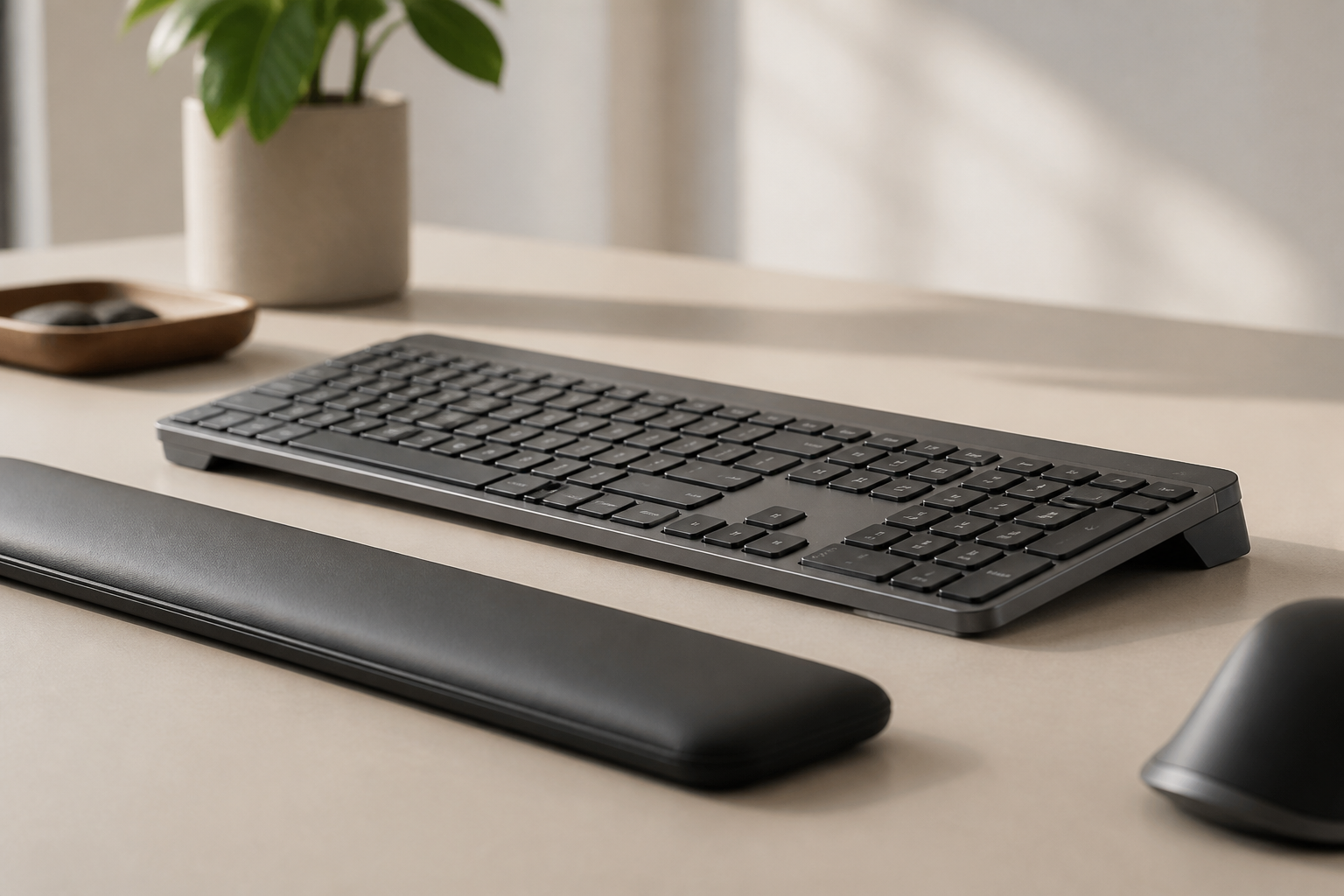
Yes. Many people use a wrist rest for resting between typing bursts and riser feet for the typing angle itself. Together they address two different parts of the equation.
This guide is for educational purposes and is not medical advice. If pain, numbness, tingling, or weakness persists, consult a qualified health professional.
Ready for a Better Typing Angle?
Check KeyRiser on Amazon and confirm compatibility with your MX Keys model.
Buy Now - $9.99Related Articles


Complete your MX Keys setup
KeyRiser first, then the desk complements
KeyRiser addresses keyboard angle. These recommendations cover adjacent setup needs without replacing it.