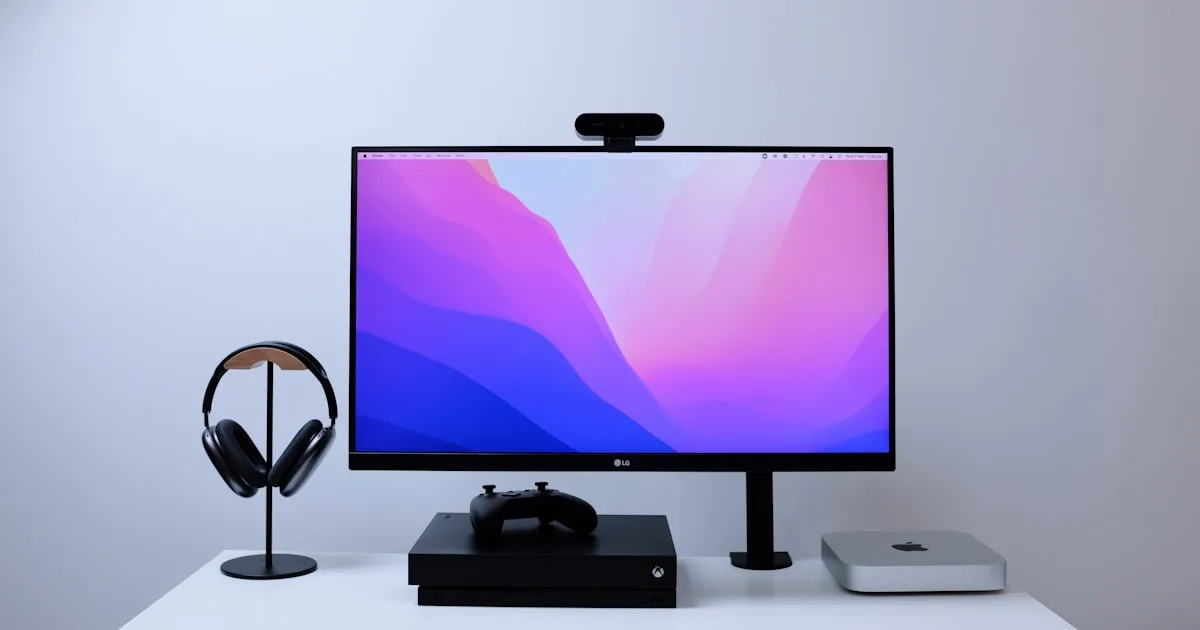
Keyboard Riser vs Monitor Riser: What Actually Affects Typing Comfort
Confused between a keyboard riser and a monitor riser? Learn what each one fixes, why wrist pain needs a keyboard riser, and how to choose in seconds.
Keyboard Riser vs Monitor Riser: What Actually Affects Typing Comfort
If you are shopping for a “riser” because your hands, wrists, or neck hurt, you may be looking at two very different products with very similar names. A keyboard riser changes the angle of your keyboard so your wrists stay neutral while you type, while a monitor riser lifts your screen so you stop hunching your neck down to read it.
They solve different problems. Buying the wrong one — usually the monitor riser when you actually have wrist pain — is one of the most common ergonomic mistakes we see. This guide explains exactly what each one does, the signs that tell you which one you need, and how to combine both for a complete desk setup without wasting money.
What Is a Keyboard Riser?
A keyboard riser is a small accessory that sits under the front edge of your keyboard and raises it to a gentle downward slope away from you. This is called a rear lift.
On a standard flat keyboard, your wrists bend backward into what ergonomists call wrist extension. Over hours of typing, that backward bend increases pressure inside the carpal tunnel and fatigues the muscles in your forearms.
A keyboard riser reverses that. By lifting the front edge of the keyboard, it lets your hands rest at a more natural angle, with your wrists closer to a straight line with your forearms.
Research from OSHA and NIOSH’s ergonomics program has long recommended a rear-lift keyboard position. A 10-15 degree downward slope keeps the wrist in a neutral or only slightly extended posture, which is measurably kinder to the median nerve than a flat or upward-tilted keyboard.
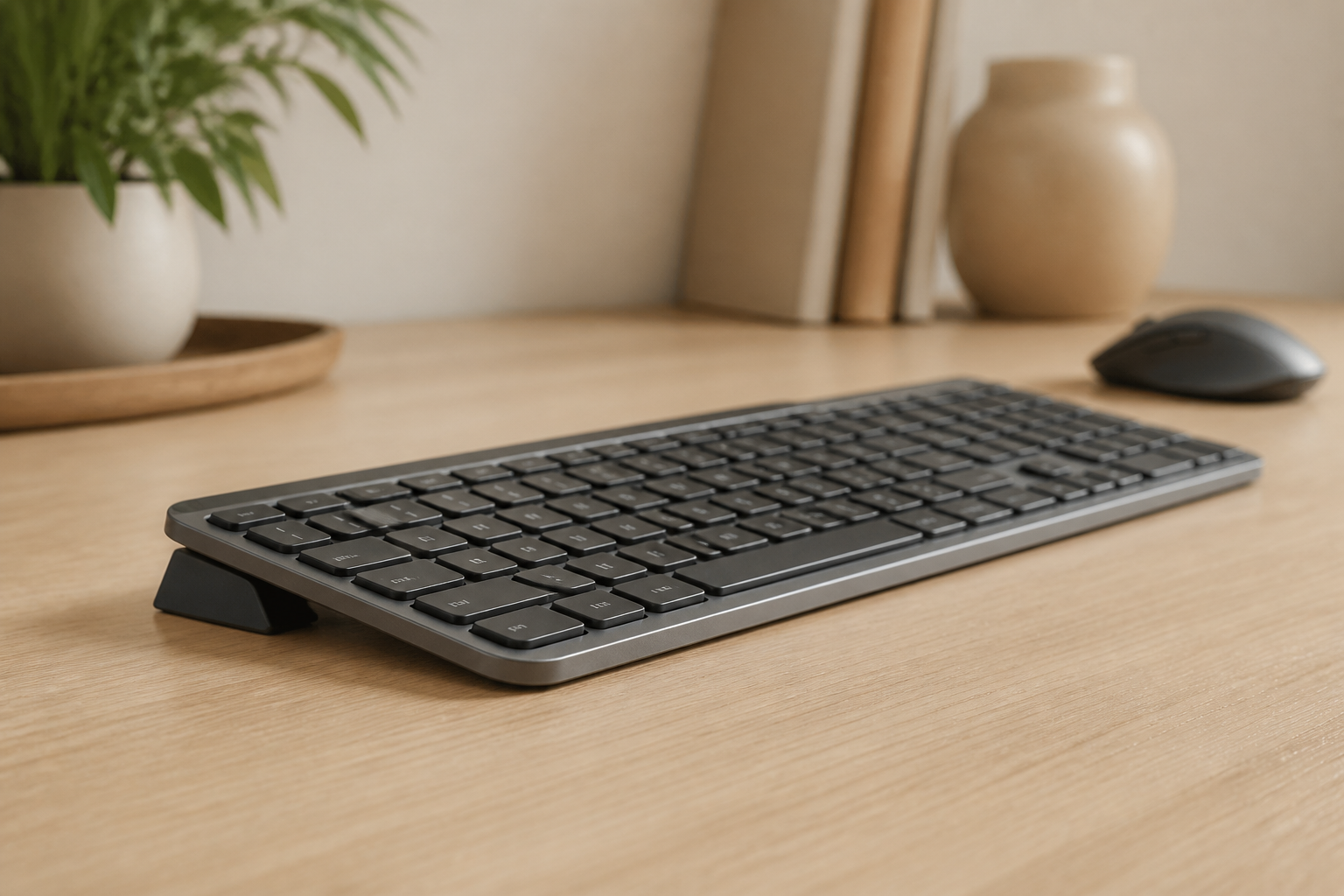
For owners of the Logitech MX Keys, MX Keys S, or MX Keys Mini, the built-in feet only tilt the keyboard toward you, which actually increases wrist extension. A product like the KeyRiser replaces that wrong direction with a stable, low-profile rear lift that is sized for those specific keyboards.
What Is a Monitor Riser?
A monitor riser — also called a monitor stand or monitor shelf — is a platform that lifts your entire screen higher on the desk. The goal is to bring the top of the monitor roughly to eye level so you can look straight ahead instead of tilting your head down.
That matters because the human head is heavy. For every inch your head tilts forward, the effective load on your neck and upper back increases significantly. Hours of looking down at a laptop or a low monitor is a direct route to what many people call “tech neck”: stiffness, tension headaches, and pain across the shoulders.
A monitor riser fixes neck posture. It does almost nothing for your wrists.
Some monitor risers include storage space underneath, and some are height-adjustable. They are useful, but they are a neck-and-eye-line tool, not a hand-and-wrist tool.
The Core Difference in 30 Seconds
| Question | Keyboard riser | Monitor riser |
|---|---|---|
| What it lifts | The front edge of your keyboard | Your entire monitor or laptop screen |
| What it improves | Wrist, hand, and forearm comfort | Neck, shoulder, and eye level |
| Main symptom it targets | Wrist pain, tingling fingers, tired forearms | Neck pain, headaches, rounded shoulders |
| Typical angle/height | 10-15 degrees of rear lift | A few inches of height, set to eye level |
| Best for | People who type for hours | People who look down at a screen |
You can need both. They are not competitors. But if you only have wrist pain, a monitor riser will not help your wrists, and if you only have neck pain, a keyboard riser will not fix your neck.
How to Tell Which One You Need
Answer these three quick questions.
Where does it hurt?
- Wrists, hands, fingers, or forearms — this points to the keyboard. A keyboard riser is the more relevant upgrade.
- Neck, upper back, or shoulders, plus tension headaches — this points to the screen. A monitor riser is the more relevant upgrade.
- Both — you likely need both, plus a check of your chair and desk height.
When does it hurt?
- While typing or right after long typing sessions — keyboard angle is the first thing to adjust.
- After reading, video calls, or watching the screen — screen height is the first thing to adjust.
What feels better immediately?
- Propping the front of the keyboard up even slightly and typing for ten minutes — if your wrists relax, that is your answer.
- Stacking a few books under your monitor for a morning — if your neck relaxes, that is your answer.
These are low-cost, reversible experiments. They are the fastest way to stop guessing and start fixing the right problem.
Why Wrist Pain Usually Needs a Keyboard Riser
Wrist pain from typing is rarely caused by a screen. It comes from sustained, awkward positions of the hand and wrist, repeated tens of thousands of times a day.
When your keyboard is flat, your wrists extend backward. When you use the stock feet of the keyboard, they extend even more. Over time this can contribute to:
- Repetitive strain in the forearm muscles
- Carpal tunnel symptoms such as tingling in the thumb, index, and middle fingers
- Tendon irritation on the back or thumb side of the wrist
- General fatigue that makes typing feel heavy by the afternoon
A keyboard riser addresses the root cause — the angle — rather than just the symptom. It is the single most cost-effective change most people can make to their typing setup, and it pairs naturally with other fixes like proper desk depth and keyboard distance.
Why Neck Pain Usually Needs a Monitor Riser
Neck pain from computer work is usually a screen-height problem. If the top of your monitor is below eye level, you tilt your head down, and the muscles at the back of your neck work continuously just to hold your head up.
The quick fix is to raise the screen. The top third of the monitor should be at or slightly below eye level when you sit upright. For a laptop used without an external monitor, this almost always means an external keyboard plus a laptop stand, not a keyboard riser alone.
Read our tech neck prevention guide for the full screen-height checklist. If you use a laptop as your main machine, also see laptop ergonomics with an external keyboard.
Can You Use Both Together?
Yes — and for many desks, that is the ideal setup.
A keyboard riser and a monitor riser live in different parts of the desk and do not interfere with each other. The keyboard riser sits at the front of the desk under the keyboard. The monitor riser sits further back, holding the screen. Together they create the two halves of a neutral posture: straight wrists below and a straight neck above.
A sensible order of upgrades:
- Start with the source of your worst pain.
- If wrist pain dominates, fix the keyboard angle first.
- If neck pain dominates, raise the screen first.
- Add the second fix once the first one is in place.
You do not need to buy everything at once. Most people get the biggest relief from the change that targets their primary symptom.
What to Look for in a Keyboard Riser
Not all keyboard risers are the same. The useful ones share a few traits.
The right angle
Look for a rear lift around 10-15 degrees. Steeper is not automatically better; the goal is neutral wrists, not an extreme slope. A fixed, well-tested angle is often more reliable than an over-engineered adjustable one.
Stability
The riser must not wobble while you type. If it slides or flexes, your hands will unconsciously tense up to compensate, which works against the whole point.
A fit for your specific keyboard
A generic riser can be too tall, too short, or the wrong shape for your keyboard. The KeyRiser is designed for the Logitech MX Keys family, so it lifts the keyboard to the correct angle without changing how far you have to reach.
Low profile
The best keyboard risers add angle without adding bulk. A tall, clunky platform can push the keyboard high enough to create a new shoulder problem while solving a wrist problem.
For a deeper comparison, see our keyboard riser buying guide.
What to Look for in a Monitor Riser
- Height: the top of the screen at or just below eye level.
- Width: wide enough for the monitor stand base to sit safely.
- Weight capacity: comfortably above your monitor’s weight.
- Bonus storage: a shelf underneath can declutter the desk, but never sacrifice correct height for storage.
If your monitor has its own height adjustment, you may not need a separate riser at all. Raise the screen with its built-in stand first, and only add a monitor riser if you still have to tilt your head down.
A Complete Desk in the Right Order
Ergonomics is a system, not a single product. The most reliable order to build a desk is:
- Chair so your feet are flat and your thighs are roughly parallel to the floor.
- Desk height so your elbows fall close to 90 degrees.
- Keyboard in a straight line with your forearms — this is where a keyboard riser helps.
- Monitor at eye level — this is where a monitor riser helps.
- Movement — short breaks and position changes throughout the day.
If you get the chair and desk height wrong, even the best keyboard riser can only do so much. Our complete remote work ergonomics guide walks through every step.
Frequently Asked Questions
Is a keyboard riser the same as a monitor riser?
No. A keyboard riser tilts the front edge of your keyboard to keep your wrists neutral while you type. A monitor riser lifts your screen to eye level to protect your neck. They look different, attach to different parts of the desk, and solve different problems.
Do I need a keyboard riser or a monitor riser for wrist pain?
For wrist, hand, or forearm pain, the keyboard riser is the relevant tool. Wrist pain comes from the angle and position of your hands while typing, which a keyboard riser corrects. A monitor riser changes screen height and will not meaningfully change wrist posture.
Can a monitor riser help wrist pain?
No, not directly. A monitor riser changes where you look, not how your wrists bend. If your neck pain is making you hunch, fixing the screen can improve your overall posture, but wrist-specific discomfort still needs a keyboard-angle fix.
How much tilt should a keyboard riser have?
Aim for a rear lift of around 10-15 degrees, with the front edge of the keyboard higher than the back edge. This keeps the wrist near neutral. More tilt is not necessarily better and can make typing feel unstable.
Can I use a keyboard riser and a monitor riser at the same time?
Yes. They occupy different parts of the desk and complement each other. The keyboard riser protects your wrists at the front of the desk, and the monitor riser protects your neck further back.
The Bottom Line
If your wrists, hands, or forearms hurt, you are almost certainly looking for a keyboard riser, not a monitor riser. A monitor riser is a neck tool; a keyboard riser is a wrist tool. Buy the one that matches your primary symptom, and add the other only if that symptom also exists.
For Logitech MX Keys owners, the KeyRiser provides a stable, low-profile rear lift that keeps wrists neutral without making the keyboard too high. Fix the angle first, and the rest of the desk gets much easier.
Related articles you might find helpful:
Ready for a Better Typing Angle?
Check KeyRiser on Amazon and confirm compatibility with your MX Keys model.
Buy Now - $9.99Related Articles



Complete your MX Keys setup
KeyRiser first, then the desk complements
KeyRiser addresses keyboard angle. These recommendations cover adjacent setup needs without replacing it.