Wrist Pain From Mouse Use: Complete Ergonomic Fix Guide
Wrist pain from using a computer mouse is common but fixable. Learn about mouse position relative to the keyboard, vertical vs horizontal mice, grip styles
Wrist Pain From Mouse Use: Complete Ergonomic Fix Guide
Mouse-related wrist pain is the single most common ergonomic complaint that is not typing-related. The average office worker moves the mouse roughly 1,200-1,800 times per day — every click, every drag, every scroll wheel rotation. The load per movement is small. The cumulative load over years is not. This guide covers the four variables that determine mouse-related wrist load and the fixes that address each one.
Why Mouse Wrist Pain Is Different From Typing Wrist Pain
Typing wrist pain is primarily driven by wrist extension — the upward bend of the wrist to reach the keyboard. Mouse wrist pain is driven by three overlapping mechanical factors: wrist extension (the mouse is too far away or too high), ulnar or radial deviation (the wrist bends sideways to grip the mouse), and contact stress (the wrist rests on the desk edge and compresses the carpal tunnel from below). A fix that addresses one factor without the others shifts the load, not the pain.
Variable 1: Mouse Position Relative to the Keyboard
The single largest ergonomic error in mouse use is the mouse being too far from the body. On a full-size keyboard with a numpad, the mouse sits 6-8 inches to the right of where the hand naturally rests. The right arm reaches laterally for the mouse thousands of times per day.
The fix, in order of effectiveness:
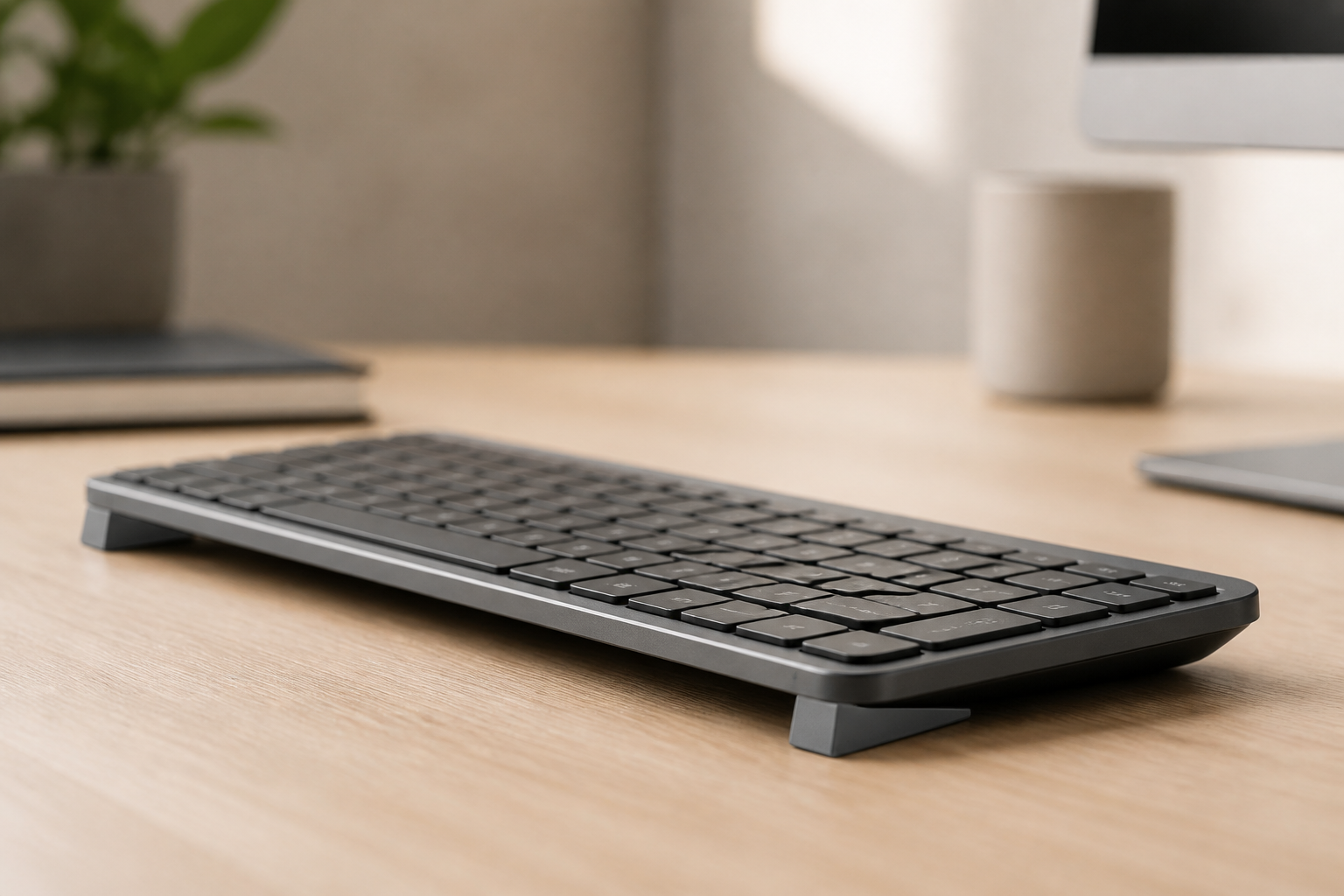
- Tenkeyless or compact keyboard. Removing the numpad moves the mouse 6-8 inches closer to the body’s midline. This is the highest-leverage change for right-handed mouse users with a full-size keyboard. A compact keyboard costs roughly $60-100 and recovers its cost within the first year of reduced discomfort.
- Standalone numpad positioned left of the keyboard. Keep the full-size keyboard and add a USB numpad to the left side. The mouse moves right next to the keyboard body. The numpad is used less often than the mouse, so placing it further from the body’s midline is the better trade-off.
- Mouse positioned directly next to the keyboard. If you cannot change keyboards, position the mouse as close to the right edge of the keyboard as physically possible. The distance between the keyboard’s right edge and the mouse should be zero — the mouse touches the keyboard body.
Variable 2: Mouse Height
The mouse should sit at the same height as the keyboard’s surface. If the mouse is on a different level — on a mouse pad that raises it, or on a lower pull-out tray while the keyboard is on the desk — the wrist angle changes every time the hand moves between keyboard and mouse. Over thousands of movements per day, the repeated angle change loads the wrist tendons.
The fix: keyboard and mouse on the same surface, at the same height. A desk mat that spans both keyboard and mouse area enforces this.
Variable 3: The Desk-Edge Rule
The weight of the forearm should be carried by the chair’s armrests and the shoulder, not by the desk edge. If the forearm rests on the edge of the desk while mousing, the carpal tunnel is compressed from below by the weight of the arm. The pressure is small per second. Over hours, it is cumulative.
The fix: the desk should not contact the forearm or wrist during active mouse use. The arm should float, supported by the shoulder, with the wrist in neutral alignment. If you cannot float your arm (muscle fatigue, habit), a padded mouse pad with a gel wrist rest supports the heel of the palm during pauses — but during active mouse use, the wrist should not rest on anything. The wrist rest is for between-movements, not during-movements.
Variable 4: Mouse Shape and Grip
Not all mice fit all hands. A mouse that is too large forces the hand into a claw grip that loads the finger flexors. A mouse that is too small forces the palm to collapse onto the mouse body, which extends the wrist. The right mouse is the one that lets your hand rest in its natural relaxed shape — not the one with the most buttons or the highest DPI.
Mouse Types Compared
| Mouse Type | Best For | Trade-Off |
|---|---|---|
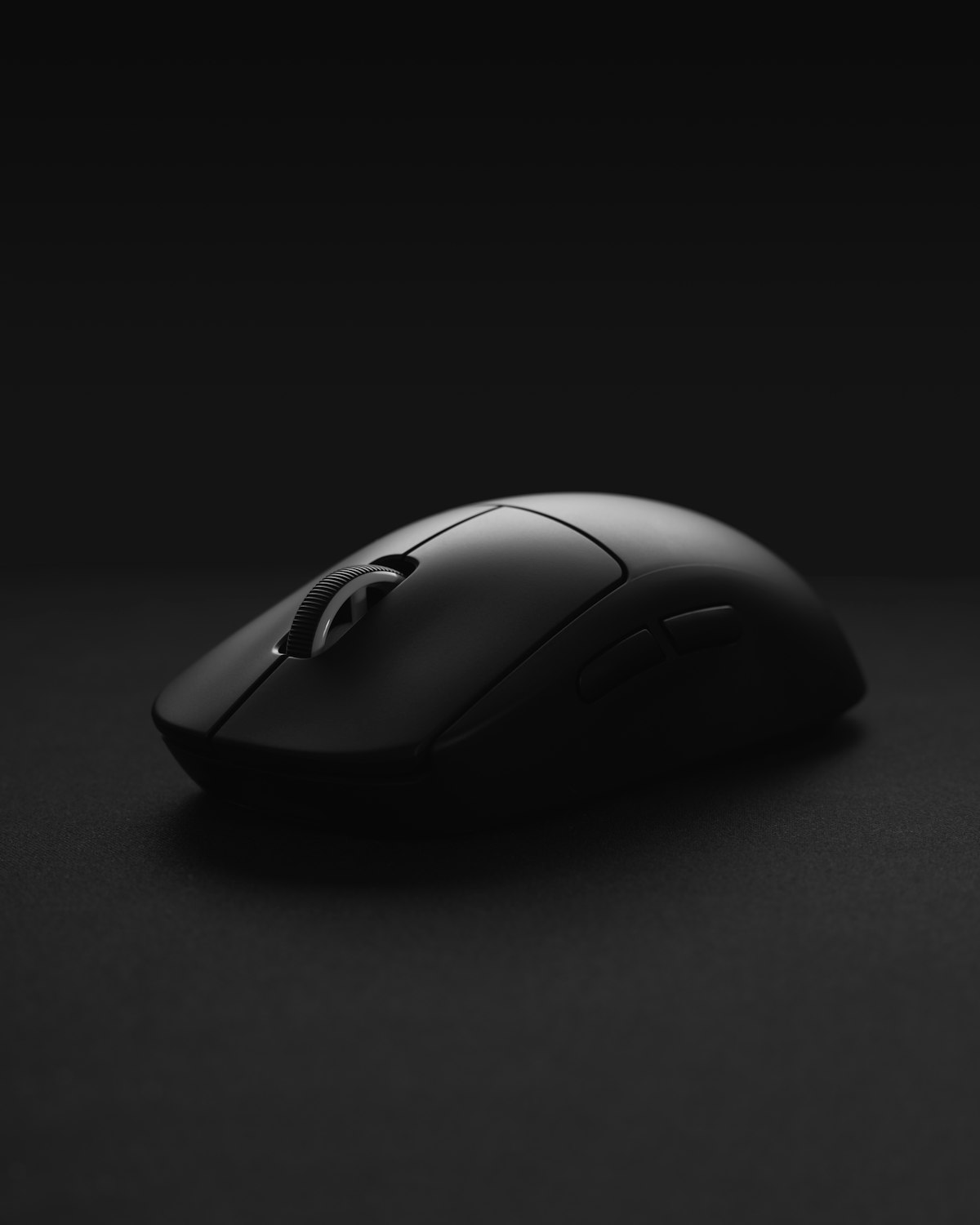
| Standard horizontal | General use, most hand sizes | Forces forearm pronation (palm-down rotation). Acceptable for short sessions but loads the forearm over hours |
| Vertical mouse | Wrist extension and pronation pain | Keeps the hand in a handshake position — less pronation, less wrist extension. Learning curve: 1-2 weeks to match horizontal mouse precision |
| Trackball | Thumb or finger-driven cursor movement | Eliminates wrist movement entirely. Learning curve: 2-4 weeks. Thumb-driven trackballs can cause thumb tendonitis if overused |
| Pen/tablet | Designers, illustrators, users with severe wrist pain | Pen grip is more neutral than any mouse grip. Not practical for general office use |
For mouse-related wrist pain, a vertical mouse is the single highest-ROI hardware change. A Logitech MX Vertical or Evoluent VerticalMouse costs roughly $80-100 and changes the wrist from full pronation to roughly 45 degrees of supination — about halfway to a handshake position. The median nerve and the carpal tunnel are unloaded compared with a horizontal mouse.
Grip Styles
Most people grip a mouse without thinking about it. The three grip styles, in order of wrist loading:
- Palm grip (lowest load). The whole hand rests on the mouse, fingers flat, movement comes from the arm and shoulder. Best for large movements, lowest finger fatigue.
- Claw grip (medium load). The palm rests on the back of the mouse, fingers arched, movement comes from the fingers. Best for precision, higher finger flexor fatigue.
- Fingertip grip (highest load on fingers). Only the fingertips touch the mouse, the palm floats, all movement comes from the fingers. Highest precision, highest fatigue.
For wrist health, use a palm grip on a mouse that fits your hand size. If you find yourself in a claw or fingertip grip involuntarily, the mouse is the wrong size for your hand — the grip is a compensation.
Wrap-Up: The Three-Step Fix
- Move the mouse closer. Tenkeyless keyboard or standalone numpad on the left. Mouse touches the keyboard body.
- Get the mouse off the desk edge. Float the arm or add a padded wrist rest for between-movements. The desk edge should not contact the wrist during active use.
- Match the mouse to your hand. The right size, the right shape. A vertical mouse if pronation or wrist extension is the primary complaint.
None of these fixes cost more than $100 total — and step 1 costs $0 if you already have a tenkeyless keyboard or can reposition the existing mouse closer to the keyboard body.
Fix the keyboard angle while you fix the mouse position. KeyRiser adds the 15° rear lift →
Related: Wrist Pain Prevention Guide | Keyboard Risers Buyer’s Guide | Tingling Hands When Typing
Frequently Asked Questions
Q: Is a vertical mouse really better for wrist pain?
A: For most users with wrist extension or forearm pronation pain, yes. The handshake position reduces pronation and brings the wrist closer to neutral. The learning curve is real — expect 1-2 weeks of reduced precision before you match your horizontal-mouse speed.
Q: Should I use a wrist rest with my mouse?
A: A padded wrist rest supports the heel of the palm during pauses — between clicks, between thoughts. It should not be in contact with the wrist during active mouse movement, because resting the wrist on a pad while moving the mouse compresses the carpal tunnel from below. Use it for pauses. Float the wrist during movement.
Q: Is a trackball better than a mouse for wrist pain?
A: For users who cannot tolerate any wrist movement, yes. A trackball eliminates the repetitive lateral movement of the wrist entirely. The trade-off is precision (lower, especially for graphic work) and thumb fatigue (on thumb-driven trackballs). For severe wrist pain, a trackball is often the only non-surgical option that lets the user continue working.
Q: Can mouse wrist pain cause carpal tunnel syndrome?
A: Indirectly. Mouse use primarily loads the tendons on the back of the hand and the wrist extensors, not the median nerve directly. However, if the wrist is extended during mouse use — a common posture when the mouse is too far away — the same median-nerve compression mechanism applies. Mouse wrist pain that involves tingling in the thumb or index finger suggests median nerve involvement.
Ready for a Better Typing Angle?
Check KeyRiser on Amazon and confirm compatibility with your MX Keys model.
Buy Now - $9.99