Best Laptop Stands for Ergonomics (2026 Buyer Guide)
A laptop stand fixes screen height, not typing angle. Compare the Rain Design mStand and iLevel 2, then build the two-device setup that keeps wrists neutral.
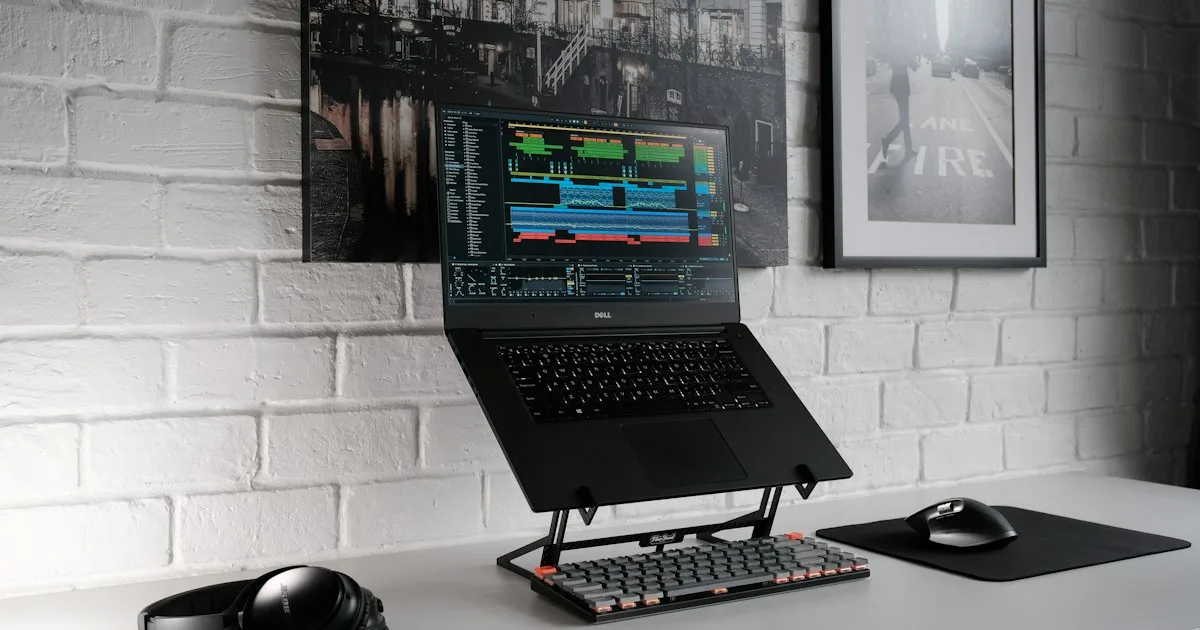
Short answer: the best laptop stand for most people is the Rain Design mStand if you use one laptop in one place and want a stable, fixed aluminium stand. Choose the Rain Design iLevel 2 if you share a desk, switch between laptops, or need to fine-tune screen height. Both raise the screen; neither fixes typing. A laptop stand only becomes an ergonomic setup when you add an external keyboard at the right height.
That distinction is the whole point of this guide. Most “best laptop stand” lists rank aluminium, then stop. But a laptop is a screen and a keyboard bolted to the same hinge. Raising it to eye level makes the screen better and the keyboard worse. If you then type on the laptop’s own keyboard, your hands are now above your elbows and your wrists are bent — you have traded neck strain for wrist strain.
Amazon links in this guide are affiliate links. If you buy through one, we may earn a small commission at no extra cost to you. KeyRiser is our own product, so we flag that bias wherever it appears.
Why a laptop stand alone does not fix the problem
A laptop is a compromise device. The screen and the keyboard share one surface, so the ideal position for one is the wrong position for the other.
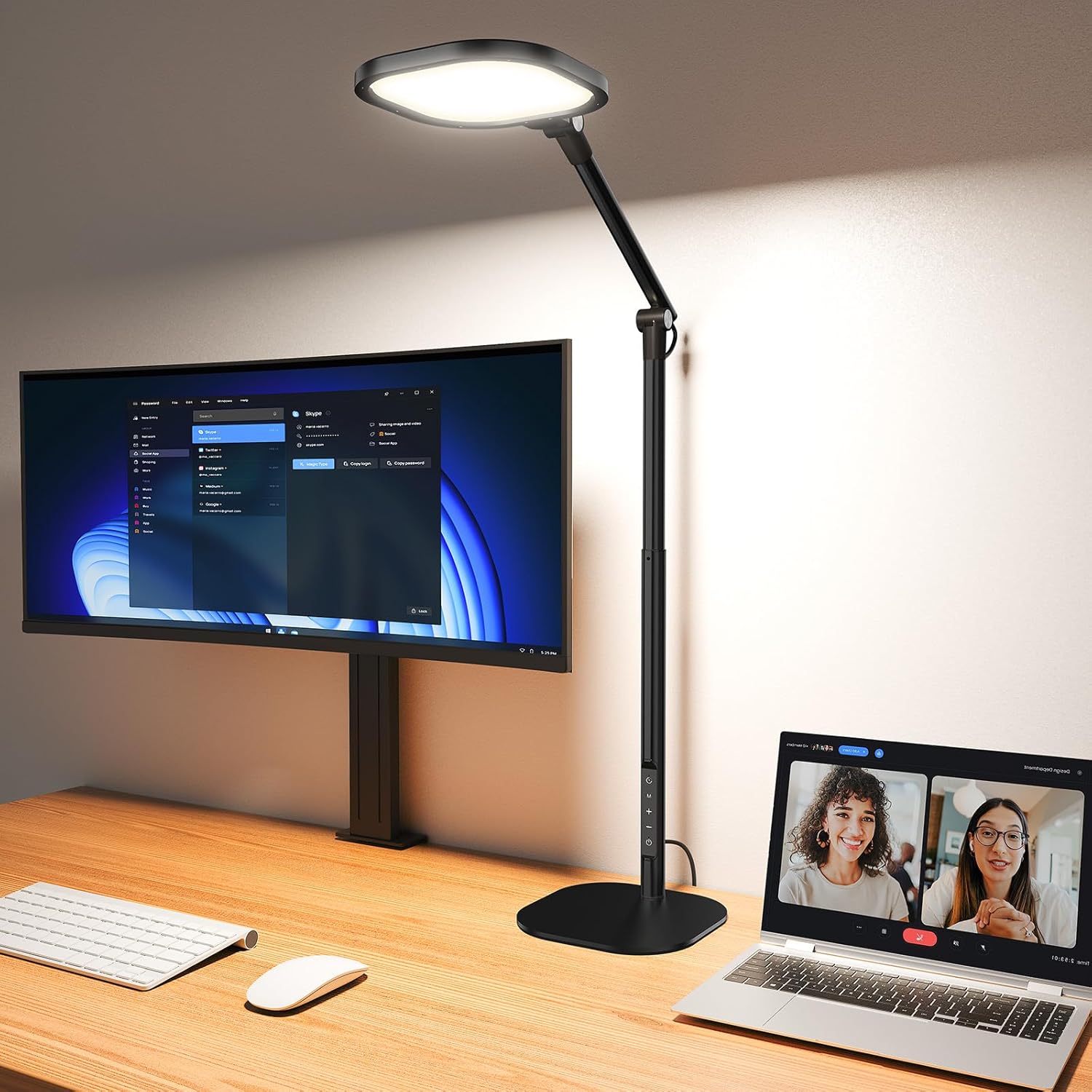 Desk complementLitONES Tall LED Desk Lamp, Edge-Lit Eye-CareTall edge-lit desk lamp with many light modes for soft, even illumination across a home-office workspace.View on AmazonPaid link
As an Amazon Associate I earn from qualifying purchases.
- Screen at eye level means the keyboard is roughly 25–30 cm above the desk, far above comfortable typing height.
- Keyboard at elbow height means the screen is far below eye level, which pulls the head forward and down.
You cannot solve both with one hinge. That is why the ergonomic answer is always two devices: the laptop becomes a screen on a stand, and a separate keyboard and mouse sit at desk height. This is not a premium preference; it is the only geometry that lets the screen and the hands both be neutral.
The good news is that the second device does not need to be expensive. A low-profile keyboard such as the Logitech MX Keys, an external mouse, and a fixed 15° riser solve the typing half without replacing the laptop.
How we picked
We limited this guide to stands that are widely available, fit common 13–16 inch laptops, and have a track record long enough to judge. Four checks decided the shortlist:
- Stability under typing. A stand that flexes when you rest a hand on the laptop is worse than no stand.
- Real height gain. The stand has to lift the top of the screen toward eye level, not just tilt the laptop back a few degrees.
- A footprint that leaves room for a keyboard. If the stand eats the front of the desk, the external keyboard ends up in your lap.
- Cooling and cable access. A closed aluminium slab can trap heat; a stand should let air move and leave the ports reachable.
We did not include folding travel stands. They are useful for a hotel room, but they are too light and too low for an eight-hour desk.
The shortlist at a glance
| Stand | Height | Adjustment | Best for | Main trade-off |
|---|---|---|---|---|
| Rain Design mStand | Fixed, raises the screen several inches | None | One laptop, one desk, minimal fuss | Cannot fine-tune height |
| Rain Design iLevel 2 | Adjustable | Front slider for height and angle | Shared desks and different laptop sizes | More parts and a higher price |
1. Rain Design mStand — best for a fixed desk
The mStand is the reference aluminium laptop stand, and it is still the safest pick for a single-user desk. It holds the laptop at a fixed angle that puts the screen much closer to eye level, with a single piece of bent aluminium and a wide base that does not walk across the desk when you type.
Two details matter more than the finish. First, the open back leaves the laptop’s vents clear, so a machine that already runs warm does not get worse. Second, the cable hole routes the charger behind the stand instead of across the keyboard lane. That sounds cosmetic until you have spent a week pushing a charging cable out of the way.
The trade-off is fixed height. If you are shorter or taller than average, or if your chair and desk are at an unusual height, you may end up putting a book under the stand — which defeats the purpose of buying a stable stand. Measure before you order: sit down, look straight ahead, and check where the top of your laptop screen lands when the laptop is raised.
2. Rain Design iLevel 2 — best for shared desks and mixed laptops
The iLevel 2 adds a front slider that changes height and angle without tools. That adjustability is the reason to pay more. On a hot-desked office, a shared home desk, or a household with a 13-inch and a 16-inch laptop, a fixed stand is always a compromise for somebody.
The mechanism is the weak point to check. Adjustable stands have rails, hinges or sliding plates, and those parts can develop play. Read owner reports for the specific model you are buying, and keep the stand on a firm surface rather than a soft desk mat if the base rocks.
For most people, the iLevel 2 is overkill. For two or more users, or for a laptop that moves between rooms, it is the more practical purchase.
The missing half: keyboard height
Once the laptop is on a stand, the typing problem gets worse before it gets better. Your hands are now high, the laptop keyboard is tilted, and the wrists extend upward to reach it. This is the point where many people conclude that “ergonomic laptop stands don’t work”.
The fix is to stop typing on the laptop. Add a separate keyboard at desk height and a mouse beside it. The screen stays up; the hands come down. That is the two-device rule, and it is the single highest-value change in a laptop workspace.
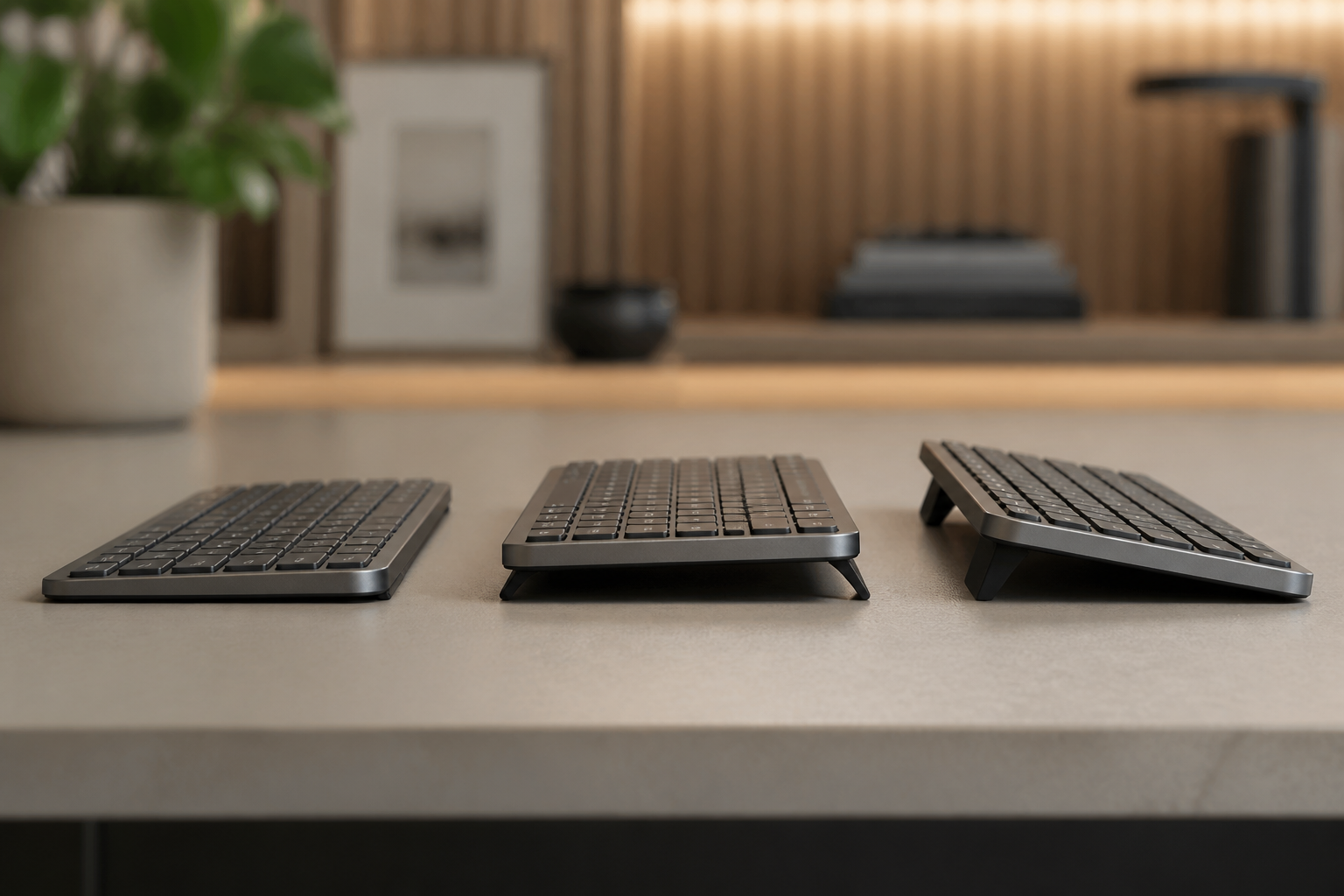
If you already own a Logitech MX Keys, MX Keys S or MX Keys Mini, KeyRiser is the small piece that finishes the typing side. It is a two-piece riser that snaps onto the rear of the keyboard and holds it at a fixed 15° angle. It does not change the laptop stand, the screen height or the desk; it changes the angle your wrists work at. The compatibility page confirms the three supported models, because this is not a universal stand.
The setup order that actually works
Do these in order. Changing two things at once makes it impossible to know which one helped.
- Set the chair first. Feet flat, knees roughly level with the hips, shoulders relaxed. A stand cannot compensate for a chair that is far too low.
- Raise the laptop screen. The top third of the screen should sit near eye level when you look straight ahead.
- Add the external keyboard. Put the letter block in front of your sternum, not the whole keyboard. On a full-size MX Keys, the numpad sits to the right.
- Set the keyboard angle. Start flat. If your wrists still bend upward, add a fixed riser rather than a stack of books.
- Place the mouse at the same height as the keys. A tall mouse beside a flat keyboard creates a shoulder asymmetry that shows up by the end of the day.
The test is simple: type a paragraph, stop, and look at your forearms. They should slope gently down or stay level. If they climb toward the keyboard, the keyboard is too high or too far away.
Who should skip a laptop stand
A stand is not the first purchase for everyone.
- If you already use an external monitor, put the laptop to the side as a reference screen and skip the stand. The monitor is the better primary display.
- If you work on a sofa or in bed, a stand with a lap desk is a different category; a rigid aluminium stand is unstable on soft surfaces.
- If your desk is very shallow, a tall stand may push the screen too close. Measure the viewing distance before buying.
- If you only type for 20 minutes a day, the return is small. Fix the chair and the screen height first.
Frequently asked questions
Is a laptop stand good for your neck?
It can help by raising the screen toward eye level, which reduces the forward head position common with a laptop on a desk. It is not a treatment for neck pain, and the benefit disappears if you then hunch over the laptop keyboard.
Can I use a laptop stand without an external keyboard?
You can, but the ergonomic benefit is limited. Raising the laptop also raises the keyboard, so the wrists often end up more extended. The stand works best as the screen half of a two-device setup.
Does KeyRiser fit a laptop?
No. KeyRiser is designed only for the Logitech MX Keys, MX Keys S and MX Keys Mini. It is a keyboard riser, not a laptop stand. The laptop needs its own stand; the external keyboard needs its own angle.
How high should a laptop screen be?
Aim for the top third of the screen at roughly eye level when you sit upright and look straight ahead. If you wear progressive lenses, you may prefer the screen slightly lower; test with your actual glasses.
Are expensive aluminium stands worth it?
The material matters less than stability and height. A cheap stand that does not flex and puts the screen at the right height is better than a premium stand that is too low. Buy for geometry first, finish second.
Related KeyRiser resources
- Check current Amazon availability
- Confirm MX Keys, MX Keys S or MX Keys Mini fit
- Read the external keyboard laptop setup guide
- Find the ideal keyboard height for your desk
- Compare KeyRiser with a generic stand
- See specifications and setup details
This guide is educational content, not medical advice. If pain, numbness, tingling, weakness or swelling persists, consult a qualified healthcare professional. Product availability, price and returns are controlled by Amazon.
Ready for a Better Typing Angle?
Check KeyRiser on Amazon and confirm compatibility with your MX Keys model.
Buy Now - $16.99Related Articles



Complete your MX Keys setup
KeyRiser first, then the desk complements
KeyRiser addresses keyboard angle. These recommendations cover adjacent setup needs without replacing it.
Complete your MX Keys setup
KeyRiser lifts your keyboard; these complements cover mouse, wrist, monitor, or desk support — they do not replace it.
 Desk complementkaridi LED Desk Lamp with Power StripEye-caring desk lamp with built-in outlets and USB-C charging—five color and brightness presets for a tidy home office.View on AmazonPaid link
 Desk complementUSB ScreenBar Computer LampUSB-powered screen bar with adjustable brightness and color temperature, no glare on the keyboard or screen.View on AmazonPaid link
 Desk complementQuntis Gaming Monitor Light BarRa95 eye-care front light with 15 modes and four color presets, designed for gaming and home-office monitors.View on AmazonPaid link
 Desk complementHagibis Magnetic Laptop Cooling StandA tiny magnetic foot that lifts the back of a laptop for airflow. Useful when the laptop sits beside an MX Keys + KeyRiser desk setup.View on AmazonPaid link
As an Amazon Associate, we earn from qualifying purchases.