typing ergonomics Guide 2026: Stop Repetitive Strain -
Prevent Repetitive Strain Injury before it damages your career. Early signs, proven risk-reduction strategies, and recovery techniques. Protect your wrists today.
typing ergonomics for Keyboard Users: Complete Guide to Repetitive Strain Injury
Repetitive Strain Injury (RSI) is a silent career killer affecting millions of keyboard users. But here’s the truth: RSI is almost entirely preventable, and early-stage RSI is reversible. This guide will save your hands, wrists, and career.
What Exactly is RSI?
RSI is an umbrella term for injuries caused by repetitive motions. For keyboard users, it typically affects:
- Wrists: carpal tunnel syndrome, tendonitis
- Hands: Trigger finger, De Quervain’s syndrome
- Forearms: Tennis elbow (lateral epicondylitis)
- Shoulders: Rotator cuff issues
- Neck: Cervical strain
The Devastating Statistics
- 60% of all occupational injuries are RSI-related
- 12 million Americans see doctors for RSI annually
- Average recovery time: 6 months to 2 years
- 15% develop chronic, permanent symptoms
- Lost productivity costs: $20 billion annually
Translation: If you type for a living, you’re at serious risk.
The 4 Stages of RSI (Know Where You Are)
Stage 1: Early Warning (REVERSIBLE)
Symptoms:
- Mild achiness during work
- Disappears with rest
- No impact on work quality
- Occasional finger/wrist stiffness
Action required: Immediate ergonomic changes Recovery time: 2-4 weeks Prognosis: 100% recovery with proper changes
Stage 2: Persistent Discomfort (REVERSIBLE)
Symptoms:
- Pain persists into evening
- Reduced work capacity
- Difficulty with non-work tasks
- Visible swelling possible
Action required: Aggressive prevention + possible medical care Recovery time: 1-3 months Prognosis: 90% recovery with intervention
Stage 3: Chronic Pain (DIFFICULT)
Symptoms:
- Constant pain, even at rest
- Significantly reduced work capacity
- Sleep disruption
- Pain with simple daily tasks
Action required: Medical treatment essential Recovery time: 3-12 months Prognosis: 60-70% recovery, may need career changes
Stage 4: Permanent Disability (SERIOUS)
Symptoms:
- Severe, unrelenting pain
- Inability to work
- Muscle atrophy
- Irreversible nerve damage
Action required: Intensive medical treatment, possible surgery Recovery time: 12+ months to never Prognosis: Permanent limitations likely
Critical point: The difference between Stage 1 and Stage 4 is often just 6-12 months of ignored warnings.
The Root Causes: Why RSI Happens
1. Poor Ergonomics (70% of cases)
- Flat keyboards forcing wrist extension
- Monitors at wrong height
- Improper chair positioning
- Awkward mouse placement
2. Repetitive Motion (100% of cases, by definition)
- many keystrokes each day
- Same motion repeated endlessly
- Micro-trauma accumulates
- Tissues can’t heal overnight
3. Force & Tension
- Excessive force on keystrokes
- Gripping mouse too tightly
- Muscle tension from stress
- Poor technique magnifies force
4. Duration Without Breaks
- 8+ hour marathon sessions
- No recovery time
- Inflammation builds
- Tissues gradually break down
5. Individual Risk Factors
- Previous injuries
- Certain health conditions
- Body mechanics (double-jointed, etc.)
- Age (tissues heal slower over time)
Comprehensive typing ergonomics Strategy
Foundation: Perfect Your Ergonomics
Keyboard Setup (Most Critical)
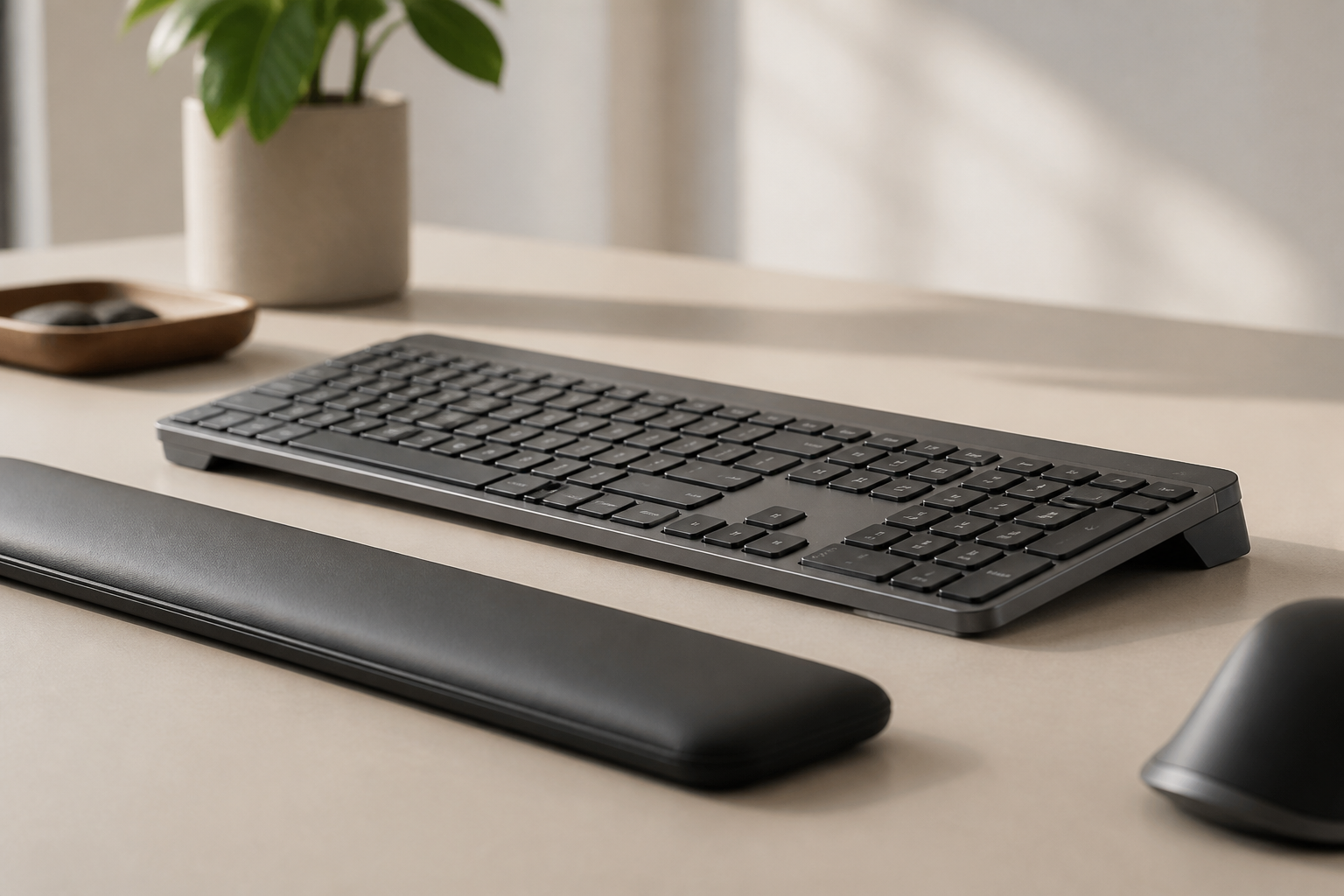
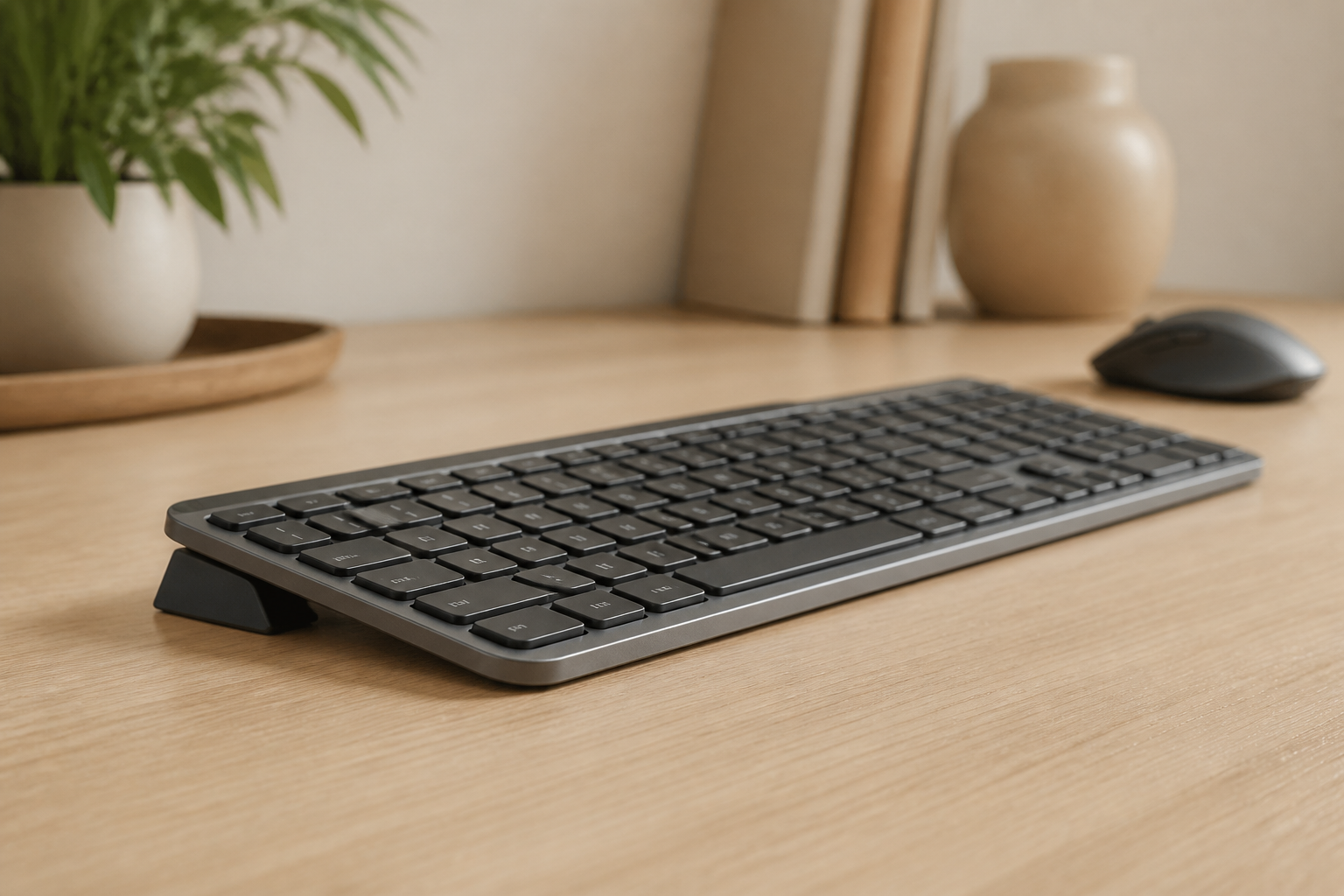
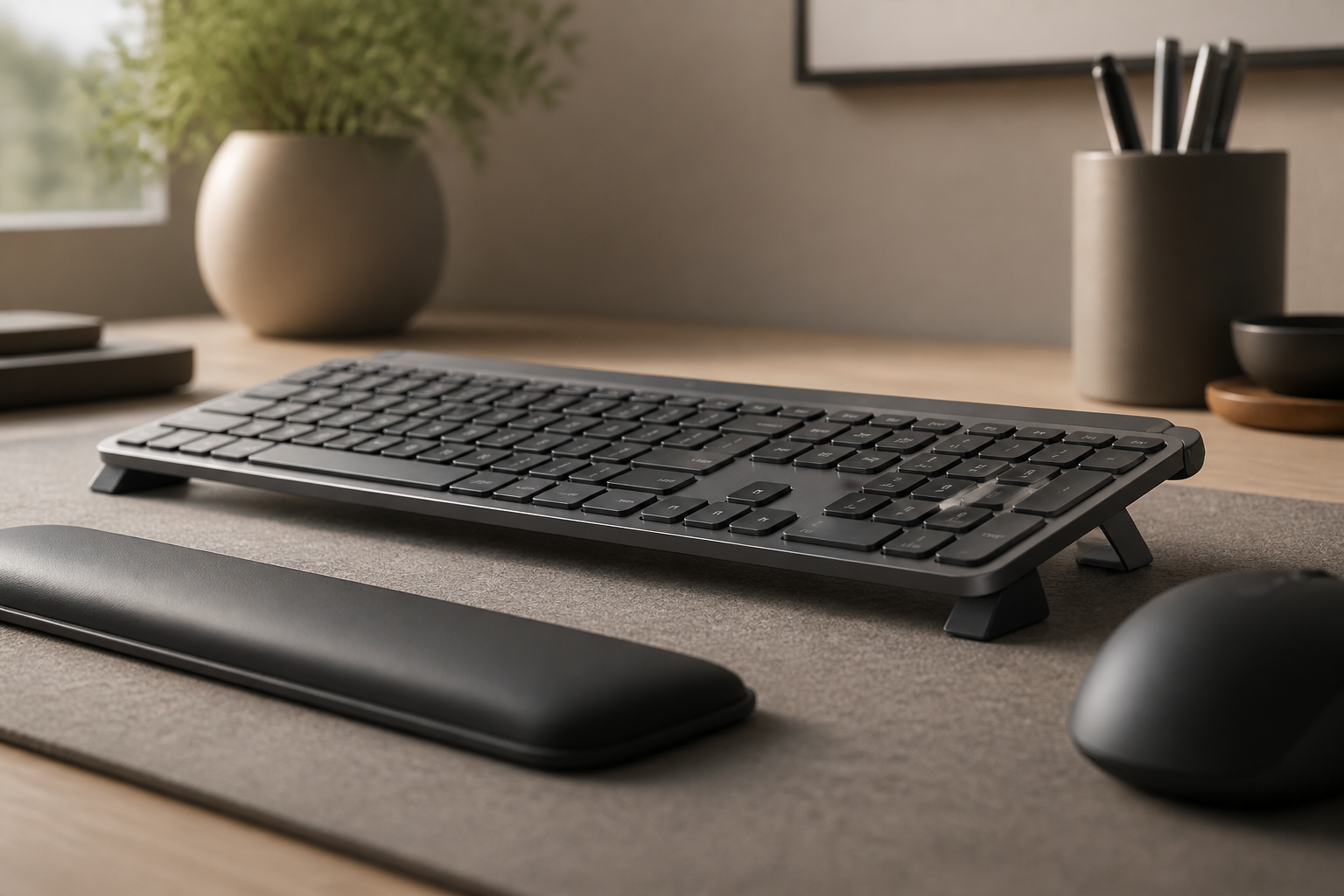
- Elevate front edge to optimal angle
- Position at elbow height
- Keep centered with body
- Ensure wrists remain neutral (straight line from forearm)
Why proper elevation matters:
- lowers carpal tunnel pressure during typing
- Minimizes tendon strain
- Allows natural finger motion
- Prevents compensatory movements
Mouse Setup
- Same height as keyboard
- Within easy reach (no stretching)
- Consider vertical or ergonomic mouse
- Regular side switching if possible
Monitor Position
- Top at or below eye level
- 20-28” from eyes
- Directly in front (no twisting)
- Slight downward gaze
Chair & Desk
- Feet flat on floor
- Thighs parallel to ground
- Lower back supported
- Shoulders relaxed
The Break System That Actually Works
Forget the generic “take breaks” advice. Here’s a science-based system:
Micro-breaks (30 seconds, every 10 minutes)
- Shake hands gently
- Look away from screen
- Take 3 deep breaths
- Wiggle fingers
Macro-breaks (5 minutes, every hour)
- Stand and walk
- Perform stretches (see below)
- Get water
- Look at distant objects
Meal breaks (30+ minutes)
- Leave workspace completely
- No phone scrolling (more RSI!)
- Gentle movement
- Mental reset
Use technology:
- Time Out (Mac)
- Workrave (Windows/Linux)
- Stretchly (Cross-platform)
- Set phone alarms
Essential typing ergonomics Stretches
Do these EVERY hour:
1. Prayer Stretch (30 seconds)
- Palms together in front of chest
- Lower hands toward waist
- Feel stretch in forearms
- Hold gently
2. Wrist Flexor Stretch (30 seconds each side)
- Arm extended, palm up
- Gently pull fingers back with other hand
- Feel stretch in forearm
- Don’t force it
3. Wrist Extensor Stretch (30 seconds each side)
- Arm extended, palm down
- Gently press hand down with other hand
- Feel stretch on top of forearm
- Breathe deeply
4. Finger Spreads (10 reps)
- Spread fingers as wide as possible
- Hold for 3 seconds
- Make gentle fist
- Repeat
5. Shoulder Rolls (10 reps each direction)
- Slow, controlled circles
- Full range of motion
- Releases neck and shoulder tension
- Improves circulation
6. Neck Stretches (20 seconds each side)
- Gently tilt ear toward shoulder
- Opposite shoulder stays down
- No rotating or forcing
- Both sides equal
Typing Technique Matters
Correct technique:
- ✅ Hands float above keyboard
- ✅ Light touch on keys
- ✅ Fingers do the moving (not wrists)
- ✅ Wrists neutral at all times
- ✅ Elbows at sides
Incorrect technique:
- ❌ Wrists resting on desk while typing
- ✅ Pounding keys
- ❌ Bending wrists to reach keys
- ❌ Holding tension in hands/arms
- ❌ Reaching with wrists instead of moving arms
Practice proper technique:
- Slow down initially
- Focus on light touch
- Build muscle memory
- Speed comes with time
Advanced risk-reduction strategies
Strengthen Supporting Muscles
Weak muscles tire faster, leading to compensatory movements and RSI.
Daily exercises:
Grip Strengthener (3 sets of 10)
- Use therapy putty or gripper
- Don’t overdo resistance
- Both hands equally
Wrist Curls (3 sets of 12)
- Light weight (2-5 lbs)
- Slow, controlled
- Both flexion and extension
Forearm Rotation (3 sets of 10)
- Light dumbbell
- Slow pronation and supination
- Builds rotation strength
Finger Extensions (3 sets of 10)
- Rubber band around fingers
- Spread fingers against resistance
- Balances grip strength
Lifestyle Factors
Sleep
- 7-9 hours nightly
- Hands in neutral position (not curled)
- Consider night splints if symptoms present
Nutrition
- Anti-inflammatory foods (fish, berries, greens)
- Adequate protein for tissue repair
- Stay hydrated (tissues need water)
- Reduce sugar and processed foods
Stress Management
- Stress increases muscle tension
- Practice relaxation techniques
- Regular exercise (non-hand-intensive)
- Adequate downtime
Overall Fitness
- Cardiovascular health improves circulation
- Core strength supports proper posture
- Flexibility prevents compensatory movements
Early Intervention: Reverse Stage 1-2 RSI
If you’re already experiencing symptoms:
Immediate actions:
- Fix ergonomics TODAY
- Start break system immediately
- Reduce typing time if possible
- Begin stretching routine
- Monitor symptoms daily
Week 1-2:
- Should see 30-50% improvement
- Pain should occur later in day
- Reduced intensity
Week 3-4:
- Should see 60-80% improvement
- Occasional mild discomfort only
- Nearly normal function
If not improving:
- Consult healthcare provider
- May need physical therapy
- Rule out other conditions
- Possible temporary work modifications
When to See a Doctor
Don’t delay medical care for:
- Symptoms lasting > 2 weeks despite changes
- Worsening symptoms
- Numbness or tingling
- Weakness or dropping things
- Night pain disrupting sleep
- Visible swelling or discoloration
Treatment Options Available
Conservative:
- Physical therapy
- Occupational therapy
- Night splints
- Anti-inflammatory medications
- Ice/heat therapy
Intermediate:
- Corticosteroid injections
- Platelet-rich plasma (PRP) therapy
- Ultrasound therapy
Surgery (last resort):
- Carpal tunnel release
- Tendon repair
- Usually avoidable with prevention
Real RSI Recovery Stories
One developer explained: “I ignored mild wrist pain for 6 months. It became chronic and took 18 months to recover. If I’d fixed my keyboard angle immediately, I could have prevented everything.”
One writer shared: “First signs of RSI scared me into action. I fixed my setup and started breaks religiously. Symptoms gone in 3 weeks. Best decision I ever made.”
A journalist told us: “As a journalist, typing is my career. RSI almost ended it. Proper ergonomics, regular breaks, and strengthening exercises saved my hands. Two years later, pain-free and more productive than ever.”
Your typing ergonomics Checklist
Essential (Do Today):
- Assess current symptoms (which stage?)
- Fix keyboard angle to optimal position
- Adjust monitor to correct height
- Set up break reminders
- Start hourly stretches
Important (This Week):
- Review and correct typing technique
- Evaluate chair and desk height
- Begin daily strengthening exercises
- Schedule ergonomic workspace assessment
- Track symptoms in diary
Ongoing (Forever):
- Maintain perfect ergonomics
- Never skip breaks
- Continue stretches and exercises
- Annual workspace check-in
- Stay educated on new research
The Bottom Line on RSI
RSI is serious, common, and career-threatening. But it’s also:
- Preventable with proper ergonomics
- Reversible in early stages
- Manageable with the right approach
Don’t become a statistic. Protect your hands now—they’re essential to your career, hobbies, and quality of life.
The small effort of prevention today prevents years of pain and disability tomorrow.
Medical Disclaimer
This article is for informational purposes only and does not constitute medical advice. If you experience persistent pain, numbness, or suspect RSI or another condition, please consult a qualified healthcare provider.
Frequently Asked Questions
Q: What is RSI and how is it different from carpal tunnel?
A: RSI (Repetitive Strain Injury) is an umbrella term for injuries caused by repetitive motions. Carpal tunnel syndrome is a specific type of RSI affecting the median nerve in the wrist. Both can be prevented with proper ergonomics.
Q: Can RSI be reversed?
A: Yes, early-stage RSI (Stage 1-2) is often reversible with proper ergonomic changes, rest, and exercises. Later stages require medical intervention and may have permanent effects.
Q: How long does it take to recover from RSI?
A: Recovery time varies by stage: Stage 1 (2-4 weeks), Stage 2 (1-3 months), Stage 3 (3-12 months), Stage 4 (12+ months or permanent). Early intervention dramatically improves recovery time.
Q: What’s the most important ergonomic change for preventing RSI?
A: Proper keyboard positioning is critical. Elevating the front of your keyboard to the optimal angle significantly improves typing angle and is a low-cost ergonomic measure that may support comfort.
Q: Do I need expensive equipment to support a more comfortable typing setup?
A: No. A precision keyboard stand is a low-cost investment that works with any keyboard. Combined with proper technique and regular breaks, this may support comfort; seek professional guidance for persistent symptoms.
Q: How often should I take breaks when typing?
A: Take a 5-minute break every 50-60 minutes of typing. During breaks, stretch your hands, wrists, and arms. Micro-breaks (10-15 seconds) every 20 minutes are also beneficial.
Related Reading
Ready for a Better Typing Angle?
Check KeyRiser on Amazon and confirm compatibility with your MX Keys model.
Buy Now - $9.99