MX Keys + KeyRiser: Ultimate Programmer Combo in 2026
Discover why Logitech MX Keys paired with KeyRiser is the gold standard for programmers. Protect your hands and boost productivity with this proven combo.
Logitech MX Keys + KeyRiser: The Ultimate Combo for Programmers in 2026
In the software development world of January 2026, where the complexity of distributed systems and the integration of massive language models have pushed cognitive load to the limit, there is an eternal debate that never goes out of style: what is the best keyboard for programming?
However, by 2026, one configuration has emerged as the clear winner for those who prioritize efficiency, silence, minimalism, and, above all, long-term health: the Logitech MX Keys powered by KeyRiser.
If you spend 8, 10, or even 12 hours a day writing code, debugging systems, or documenting architectures, you know that fatigue is not just a nuisance; it’s a productivity killer. Here we explain in depth why this combo has become the gold standard on the desks of elite software engineers.
The Keyboard: Logitech MX Keys (The King of Silence and Feel)
The MX Keys earned its reputation for its low-profile design and concave keys that guide fingers with millimetric precision. In an environment where many programmers have historically leaned toward noisy mechanical keyboards, the MX Keys offers a sophisticated alternative.
Why Programmers Love the MX Keys:
- Tactile Response Without the Noise: Allows you to maintain a “state of flow” without distracting colleagues (or family in the home office).
- Perfect Stroke Keys: Key stability ensures every keystroke counts, reducing syntax errors caused by “wobbling” keys.
- Multi-Device: The ability to jump between your development MacBook Pro and your test PC with a single button is vital for modern workflow.
However, for a developer performing marathon coding sessions, the MX Keys has a critical ergonomic design flaw: its factory angle is too flat.
The Missing Link: KeyRiser
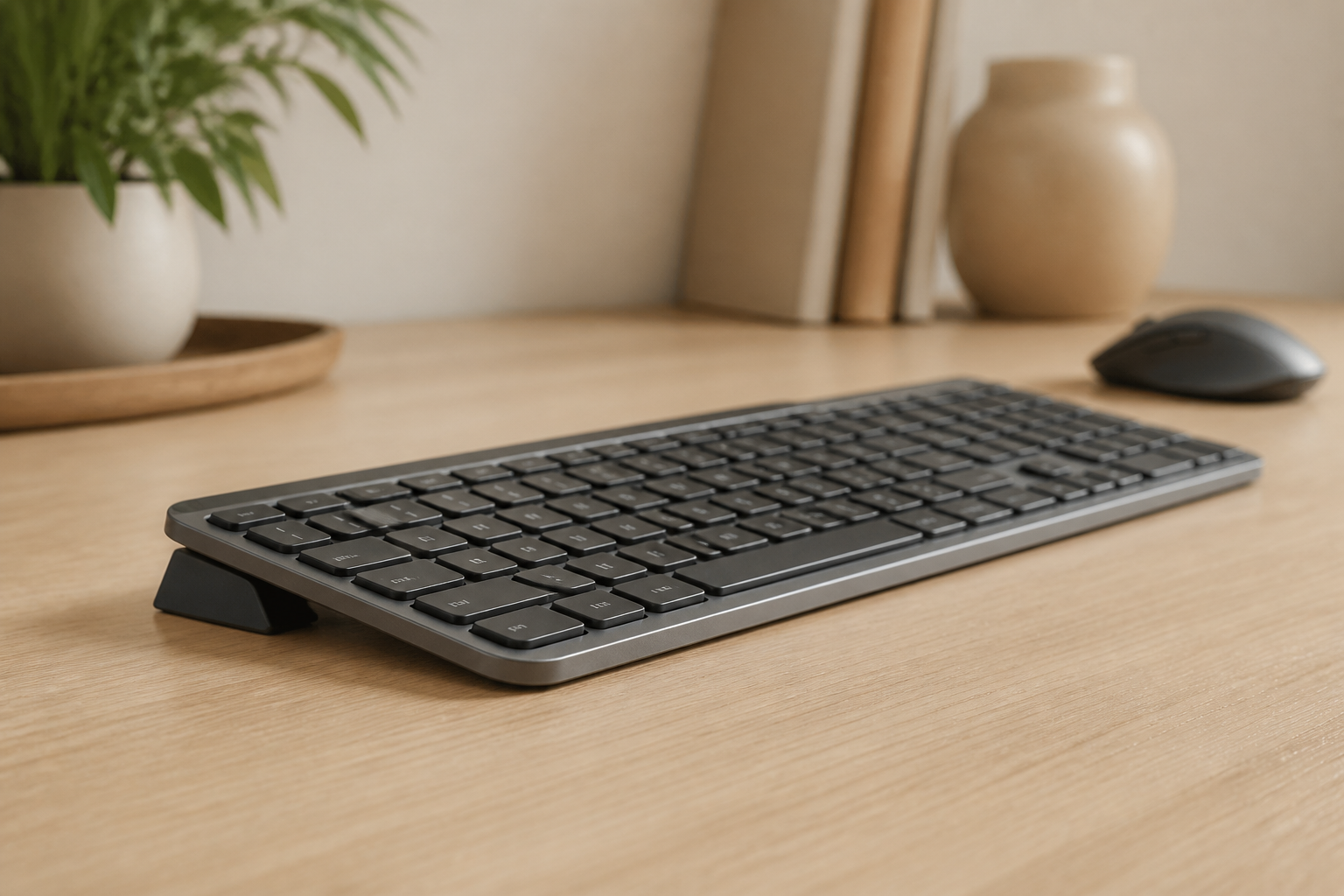
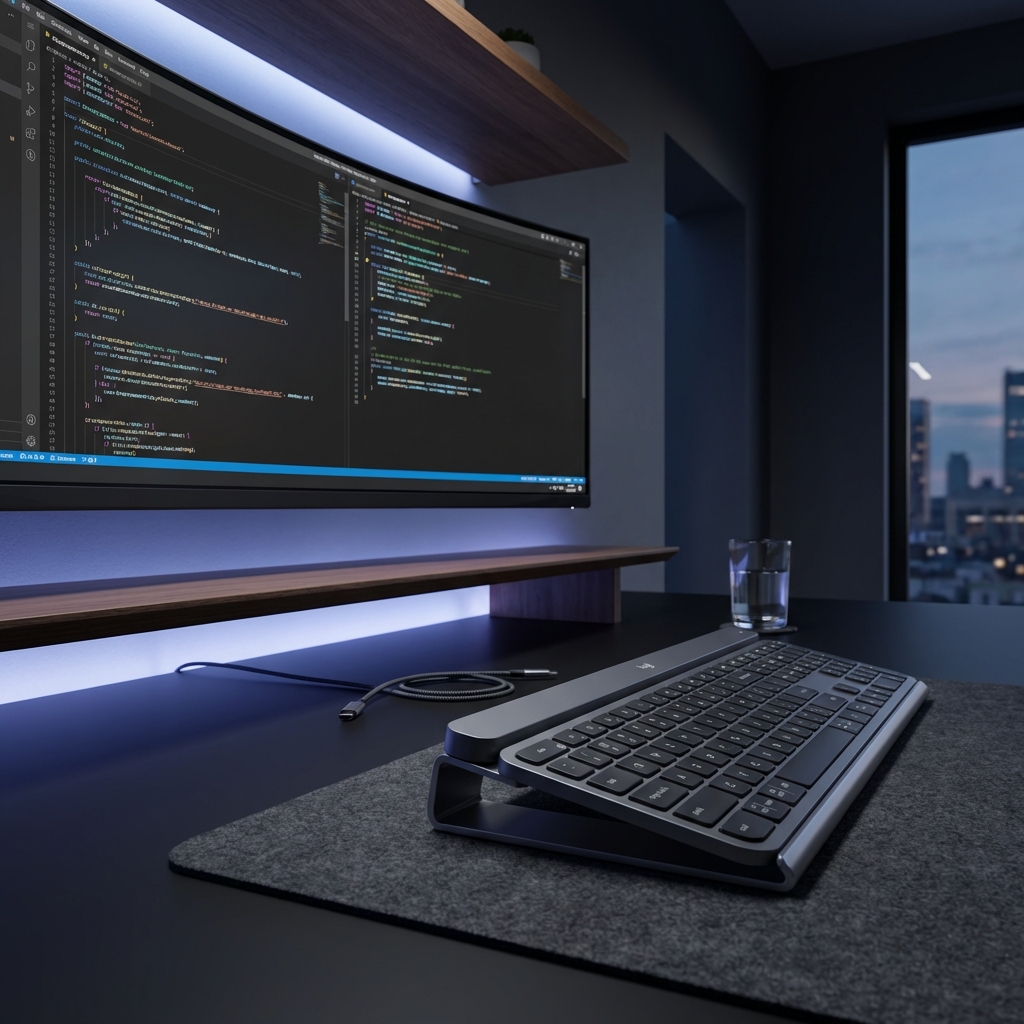
This is where KeyRiser comes in. Precision-engineered using additive manufacturing to fit perfectly with the base of the MX Keys, the KeyRiser transforms an excellent keyboard into a professional-grade ergonomic tool.
1. The 15-Degree Angle: The Coding “Sweet Spot”
While the small original MX Keys stand offers minimal and unstable tilt, the KeyRiser raises the tilt to an exact 15 degrees. Why is this vital for a programmer?
- Less Forearm Fatigue: By tilting the keyboard, the need to lift your hands is reduced, allowing extensor tendons to operate in a more natural position. This is crucial when you’re in the middle of a complicated rebase or a live debugging session.
- Improved Typing Speed: An optimized angle allows for more natural access to function keys (F1-F12) and special characters like
{,},[,],|, and/, which are the foundation of our daily grammar.
2. Industrial-Grade Stability for “Heavy Coding”
Few problems are as frustrating as a keyboard sliding across the desk while you’re trying to execute terminal commands at high speed. KeyRiser is designed to provide a solid and fully non-slip base. No matter how intense your programming session or how many git push --force you launch; your keyboard will stay exactly where you left it.
Ergonomics and Neuroscience Behind the Flow
Flow (or flow) is that mental state where time disappears and code flows from your brain to the screen without friction. Modern neuroscience tells us that small physical discomforts (like a slight wrist ache or a tense shoulder) are “noise” that distracts the brain, consuming biological CPU cycles that should be dedicated to resolving complex problems.
By using the MX Keys + KeyRiser combo, you are eliminating that noise. You are optimizing your biological hardware to match the power of your tech stack.
Expert Opinion: Occupational Health in Software Development
We spoke with occupational health specialists who exclusively treat IT professionals. The consensus is clear: “More than 60% of programmers over 30 show signs of repetitive strain injuries (RSI). Most of these injuries would be avoided with a keyboard tilt between 12 and 18 degrees.” KeyRiser hits the mark with its 15 degrees.
The Return on Investment (ROI) of Your Setup
Many programmers don’t hesitate to spend $2,000 on an 8K monitor or $4,000 on a workstation with 128GB of RAM, but skimp on the most important physical connection: the keyboard.
Investing in KeyRiser for your Logitech MX Keys is likely the highest ROI decision you can make:
- Health Savings: Avoid physiotherapists and potential future surgeries.
- Consistency: Being able to program at the same intensity level day after day, year after year.
- Aesthetics: KeyRiser’s minimalist design respects and enhances your desk’s aesthetic.
Integration with the Modern Workspace
In 2026, desk minimalism is key. KeyRiser, created using advanced 3D printing techniques with high-durability materials like PLA+, offers a modern finish that complements the premium aesthetic of the Logitech MX Keys. It’s not just a stand; it’s a design piece that screams “professionalism.”
How to set up your ultimate combo:
- Positioning: Place your MX Keys on the KeyRiser ensuring the design notches fit.
- Chair Height: Adjust your chair so your elbows form a 90-degree angle relative to the tilted keyboard surface.
- Monitor: Ensure your screen is at eye level to avoid neck pain, complementing the improvement in your wrists.
Elevate your programming with KeyRiser for only $9.99 →
Final Verdict for Developers
If you already own a Logitech MX Keys, KeyRiser is the missing piece to take your setup to the next level. And if you’re looking to refresh your development gear, look no further. The combination of Logitech technology with KeyRiser precision ergonomics is simply unbeatable.
Your hands are your livelihood. Protect them, pamper them, and give them the tools they deserve to keep building the future of software.
Frequently Asked Questions for Programmers
Does KeyRiser affect the wireless connection?
Not at all. The material used is radio-transparent and does not interfere with the keyboard’s Bluetooth or Logi Bolt signals.
Can I use it with other keyboards?
While optimized for the MX Keys, its versatile design allows many low-profile keyboards (like the Apple Magic Keyboard or Razer DeathStalker V2) to benefit from the same 15-degree ergonomic angle.
Does it scratch the desk?
No. KeyRiser includes high-density rubber bases that protect both your wood or glass surfaces and the keyboard’s stability itself.
[!IMPORTANT] Compatibility: This model has been successfully tested on all versions of the Logitech MX Keys (Full, Mini, and Business) ensuring a perfect fit in each case.
Recommended Internal Links:
Ready for a Better Typing Angle?
Check KeyRiser on Amazon and confirm compatibility with your MX Keys model.
Buy Now - $9.99