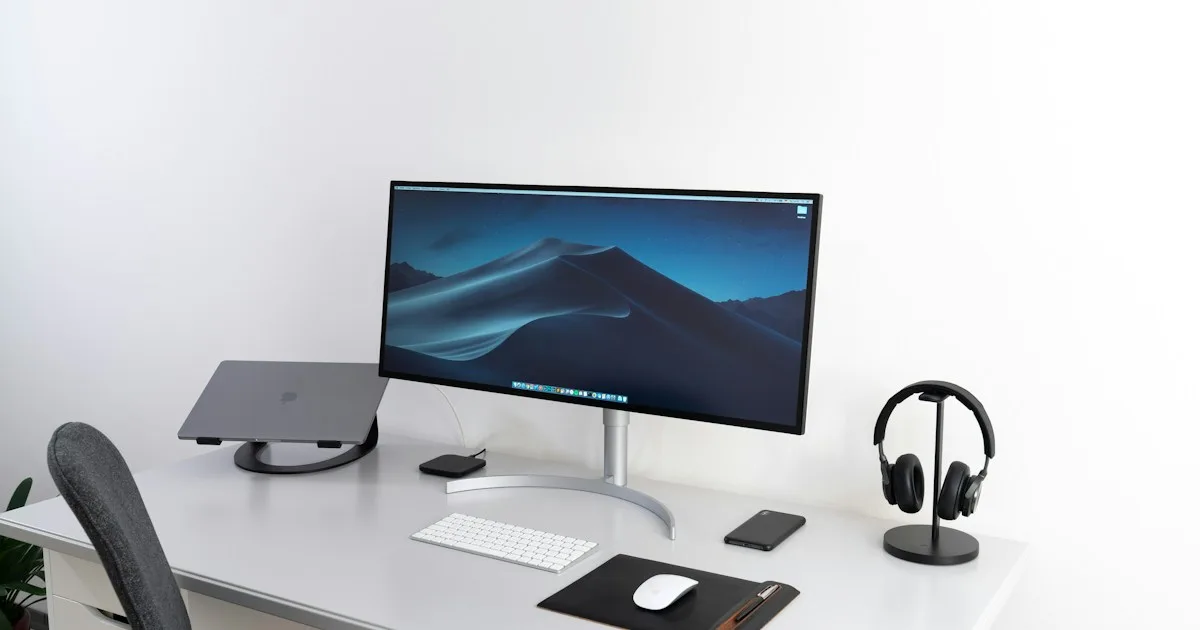
Ideal Keyboard Height: How High Should Your Keyboard Be?
How high should your keyboard be? Use elbow position, desk height, forearm angle, and keyboard thickness to build a comfortable ergonomic setup.
Ideal Keyboard Height: How High Should Your Keyboard Be?
Your keyboard should usually sit around elbow height or slightly below it when you are seated, with your shoulders relaxed and your forearms roughly level. The exact height depends on your desk, chair, arm length, keyboard thickness, and whether you are sitting or standing.
This is a height question, not just an angle question. A keyboard can have an excellent tilt and still be too high for your elbows. Start with height, then fine-tune the angle.
The elbow rule
Sit in your normal working position. Keep your shoulders relaxed, elbows close to your sides, and forearms roughly parallel to the floor. Your hands should reach the keyboard without bending sharply upward or forcing your shoulders to rise.
If your wrists are above your elbows, the keyboard may be too high. If your elbows are forced upward or your shoulders feel compressed, lower the working surface. If the keyboard is too low and you reach downward, raise the keyboard or adjust the chair while keeping your feet supported.
Sitting versus standing
A seated setup and standing setup often need different desk heights. When standing, your elbows should remain relaxed and close to your body. Do not copy a seated desk height without checking your arm position.
If you alternate frequently, adjust the desk height first. An adjustable riser can help with fine tuning, but it should not be used to compensate for a major desk-height problem.
Keyboard height and keyboard angle
Height is the vertical position of the keyboard. Angle is the slope from front to back. They interact:
- Raising the rear edge can change the effective height of the keyboard.
- A steep angle may force your hands higher even if the front edge looks low.
- A flat keyboard can still be too high if the desk is high.
- A comfortable angle cannot correct unsupported feet or elevated shoulders.
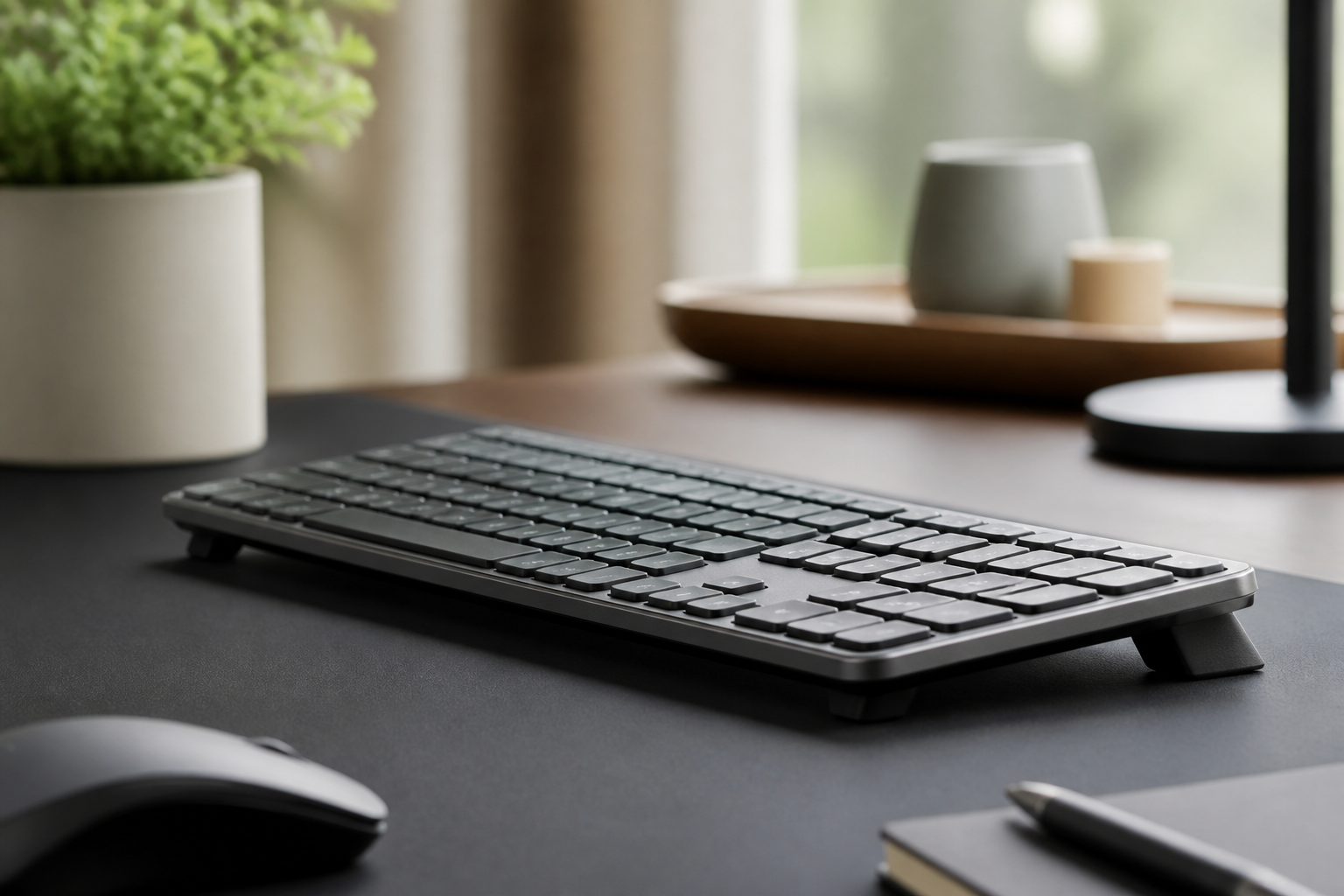
For many low-profile keyboards, a modest fixed rear lift is a useful experiment after the overall height is correct. KeyRiser provides a fixed 15° option for compatible Logitech MX Keys models; check the specifications and fit before ordering.
Measuring your setup
Use these steps rather than guessing:
- Measure from the floor to the top of the keyboard’s home-row area.
- Measure the height of your elbows while seated normally.
- Compare the two measurements while keeping your shoulders relaxed.
- Type for ten minutes and note whether you lift your shoulders or bend your wrists.
- Change one variable at a time: chair, desk, keyboard height, or angle.
A measurement is a starting point, not a guarantee. Your neutral position and comfort during real work are more important than a number copied from another desk.
Common height mistakes
Raising the keyboard without lowering the desk
A riser can improve angle but make the whole keyboard too high. Lower the desk or adjust the chair where possible.
Letting the chair dangle your feet
Raising a chair may help elbow position, but your feet still need support. Use a footrest if they no longer rest comfortably on the floor.
Matching the keyboard to the monitor
The keyboard and monitor have different ergonomic targets. Set the monitor for your eyes and neck; set the keyboard for your elbows, forearms, and hands.
Ignoring the mouse
If the mouse is far lower or farther away, your shoulder and forearm may still work awkwardly. See the keyboard-and-mouse height setup guide.
FAQ
What is the ideal keyboard height?
For most seated users, the keyboard should be at or slightly below elbow height with relaxed shoulders and roughly level forearms. Adjust the desk and chair to achieve that position.
Should a keyboard be higher or lower than the desk?
The keyboard should be positioned based on your elbows and wrists, not on the desk surface alone. A riser may be helpful if the resulting height still lets you type with relaxed shoulders.
Does keyboard angle change keyboard height?
Yes. Raising one edge changes the height of part of the keyboard. Check the actual hand position after changing the angle.
Can KeyRiser fix a keyboard that is too high?
No. KeyRiser changes keyboard angle and adds some height; it cannot fix a desk that is fundamentally too high. Correct the desk and chair relationship first.
Bottom line
Set the keyboard around elbow height with relaxed shoulders, then test angle and mouse placement. For compatible Logitech MX Keys users who want a compact fixed-angle experiment, review KeyRiser on Amazon only after confirming that the added height suits your desk.
Ready for a Better Typing Angle?
Check KeyRiser on Amazon and confirm compatibility with your MX Keys model.
Buy Now - $9.99Related Articles



Complete your MX Keys setup
KeyRiser first, then the desk complements
KeyRiser addresses keyboard angle. These recommendations cover adjacent setup needs without replacing it.