
Keyboard Ergonomics for Nurses & Clinicians (2026)
A practical keyboard setup for nurses, clinicians and healthcare admins: shared workstations, mobile carts, night shifts and the 15-minute reset that survives a busy ward.
Nursing work is not usually described as heavy keyboard work, but the charting load says otherwise. A ward nurse may complete dozens of assessments, medication notes, care plans and handover entries in a single shift, often at a shared station, sometimes on a cart, frequently interrupted. The typing happens in short bursts between clinical tasks, and almost none of it happens at a desk the nurse controls.
That is what makes healthcare ergonomics different. Advice written for a programmer with one desk and one keyboard does not survive a ward where every workstation has a different chair, a different screen height and a keyboard that somebody else moved. This guide is about the parts you can control, the parts you can reset in a minute, and the equipment that makes a shared setup less hostile.
Why hospital keyboards are a different problem
Four conditions separate clinical typing from office typing:
 Desk complement3M Gel Wrist Rest for Standing DesksGel wrist rest that wraps around the desk edge with a non-slip back for standing or sitting typing positions.View on AmazonPaid link
As an Amazon Associate I earn from qualifying purchases.
- Shared hardware. The keyboard, mouse and chair change with every shift. Any adjustment you make is gone by tomorrow.
- Interruptions. A note is started, a call comes in, and you return to the keyboard ten minutes later with your hands in a different position.
- Mobile work. Computer-on-wheels carts force a standing or perched posture, with the keyboard at whatever height the last user left it.
- Compressed documentation time. Charting often happens at the end of a task, when you are tired and trying to finish quickly.
None of these is solved by a lecture about sitting up straight. They are solved by defaults: a keyboard angle that is correct without adjustment, a screen position that is easy to reset, and a small number of checks that take seconds.
The 15-minute reset for a shared nursing station
Do this once at the start of a shift. It is faster than it sounds.
- Set the chair height first. Feet flat, knees level with the hips. If the chair will not stay at the right height, note it and use a different station when you can.
- Align the letter block with your sternum. On a full-size keyboard, the numpad sits to the right; centering the whole keyboard pushes the letters left of your body.
- Raise the screen so the top third is near eye level. A stack of paper under a monitor is not ideal, but it is better than looking down for eight hours.
- Bring the keyboard to the edge of the desk. If you have to reach, the keyboard is too far away. Keep the elbows close to the body.
- Check the wrist angle with your phone camera. A quick side photo shows whether the hand is in line with the forearm or bent upward.
- Put the mouse beside the keyboard, not behind a stack of notes. The reach is what makes the shoulder ache, not the mouse itself.
If the station has a fixed-height desk that is too high, a lower chair is not the answer; it puts your knees above your hips. In that case, a keyboard riser does not help either — the problem is the desk, and the practical fix is to switch stations or use a height-adjustable cart.
Mobile carts and computer-on-wheels
The cart is the hardest setup in the hospital because you are often standing, the screen is below eye level, and the keyboard tray is shallow. Three adjustments make it usable:
- Raise the cart’s work surface if it adjusts. Standing with the elbows at roughly 90° is better than bending forward to a low tray.
- Tilt the screen up rather than pulling it closer. The cart is unstable; reaching forward makes it worse.
- Keep the keyboard flat on the tray. A riser on a narrow, tilted cart tray can slide. If the tray is deep enough and the keyboard is stable, a fixed riser is still an option, but test it before relying on it during a shift.
For documentation that takes more than a few minutes, sit down at a station rather than perching at the cart. The cart is for quick checks, not for a 40-minute care plan.
Night shifts and long documentation blocks
Night shifts concentrate typing into quiet hours, which means longer unbroken sessions and fewer natural breaks. Two habits help:
- Stand up at every handover or hourly check. Use the clinical task as the break; you do not need a separate reminder.
- Keep the same keyboard position across the shift. If you use the same station, leave the riser attached and the screen marked. Consistency is what makes a shared setup tolerable.
Eye comfort matters too. At night, the contrast between a bright screen and a dark ward is high. Lower the screen brightness and, if the station allows it, use a warmer display profile. The 20-20-20 rule — look at something 20 feet away for 20 seconds every 20 minutes — is easy to remember and easy to abandon when the ward is busy; attach it to a task you already do.
What to carry in a shared workplace
You cannot rebuild a hospital workstation, but a small kit makes the parts you touch more consistent:
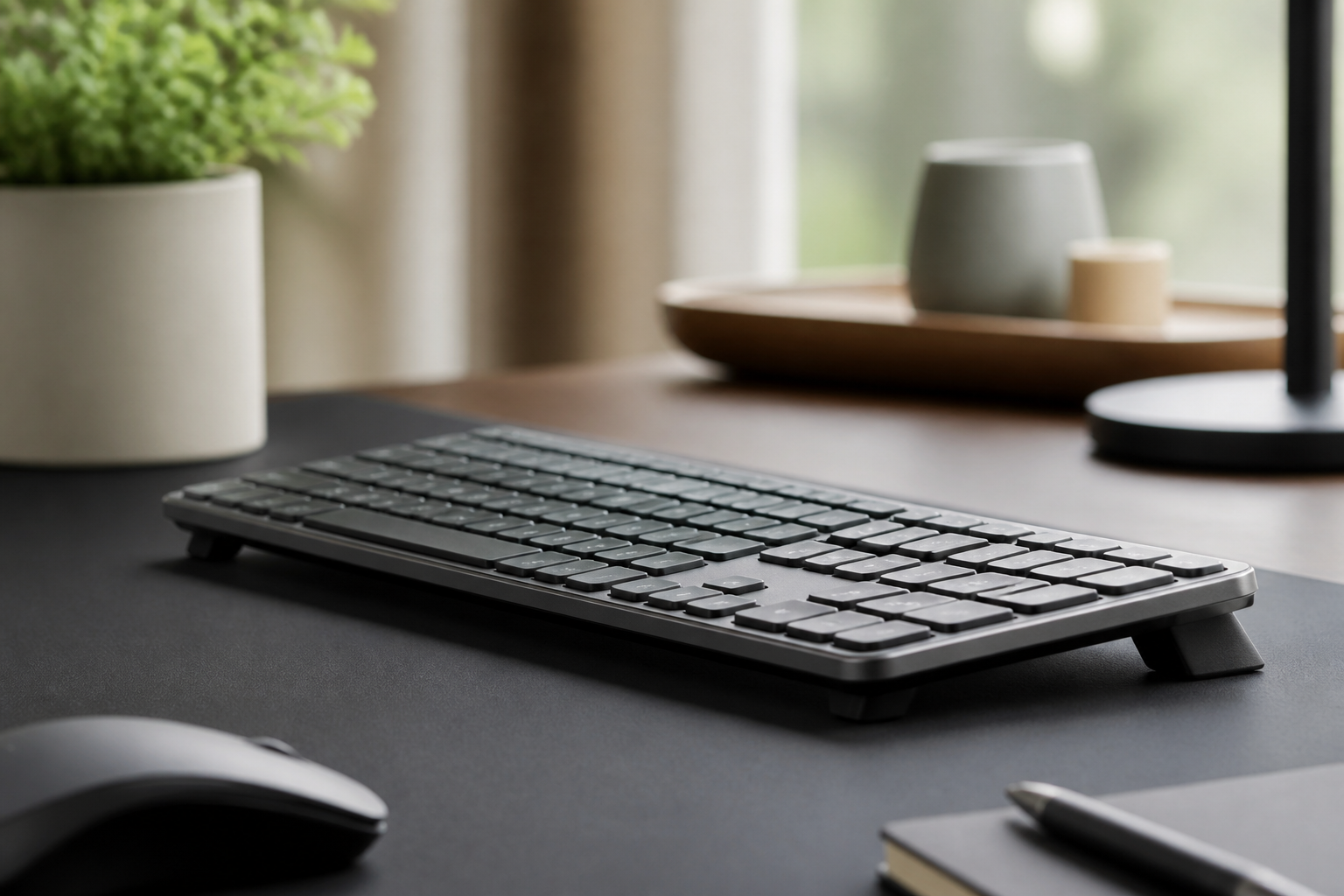
- A compact keyboard riser if you use the same MX Keys at a regular station. KeyRiser is two removable pieces, so it comes off at the end of a shift and does not interfere with the next user.
- A wrist rest that is low enough to sit level with the keyboard. Do not carry a thick gel pad if the station keyboard is low-profile.
- A cleaning cloth. Shared keyboards collect more than dust; wiping the surface before and after use is a practical habit.
- A phone stand or note holder if you prop papers beside the screen. It keeps the document closer to eye level and stops the keyboard lane from filling with paper.
Model-specific accessories only work if the hardware matches. KeyRiser fits the Logitech MX Keys, MX Keys S and MX Keys Mini, not a generic hospital keyboard. Check the compatibility page before buying, and do not force a riser onto a keyboard it was not designed for.
Documentation posture that survives interruptions
The interruption is the ergonomic problem, not just the workload. Every time you return to the keyboard, you re-establish a position — and tired people re-establish bad ones.
Use a two-second checklist when you sit back down:
- Are both feet on the floor?
- Is the keyboard within a forearm’s reach?
- Are the shoulders down, not up by the ears?
- Is the mouse on the same side as the hand that uses it?
That is enough. A full ergonomic assessment at every return is unrealistic; a four-item reset is not.
When the setup cannot be fixed
Some hospital furniture is simply wrong: desks too high, chairs that do not adjust, screens bolted to the wall. In those cases, the honest advice is to change what you can and report what you cannot.
- Rotate stations if one is consistently worse.
- Ask for a height-adjustable cart or a monitor arm through the usual equipment request process. A pattern of complaints from several staff members is more convincing than one.
- Do not use a keyboard riser to compensate for a desk that is too high. It raises the hands further and makes the shoulder position worse.
- Do not ignore persistent symptoms. Numbness, tingling, weakness or pain that wakes you at night deserves a medical assessment, not another accessory.
Frequently asked questions
What is the best keyboard position for charting?
Feet flat, knees level with the hips, keyboard at elbow height with the letter block centred on your body, and wrists roughly in line with the forearms. If the desk is shared, reset these four points at the start of every shift.
Can a keyboard riser help nurses?
It can help if you use the same low-profile keyboard regularly and the desk is at a comfortable height. It raises the rear of the keyboard to a fixed angle, which may make a neutral wrist position easier to hold. It is not a fix for a desk that is too high.
Is it bad to chart on a computer cart?
Standing at a cart for a short task is fine. Long documentation sessions at a low, unstable cart encourage forward bending and wrist extension. Sit at a station for longer notes when you can.
How do I keep a shared keyboard clean?
Wipe the key surface and the wrist rest before and after use with a compatible electronics wipe. Avoid spraying liquid directly onto the keyboard. Wash your hands after clinical contact and before typing.
Does KeyRiser fit hospital keyboards?
No. It fits only the Logitech MX Keys, MX Keys S and MX Keys Mini. Hospital-issued keyboards are usually a different shape, so check the model before buying any riser.
Related KeyRiser resources
- Check current Amazon availability
- Read the keyboard ergonomics by job type guide
- Set up a neutral typing posture
- Find the ideal keyboard height for your desk
- Compare KeyRiser with a generic stand
- See specifications and setup details
This guide is educational content, not medical advice. If pain, numbness, tingling, weakness or swelling persists, consult a qualified healthcare professional. Product availability, price and returns are controlled by Amazon.
Ready for a Better Typing Angle?
Check KeyRiser on Amazon and confirm compatibility with your MX Keys model.
Buy Now - $16.99Related Articles



Complete your MX Keys setup
KeyRiser first, then the desk complements
KeyRiser addresses keyboard angle. These recommendations cover adjacent setup needs without replacing it.
Complete your MX Keys setup
KeyRiser lifts your keyboard; these complements cover mouse, wrist, monitor, or desk support — they do not replace it.
 Desk complementEverlasting Comfort Lumbar Support Pillow 2-PackTwo-pack of Everlasting Comfort lumbar pillows so you can keep support at home and at the office.View on AmazonPaid link
 Desk complementPoise Studio Wooden Under Desk Footrest with Massage BallSolid-wood rocking footrest with removable massage ball and built-in handle. A craft-forward under-desk piece to sit beside KeyRiser.View on AmazonPaid link
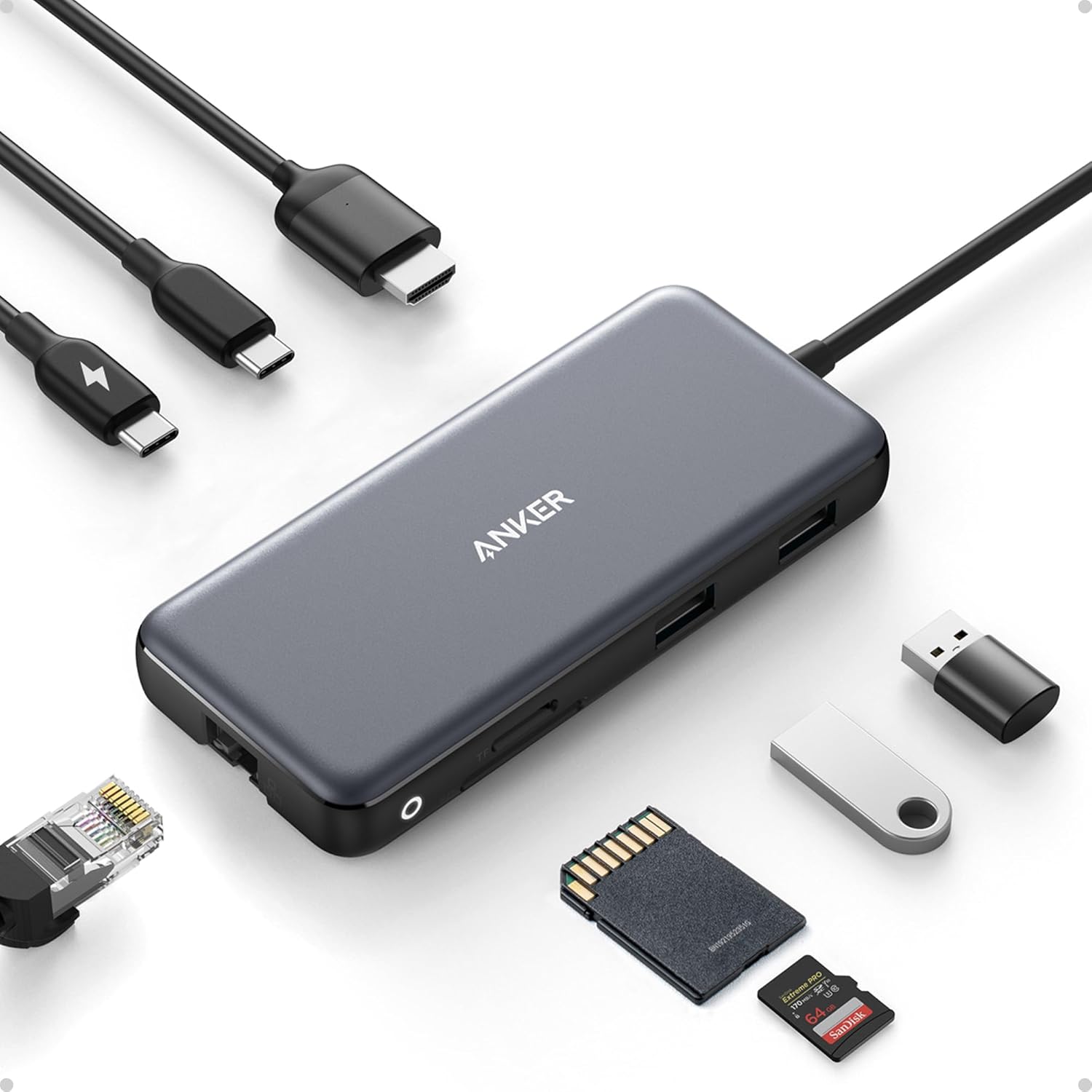 Desk complementAnker 8-in-1 USB-C Hub with EthernetAn 8-in-1 USB-C hub with 4K HDMI, Ethernet, and card readers — one cable from laptop to monitor and peripherals.View on AmazonPaid link
 Desk complementUineer Ergonomic Wireless Vertical MouseTriple-mode vertical mouse that hops between three devices without re-pairing each time.View on AmazonPaid link
As an Amazon Associate, we earn from qualifying purchases.