Best Under-Desk Footrests for Desk Work (2026 Guide)
Footrests compared for real desk work: height range, tilt, surface and stability, plus the leg-to-keyboard height math most buyers skip and how to set it.
Most desks are too tall for most people. That single mismatch is why feet dangle, why one leg ends up wrapped around the chair base, and why the lower back starts complaining at hour four. A footrest is the cheapest way to close that gap, and it is also the piece of an ergonomic setup that buyers most often skip because nobody explains what it is actually for.
This guide compares the two footrests we recommend for desk work, shows the height math that decides whether a footrest will help you at all, and explains how the feet, the pelvis and the keyboard form one chain — so you stop adjusting one link at a time.
Short answer: the ComfiLife Adjustable Memory-Foam Footrest suits people who want soft support and a rocking motion under a standard-height desk, while the Mount-It! Adjustable Footrest suits people who need a firm platform at a specific height and do not want to think about it again. Both cost less than a single physiotherapy session.
This article contains affiliate links. If you buy through them we earn a small commission at no extra cost to you, and it does not change which products we recommend.
Why a footrest belongs in an ergonomic setup
Ergonomic advice usually arrives as a list: monitor at eye level, elbows at 90°, wrists neutral, feet flat. The last item sounds trivial, so it gets ignored. It is not trivial, because the feet are the anchor of the whole seated posture.
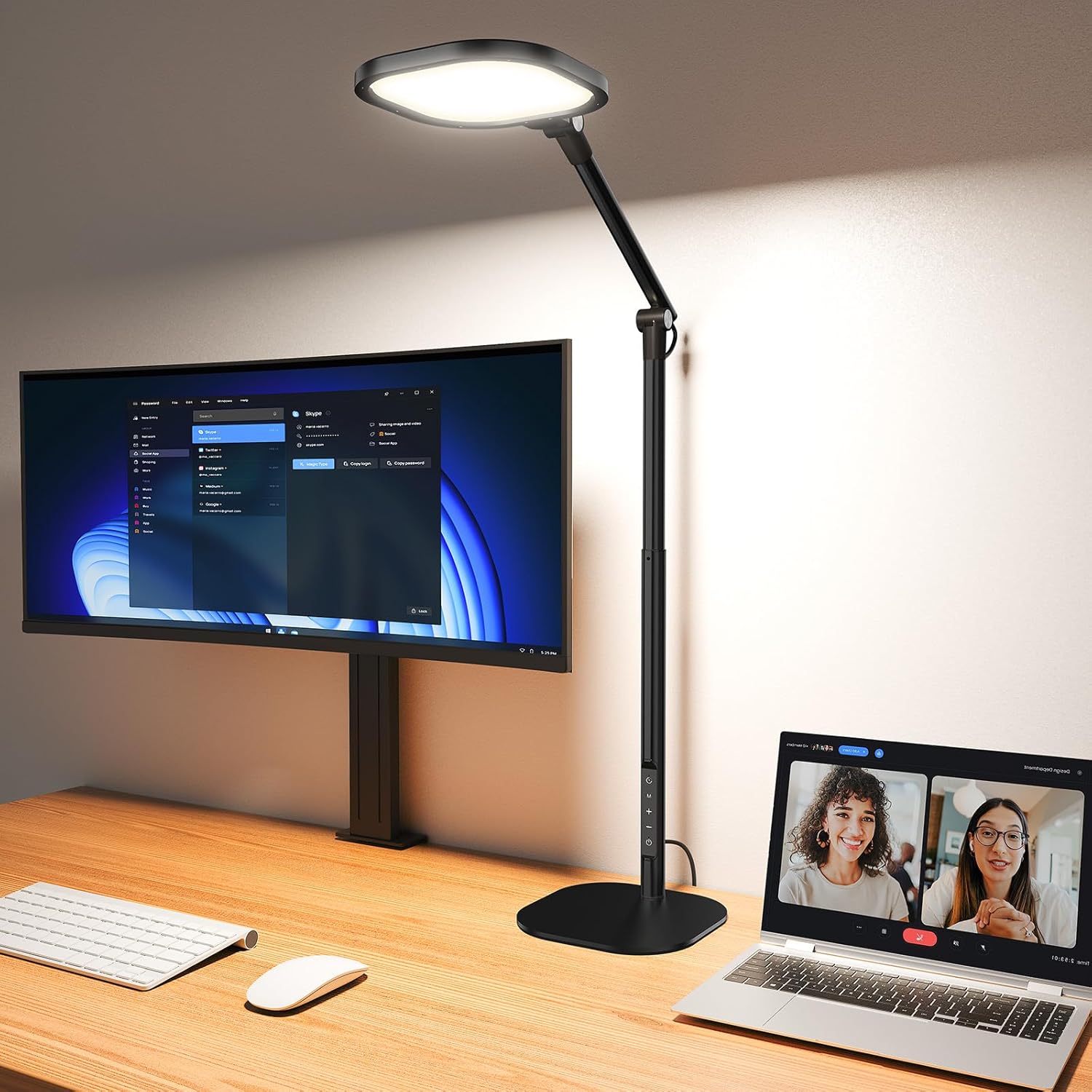 Desk complementLitONES Tall LED Desk Lamp, Edge-Lit Eye-CareTall edge-lit desk lamp with many light modes for soft, even illumination across a home-office workspace.View on AmazonPaid link
As an Amazon Associate I earn from qualifying purchases.
When your feet cannot reach the floor, three things happen in sequence. First, the front edge of the chair seat starts pressing into the back of your thighs, because you slide forward to reach the ground. Second, the pelvis rotates backwards, which flattens the natural curve of the lower spine. Third, the shoulders round forward to compensate, and the hands follow — often dragging the wrists into extension right where they rest on the desk.
A footrest removes the first domino. Once the feet have solid contact, you can sit back into the chair, keep the pelvis upright, and stop using your arms to hold yourself in place.
What a footrest does not fix
A footrest will not stop wrist pain on its own, and it will not make a too-high keyboard comfortable. If your hands are still reaching upward or your wrists are still bent back, the load simply moves from your lower body to your forearms. Treat the footrest as the foundation of the setup, not as the fix for the whole setup.
The four problems a footrest actually solves
1. Dangling feet. If your chair seat is higher than the distance from the floor to the underside of your knee, your feet leave the ground before your thighs are supported. This is common for anyone under about 1.70 m using a fixed-height desk, and for almost everyone using a tall standing desk in the seated position.
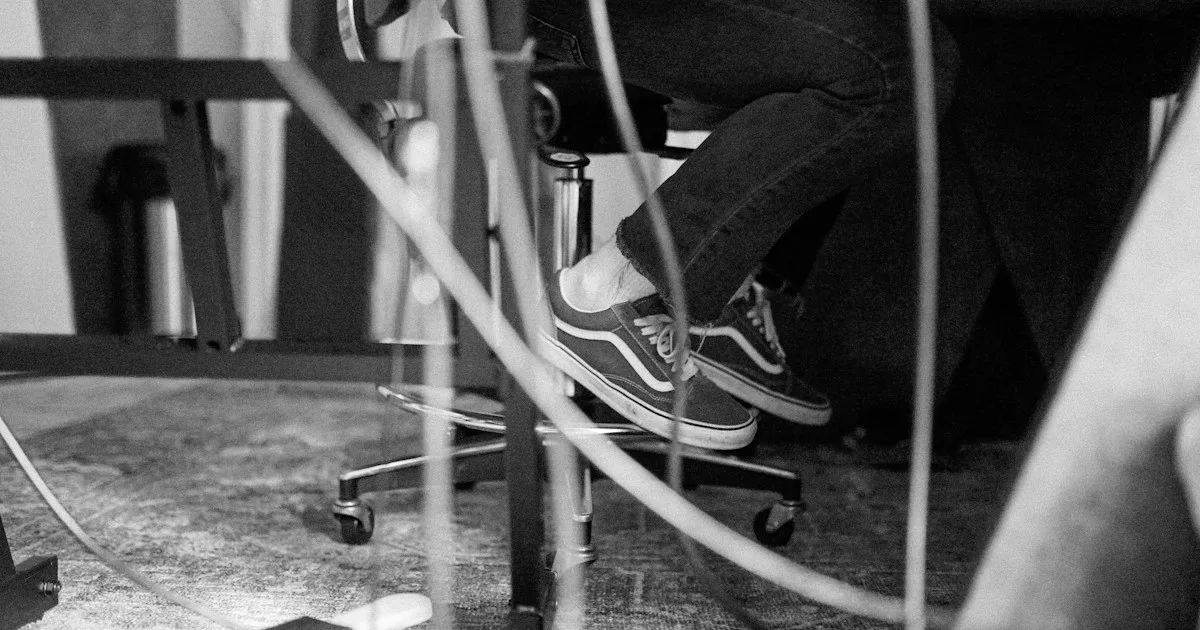
2. Leg crossing and ankle wrapping. Crossing your legs is not a habit, it is a search for support. When the floor is out of reach, you create contact wherever you can: chair base, chair leg, the other foot. A platform at the right height removes the reason.
3. Sliding forward on the seat. Reaching for the floor with your toes pushes your hips toward the front edge of the chair, which is exactly the position that loads the lower back and compresses the back of the thighs.
4. Cold or numb feet in long sessions. Feet that hang or press against a chair base have poor circulation. A stable platform lets you change foot position without changing your whole posture.
How to choose: six checks before you buy
Height range, not just height. Measure from the floor to the point where your feet want to sit. Most adjustable footrests move through 8–15 cm of travel, which covers the common gap. If your desk is unusually tall, or you are short relative to your chair, check the maximum height before anything else.
Tilt, and whether it locks. A slight forward tilt (around 10–15°) encourages a neutral ankle angle and keeps the heels down. A rocking version is pleasant for circulation but useless as a stable platform if you like to brace your feet.
Surface, because you are probably in socks. Smooth plastic under socks slides. Look for a textured top, a fabric cover, or a raised lip at the front edge.
Width and depth against your stance. The platform should be wider than your natural stance and deep enough for the whole foot, usually 40–45 cm wide and 30 cm deep. Anything smaller turns into a balancing act.
Stability under load. A footrest that skates across a hard floor is worse than none. Non-slip feet matter more than the material of the top.
Material and how it ages. Memory foam compresses over months; moulded plastic with a rubber surface tends to keep its shape. If two people share the desk, favour the adjustable hard platform.
The two footrests we recommend in 2026
| ComfiLife Adjustable Memory-Foam | Mount-It! Adjustable Footrest | |
|---|---|---|
| Type | Memory-foam platform with rocking base | Moulded platform with height and tilt settings |
| Adjustment | Height via base position, plus rock or lock | Six height positions, adjustable tilt |
| Surface | Fabric-covered foam | Textured plastic |
| Best for | Barefoot or sock use, circulation breaks | Firm support, shared desks, shoes on |
| Watch out for | Foam softening over time | Less forgiving on bare feet |
ComfiLife Adjustable Memory-Foam Footrest
The ComfiLife is the softer of the two, and that is its whole argument. The foam top gives under the arch, the base can rock or lock, and the height adjusts enough to close the usual gap under a standard 74 cm desk. It works well for people who spend the day in socks, and the rocking motion is genuinely useful when your legs stiffen in the afternoon.
The trade-off is compression. Memory foam takes the shape of the foot in a good way and loses a little height in a bad way; after several months of daily use, expect the platform to sit slightly lower than on day one. That matters only if you needed the maximum setting. Read the full listing and current price on Amazon before deciding.
Mount-It! Adjustable Footrest
The Mount-It! is a hard platform on six height settings with an adjustable tilt, and it behaves like a piece of furniture rather than a cushion. Feet stay where you put them, the surface does not swallow your heels, and the non-slip base holds on carpet and hard floors. For a shared desk, or for anyone who wears shoes while working, it is the more predictable choice.
It is less comfortable barefoot than foam, and the plastic surface is not warm in winter. If you work in socks and your feet run cold, add a thin mat or choose the ComfiLife instead.
The height math most buyers skip
A footrest is only correct at one height for one chair and one person. Here is the sequence that gets you there in five minutes.
- Set the chair first. Raise or lower the seat until your knees sit at roughly 90–100°, with the thighs level or sloping very slightly down toward the knee.
- Check the gap. With your back against the backrest, measure the distance from the floor to the underside of your knee. That gap is the height your footrest needs to fill, not the height of your desk.
- Set the footrest so the whole foot is supported. The heel and the ball of the foot should both have contact. If only the toes touch, the platform is too low; if your knees rise above hip level, it is too high.
- Re-check the wrists last. With the feet planted, your forearms should now rest at or just below elbow height. This is the step where most setups fail: the keyboard is still flat on a desk built for someone taller.
That last point is the reason we keep writing about keyboard angle. Once the lower body is anchored, the upper body stops compensating, and the hands land on the desk in a different place — usually a little further forward and a little lower. A keyboard that was tolerable when you were perched forward becomes obviously flat when you finally sit back.
Feet, pelvis, keyboard: the chain in one paragraph
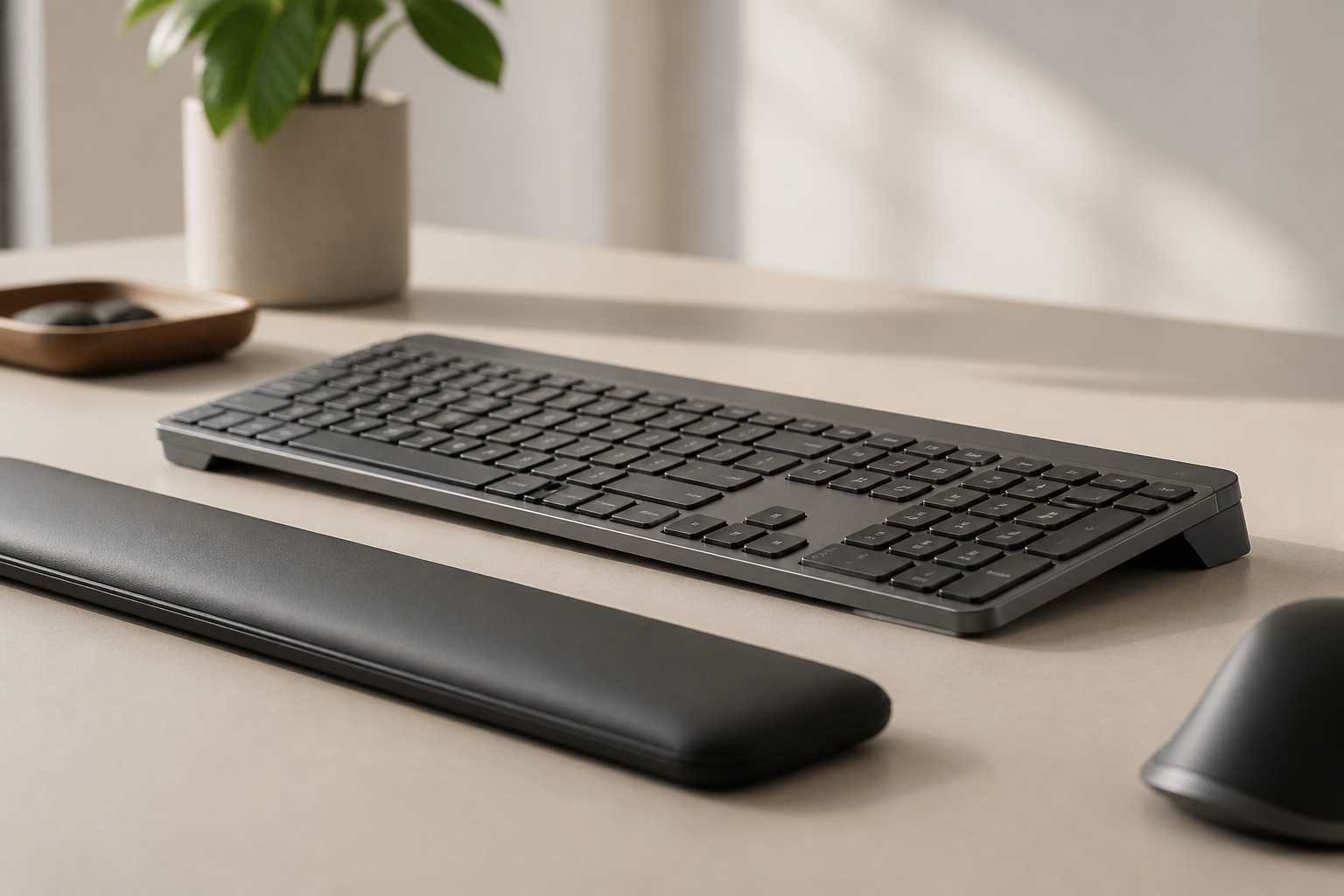
The rear edge of a low-profile keyboard raised by roughly 15° puts the keys on a plane that matches a neutral wrist. It only helps, though, if the rest of the chain is stable: feet on a platform, pelvis upright against the backrest, elbows close to the body. Raise the keyboard without anchoring the feet and the body simply finds a new way to slouch. That is why the footrest and the riser belong in the same shopping list, in that order — the base first, the angle second. You can see how the riser fits MX Keys, MX Keys S and MX Keys Mini on the compatibility page.
What not to buy
Balance balls and wobble cushions as footrests. They are training tools, not supports. A moving surface under your feet keeps the whole posture in a state of correction, which is the opposite of what a long typing session needs.
Heated or massage footrests for daily work. The mechanisms add height and remove stability, and the heat is a comfort feature rather than an ergonomic one. If you want warmth, wear warmer socks.
Small plastic tilting wedges. They are fine for a short stretch at the end of the day, but too narrow to support a full foot for hours, and they slide on hard floors.
A cardboard box or a stack of books. It works for a week and then collapses, moves, or disappears. A footrest is one of the few ergonomic items where the cheap version is genuinely adequate, so there is no reason to improvise.
Setting it up in the first week
Start with the platform one notch lower than you think you need. Most people over-set the height on day one, which pushes the knees up and makes the hips feel cramped. Give it three days at that height before changing anything: the point is to stop reaching for the floor, not to find a perfect angle immediately.
Wear the shoes you actually work in for the first week. Foot position changes more than people expect between socks, slippers and shoes, and the height that felt right barefoot will feel high in a shoe with a heel.
Finally, check the interaction with the chair. If the footrest forces your knees against the underside of the desk, the desk is too low for the chair, and no footrest will fix that — the desk or the chair has to move.
Frequently asked questions
Do I need a footrest if my feet already touch the floor? Only if you still feel pressure under the thighs or catch yourself crossing your legs. Flat feet on the floor with the thighs supported is a good outcome; a footrest is a tool for a specific gap, not a requirement.
Is a footrest good for lower back pain? It helps indirectly. By stopping you from sliding forward and rounding the pelvis, it removes one common cause of seated lower-back strain. It will not treat an existing problem on its own.
What height should a footrest be? High enough that the whole foot rests on it with the knee at about 90°, and low enough that the knee stays at or below hip level. Measure the gap from the floor to the underside of your knee with your back against the chair, then match it.
Should the footrest tilt forward or backward? A slight forward tilt of about 10–15° suits most people because it keeps the ankle near neutral. If you have ankle stiffness, try flat first, then add tilt gradually.
Can I use a footrest with a standing desk? Yes, in the seated position, and it is often essential there: standing desks are usually set for the standing height, which leaves the feet dangling when you sit. Lower the desk before you sit rather than compensating with the footrest alone.
Does a footrest help with keyboard and wrist pain? Not directly. It helps by stabilising the pelvis so the shoulders and forearms can relax. The keyboard angle still has to be right for the wrists to benefit. If you are choosing the order of purchases, do the keyboard first if your wrists are the main complaint, and the footrest first if your lower back or legs are.
Verdict
Buy a footrest if your feet do not sit flat while your thighs are supported — that is the whole test. Between the two, the ComfiLife is the better pick for socks, softer support and a bit of movement; the Mount-It! is the better pick for a firm, repeatable position and a shared desk.
Then check the other end of the chain. A planted foot and a flat keyboard are the two ends of the same posture problem, and the 15° riser is the piece that closes the top of it. If you want the full sequence — chair, feet, keyboard, screen — the workspace optimization blueprint walks through it in order, and the complete desk setup guide covers the measurements for each step. When you are ready to compare the riser itself, the buy page has the model list and the current price.
KeyRiser is designed for the Logitech MX Keys family: it raises the rear edge to 15°, keeps the front edge low, and leaves the feet and the charging port alone.
Ready for a Better Typing Angle?
Check KeyRiser on Amazon and confirm compatibility with your MX Keys model.
Buy Now - $16.99Related Articles


Complete your MX Keys setup
KeyRiser first, then the desk complements
KeyRiser addresses keyboard angle. These recommendations cover adjacent setup needs without replacing it.
Complete your MX Keys setup
KeyRiser lifts your keyboard; these complements cover mouse, wrist, monitor, or desk support — they do not replace it.
 Desk complementComfiLife Adjustable Memory-Foam FootrestAn adjustable memory-foam footrest for the lower-body support a keyboard riser cannot provide.View on AmazonPaid link
 Desk complementMount-It! Adjustable FootrestA 6-height adjustable footrest that improves circulation and lower-back comfort during long sitting sessions — pairs perfectly with a keyboard riser for full posture support.View on AmazonPaid link
As an Amazon Associate, we earn from qualifying purchases.