Holiday Gifts for Remote Workers & Programmers 2026
Holiday gift ideas for remote workers and programmers in 2026, sorted by budget, with the fitting details that stop a desk gift from becoming clutter.
Short answer: the best holiday gift for someone who works from home is something they will touch every working day, that does not depend on their taste, their body measurements, or which keyboard they happen to own. That is a narrower list than it sounds. A good desk light, a footrest, a palm rest, a cable tidy, or a keyboard riser all pass. A novelty mug, a scented candle, and a “productivity” journal mostly do not.
This guide is for a personal gift — a partner, a sibling, a friend, a report you actually like — rather than a $20 office exchange where you barely know the recipient. The budget tiers run from about $15 to $150, and every pick includes the fitting detail that decides whether it works: desk thickness, keyboard model, hand size, monitor size.
Amazon links are affiliate links, and we may earn a small commission if you buy through one. KeyRiser is our own product, and we tell you exactly who it fits and who it does not, because a gift that has to be returned is worse than a gift card.
The five-question filter
Before the list, the test. A desk gift should pass all five:
 Desk complementAmazon Basics Single Monitor Stand, Lift Engine Arm MountLift-engine single arm frees desktop space and lets you reposition a monitor to a comfortable viewing angle.View on AmazonPaid link
As an Amazon Associate I earn from qualifying purchases.
- Used weekly, ideally daily. If it lives in a drawer, it is not a gift, it is storage.
- No fit required. No clothing sizes, no left/right hand guesswork, no software account, no personal taste in colour.
- No setup project. Anything that needs drilling, clamping, or an afternoon of rewiring will sit in its box until February.
- Small footprint. The recipient’s desk is already full. A gift that forces a reorganisation is a chore with a bow on it.
- Obvious value at the price. A €30 object should look and feel like a €30 object, not like the cheapest option on the shelf.
Anything that passes all five is safe. Anything that fails two is a gamble.
Under $25: the safe tier
Screen cleaning kit
Every laptop and monitor in a home office is dirtier than its owner thinks. A proper microfiber kit with a spray — not a paper towel and window cleaner — is used constantly and costs very little. It also packs flat, which matters if the gift has to travel.
Skip the single cloth. Buy the kit with two cloths and a small bottle, so one cloth can be in the wash while the other works.
Cable clips or an under-desk tray
A remote worker’s desk has a cable problem they have stopped noticing. Adhesive clips are the cheapest version: ten minutes to install, no tools, and the desk immediately looks intentional. An under-desk tray is the more serious version and needs a drill or strong adhesive, so check the rental situation first.
A desk mat
A thin mat defines the keyboard and mouse zone, stops the mouse from sliding, and makes a scratched desk look deliberate. Buy one that is thin — a thick gaming mat changes the height under the keyboard and the mouse by a few millimetres, which is enough to notice but not enough to help.
$25–$60: the useful middle
A palm rest that matches the keyboard
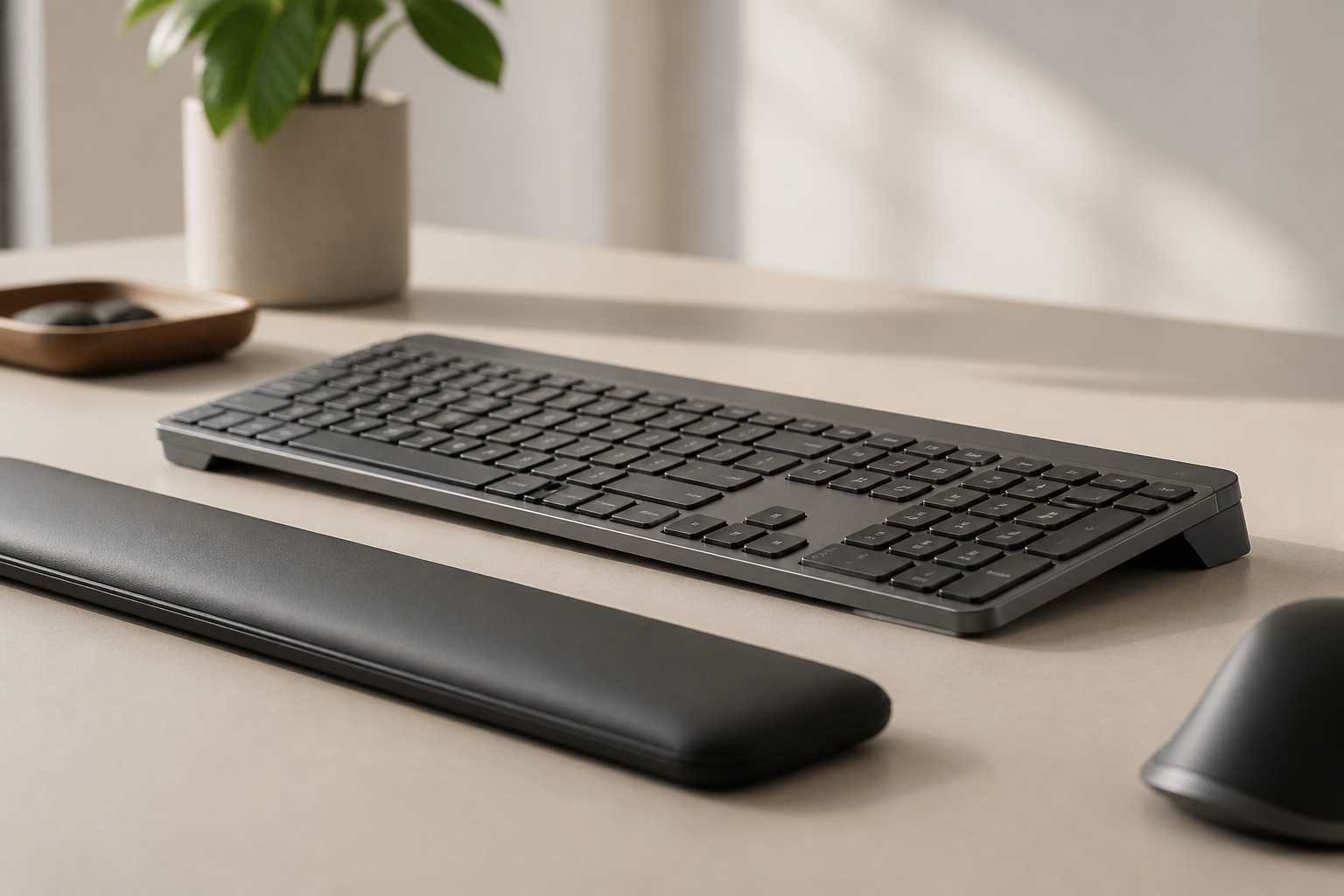
If the recipient uses a Logitech MX Keys, the official MX Palm Rest is the correct fit and looks like part of the keyboard rather than an accessory. It cushions the contact point; it does not change the typing angle. Those are different jobs, and it is worth being clear about which one you are giving.
For other keyboards, a low-profile wrist rest in the same width as the keyboard is the safe choice. Avoid gel pads that are taller than the front edge of the keyboard — they push the wrist up and undo the geometry the keyboard was designed around.
A footrest
A footrest is the least glamorous gift in this guide and the one people keep using after Christmas. It stabilises the lower body, which lets the shoulders relax, and it costs less than almost anything else on this list. Buy an adjustable one with a washable cover; the fixed foam blocks are cheaper but only fit one chair height.
A gel rest for the mouse hand
Small, cheap, and genuinely used if the person complains about the desk edge pressing into their forearm. It does not fix the mouse position, and it is not a substitute for a keyboard change, but as a gift it is easy to get right.
$60–$120: the gifts that change the setup
The KeyRiser 15° keyboard riser
This is our product, so treat the recommendation with the scepticism it deserves — and then read the fit note, because it is the whole decision.
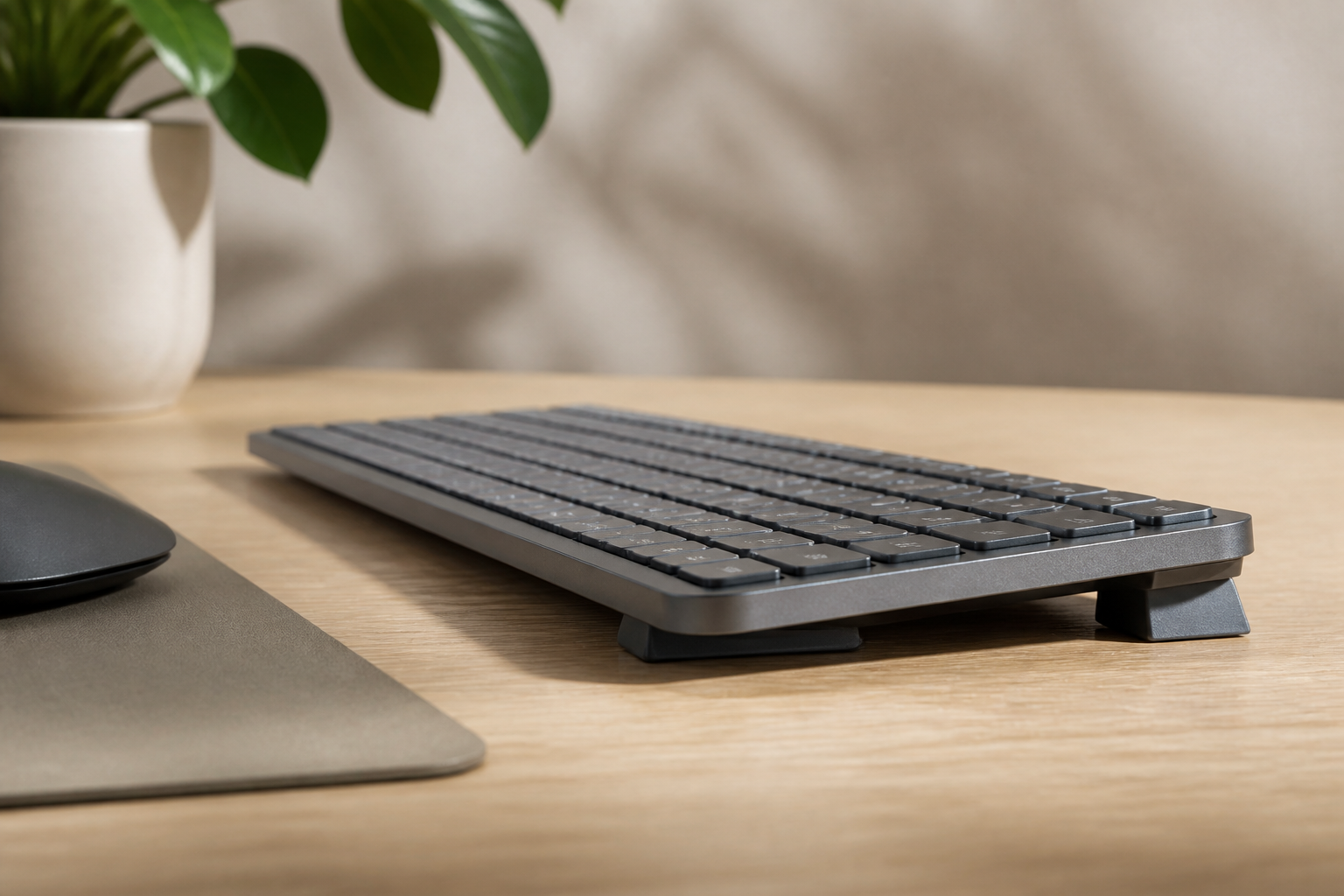
KeyRiser is a pair of riser feet for the Logitech MX Keys, MX Keys S, and MX Keys Mini. It lifts the rear of the keyboard to a fixed 15°, which brings the key surface closer to the line of the forearm and stops the wrist from bending up to reach the keys. It clips on without tools or adhesive, it does not block the charging port, and it comes off in seconds if the recipient does not like it.
It is a good gift only if you know which keyboard they use. All three MX Keys models are common in home offices, and the riser is model-specific. If they use a Magic Keyboard, a Keychron, a laptop keyboard, or anything else, this is the wrong gift, and no amount of good intentions will make it fit. Check the compatibility details or ask a question that gives away nothing: “is that the Logitech one with the round keys?”
For someone who does own an MX Keys and has never tried a raised angle, this is the rare desk gift that is used on day one and stays on the desk permanently. If they own the Mini, there is a dedicated buyer’s guide with the footprint measurements. See the current KeyRiser set if you want the exact models and package contents before you commit.
A monitor light bar
A light bar clips to the top of a monitor and lights the keyboard without a lamp base on the desk. It reduces the contrast between a bright screen and a dark room, which is the reason people get tired at 6 pm. Check that the monitor has a flat enough top and that the bar’s clip fits its thickness; most do, but curved and ultra-thin panels are the exceptions.
A mid-range vertical mouse
If the recipient has mentioned that their hand aches after a long day of clicking, a vertical mouse is a legitimate gift — but only with a return receipt, and only in the right size. The Logitech Lift is the safer pick for small and medium hands, and it comes in a left-handed version.
$120–$150: the serious tier
A good monitor arm
An arm frees the desk depth under the screen and lets the monitor sit at eye level. It is a bigger gift, and it needs two facts before you buy: the monitor’s VESA pattern and weight, plus the desk thickness at the edge. On a glass or hollow desk it needs a reinforcement plate, so this is a gift for someone whose desk you have actually seen.
An ergonomic mouse with more buttons
The MX Master 3S is the default recommendation for people who live in a browser and a code editor. It is quiet, the scroll wheel is excellent, and the shape suits most right hands. It is not a vertical mouse, so it will not change forearm rotation, but as a gift it is almost impossible to get wrong if the person is right-handed and does not already own one.
A desk light with a proper diffuser
The upgrade from a cheap LED strip to a diffused bar is noticeable at night: no glare on the screen, no hard shadow across the keyboard, and no blue-white hotspot in the corner of the eye. This is the category where spending more actually changes the experience.
The one that works when you know nothing
If you have no idea which keyboard, monitor, or mouse they use, buy the footrest or the screen cleaning kit. Neither depends on the hardware, neither needs fitting, and both get used.
If you know they use an MX Keys, buy the KeyRiser. It is the most specific gift in this guide, which is exactly why it lands: it says you noticed what they type on, and it fixes a geometry problem they probably could not name. The complete keyboard riser guide explains the 15° angle if you want to be sure before you spend.
What not to buy
- Novelty desk toys. Used for a week, then moved to the shelf to make room for the keyboard.
- Wrist rests that are too tall. They lift the hand above the keyboard and create the same extension the keyboard was designed to avoid.
- Anything that needs an app. A gift that requires an account, a download, and a firmware update is a task.
- Chair accessories without measurements. Lumbar cushions and seat wedges are size-dependent. A gift card to a chair shop is more thoughtful than a cushion that does not fit.
- Gaming chairs. They are not ergonomic office chairs, and the person who wants one has already picked it.
Practical notes for shipping and wrapping
- Riser feet travel well. They are small, light, and plastic. Wrap them in a small box with paper, not a padded envelope, so they do not arrive bent.
- Monitor arms are heavy and awkward. Ship to the address, not to the wrapping table. Most arms come in a box that is already presentable.
- Light bars are fragile at the clip. Keep the original foam insert.
- Include the receipt. A desk accessory that does not fit should be easy to exchange. Say so in the card; it removes the awkwardness.
Frequently asked questions
What is a good gift for someone who works from home?
Something used daily that requires no fitting: a footrest, a screen cleaning kit, a desk mat, a cable tray, or a monitor light bar. Avoid anything that depends on their keyboard model or body measurements unless you can confirm both.
Is a keyboard riser a good gift?
It is an excellent gift for someone who uses a Logitech MX Keys, MX Keys S, or MX Keys Mini, because those are the models KeyRiser fits. For any other keyboard, choose a different gift.
How much should I spend on a coworker’s gift?
Twenty to thirty dollars is the normal range for an office exchange, and the ceiling matters more than the floor. A useful $25 gift beats an awkward $60 one, because the higher price creates an obligation the recipient did not ask for.
Are ergonomic gifts safe to give?
They are safe if they do not imply a diagnosis. A footrest or a light bar is furniture. A wrist brace is not a gift. Avoid anything that suggests you think the person has a medical problem.
What if they already own everything on this list?
Buy consumables: screen cleaner, cable clips, a spare charging cable for the MX Keys. Or buy an upgrade rather than an addition — replacing a weak lamp with a light bar is better than adding a second lamp.
The verdict
Spend the money on the object they touch, not the object they display. Under $25, a cleaning kit, cable clips, or a desk mat. Around $50, a footrest or the correct palm rest. Around $100, a monitor light bar, and — if and only if they use an MX Keys — a KeyRiser that turns a flat keyboard into a 15° typing surface without replacing anything they already like.
Ready for a Better Typing Angle?
Check KeyRiser on Amazon and confirm compatibility with your MX Keys model.
Buy Now - $16.99Related Articles


Complete your MX Keys setup
KeyRiser first, then the desk complements
KeyRiser addresses keyboard angle. These recommendations cover adjacent setup needs without replacing it.
Complete your MX Keys setup
KeyRiser lifts your keyboard; these complements cover mouse, wrist, monitor, or desk support — they do not replace it.
 Desk complementLogitech MX Palm RestThe official MX Keys palm rest. KeyRiser lifts the rear; this cushions contact — they do different jobs.View on AmazonPaid link
 Desk complementBenQ ScreenBarA monitor-mounted light that illuminates the MX Keys + KeyRiser desk without a lamp base taking space.View on AmazonPaid link
 Desk complementComfiLife Adjustable Memory-Foam FootrestAn adjustable memory-foam footrest for the lower-body support a keyboard riser cannot provide.View on AmazonPaid link
As an Amazon Associate, we earn from qualifying purchases.