Best Vertical Mice for Wrist Pain (2026 Buyer Guide)
Vertical mice compared for real desk work: angle, hand size, buttons and price, plus the height rule that decides whether a vertical mouse really helps.
Short answer: the best vertical mouse for most people in 2026 is the Logitech MX Vertical if your hands are medium to large, or the Logitech Lift if they are small or you need a left-handed version. Both hold the forearm at roughly 57°, which is the angle the category is built around. If you cannot tolerate a vertical grip at all, the MX Master 3S is the best conventional-shaped alternative. None of them is a treatment, and none of them fixes a desk where the keyboard and the mouse sit at completely different heights.
That last point is the reason this guide exists. Most “best vertical mouse” lists compare sensors and buttons, then stop. In practice, the mouse is the second half of a height problem that starts at the keyboard. A vertical mouse raises your hand by two to four centimeters compared with a flat mouse. If your keyboard is lying flat on the desk, you have just made your two forearms sit at different heights, and the shoulder on the mouse side pays for it.
Amazon links in this guide are affiliate links. If you buy through one, we may earn a small commission at no extra cost to you. KeyRiser is our own product, so we flag that bias wherever it appears.
What a vertical mouse actually changes
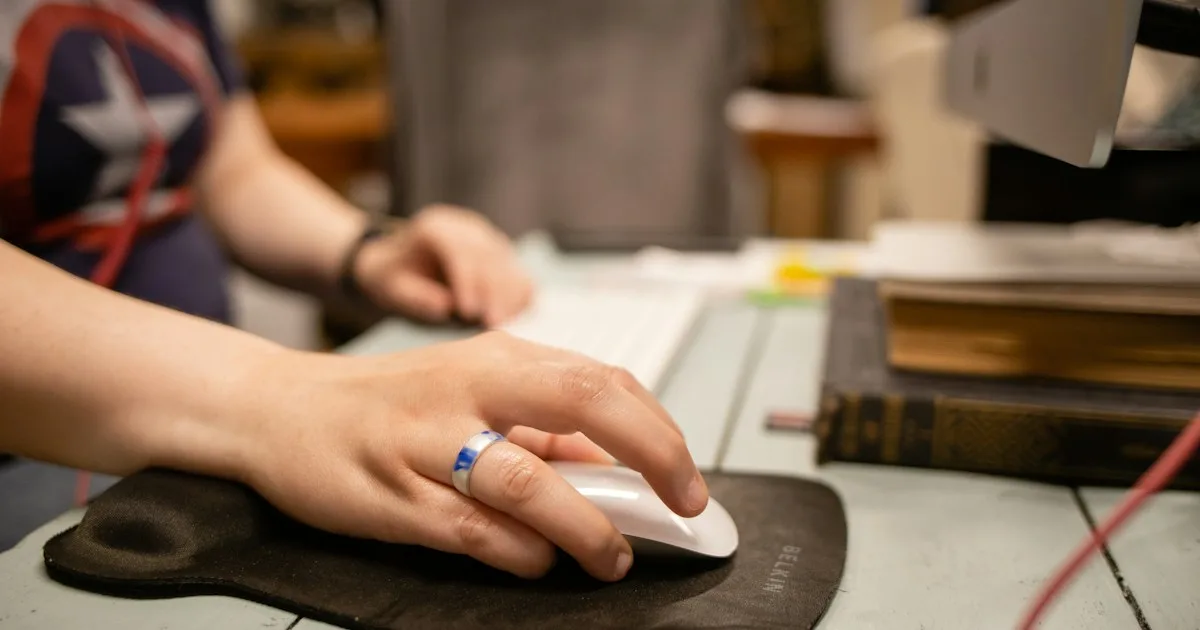
A standard mouse asks your forearm to rotate palm-down — the anatomical name is pronation — while your hand rests on a horizontal shell. A vertical mouse rotates the shell toward a handshake position, so the palm faces inward and the wrist sits closer to neutral.
 Desk complementEnhance Pro Gaming Mouse Bungee with USB HubWeighted bungee with a four-port USB hub and lighting for all-in-one desk cable control.View on AmazonPaid link
As an Amazon Associate I earn from qualifying purchases.
That single change has three practical effects:
- Less sustained rotation. The forearm spends the working day somewhere between neutral and pronated instead of fully pronated.
- A narrower grip span. The fingers wrap around a vertical surface rather than spreading across a flat one, which changes how much the small muscles in the hand work to stabilize the shell.
- A taller object. The hand sits higher above the desk. This is the effect almost nobody mentions, and it is the one that decides whether the swap feels better or worse.
Research on vertical mice is real but modest. Small studies using surface EMG have reported lower forearm muscle activity with vertical designs; other comparisons have found the difference shrinking once users adapt. The honest summary is that a vertical mouse changes where the load goes, not how much load exists. It is worth testing, especially if pointing-device use — not typing — is the part of your day that leaves your hand tired.
How we picked
We compared shapes that are actually available in 2026, in stock across the main Amazon marketplaces, and priced for a normal home office rather than a specialist ergonomics catalogue. The shortlist had to pass five checks:
- A real vertical angle. Roughly 55–60°, not a “sculpted” mouse with a marketing sticker.
- Two or more hand sizes. A vertical mouse that only fits large hands is a bad recommendation for half the audience.
- Left-handed availability, or a clear statement that there is none.
- A usable scroll wheel and at least two side buttons. Ergonomic shape is worthless if you have to reach for keyboard shortcuts every thirty seconds.
- A price that survives a return. If the shape does not suit you, you need to send it back without losing a week’s salary.
The shortlist at a glance
| Mouse | Angle | Hands | Best for | Main trade-off |
|---|---|---|---|---|
| Logitech MX Vertical | 57° | Medium–large, right only | Most desk workers upgrading from a flat mouse | Tall body; not for small hands |
| Logitech Lift | 57° | Small–medium, right and left | Smaller hands, left-handed users | Fewer buttons than the MX line |
| Logitech MX Master 3S | Sculpted, not vertical | Medium–large, right only | People who dislike vertical grips | Forearm stays pronated |
| 3M Gel Mouse Pad Wrist Rest | Accessory | Universal | Added support under an existing mouse | Does not change mouse angle |
1. Logitech MX Vertical — best overall
The MX Vertical is the reference product for this category, and it is still the safest first purchase for a medium or large right hand. The 57° body puts the palm close to vertical, the thumb rest is wide enough to keep the hand from gripping, and the shape tapers toward the front so the fingers can reach the main click without stretching.
It uses the MX ecosystem, which matters if you already own an MX Keys: one Logi Bolt receiver or a Bluetooth slot can carry both devices, and Logi Options+ lets you remap the side buttons per application. The sensor is 4000 DPI, which is more than enough for spreadsheet work and code.
What it does not do is fit small hands. The body is tall and broad, and users with a hand length under about 17 cm tend to report that the top of the shell presses into the palm. If that sounds like you, go straight to the Lift.
2. Logitech Lift — best for small hands and left-handed users
The Lift uses the same 57° idea in a shorter, narrower body. It is the pick for people who tried a full-size vertical mouse and found it too large, and it is one of the few mainstream vertical mice sold in a left-handed version — which, on its own, makes it the default recommendation for left-handed desk workers.
The button count is lower than the MX Vertical: left, right, middle click, two thumb buttons and a gesture button. For most office work that is enough. The scroll wheel is not the magnetic MagSpeed unit from the MX line, so long documents feel slightly less luxurious, but the shape is the reason to buy it.
Buy the Lift if your hand measures under roughly 18 cm from the wrist crease to the tip of the middle finger, or if you are left-handed and tired of ambidextrous shells that fit nobody.
3. Logitech MX Master 3S — best if vertical is not for you
Not everyone adapts to a vertical grip. Some people find the forearm rotation relief comes with a new problem: the hand feels unsupported, or the thumb rest encourages a grip that is worse than the original. If you have tried a vertical mouse for two weeks and still dislike it, the MX Master 3S is the best conventional alternative.
It is not a vertical mouse. The shell is sculpted and slightly raised on the thumb side, which gives a gentler version of the same idea. What it does better than anything else in this list is everything else: quiet clicks, an excellent electromagnetic scroll wheel, a thumb wheel for horizontal scrolling, and a shape that most right hands find comfortable for eight-hour days.
The trade-off is honest: your forearm stays pronated. If the reason you are shopping is specifically that rotation, the Master will not solve it.
4. The accessory that changes the result: a wrist rest is not a substitute
A gel wrist rest under the mouse — the 3M pad is the long-running standard — supports the heel of the hand and reduces contact pressure on the desk edge. It does not change the mouse angle, and it does not raise the keyboard. It is a comfort layer, not a fix.
The more useful accessory in this category is the one that fixes height. That is where the keyboard side of the setup comes in.
The height rule that decides whether a vertical mouse helps
Put your hands on the desk and look at them from the side. Your keyboard’s key surface and your mouse’s grip surface should be close to the same height. In a typical setup they are not: a flat low-profile keyboard such as the Logitech MX Keys sits about 2 cm off the desk at the front and 3 cm at the back, while a vertical mouse puts the palm at 7–9 cm.
That gap has consequences. The forearm on the mouse side has to climb to reach the mouse, which lifts that shoulder. Over a long day, that asymmetry shows up as tension on one side of the neck and a mouse shoulder that aches before the wrist does.
There are only three ways to close the gap:
- Lower the mouse. Rarely possible — the mouse is already on the desk.
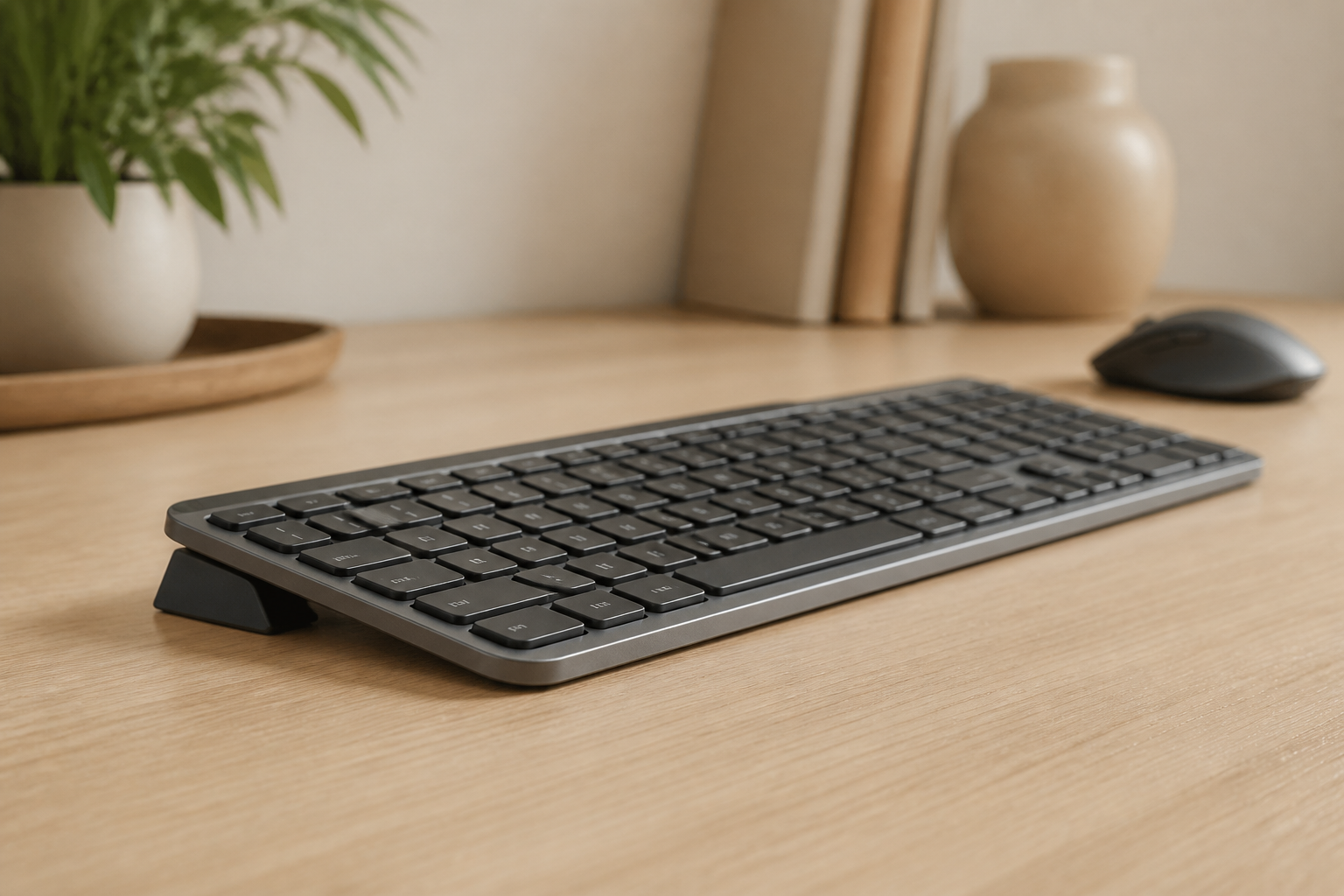
- Raise the keyboard. This is what a keyboard riser does. KeyRiser lifts the rear of the MX Keys, MX Keys S and MX Keys Mini to a fixed 15°, which raises the key surface toward the mouse platform instead of leaving the two hands at different levels.
- Split the difference. Accept a small offset and check in a week whether your shoulder complains.
If you want the measurement method rather than the summary, we wrote a separate guide on keeping the keyboard and mouse at the same height. It covers the book-stack test, the ruler check, and what to do when the mouse is taller than the keyboard no matter what.
How to measure your hand before you buy
Use a ruler, not a guess. Measure from the crease at the base of your palm — the line where the hand meets the wrist — to the tip of your middle finger, with the hand flat.
- Under 17 cm: start with the Lift. Full-size vertical mice will feel like holding a tennis ball.
- 17–19 cm: either works; the MX Vertical is usually the better long-session shape.
- Over 19 cm: the MX Vertical, or a larger specialist vertical mouse if you can try one in person.
- Left-handed: the Lift is the only mainstream option in this list.
Hand width matters too. If your palm is wide, a narrow vertical shell forces the fingers to curl around it, which can be worse than the flat mouse you were trying to escape.
The first two weeks: what to expect
A vertical mouse is a new motor skill. Expect the first three days to feel clumsy, the first week to feel slower than your old mouse, and the second week to be the point where you can tell whether the shape suits you. Do not judge it on day one.
Three things help during the transition:
- Keep the old mouse connected for the first week, so you can switch when a deadline matters.
- Drop the DPI by 20–30% for the first few days. A tall shell makes fine cursor control harder until the wrist adapts.
- Change one variable at a time. If you buy a vertical mouse and a new keyboard riser on the same day, you will not know which change helped.
If discomfort is sharp, one-sided, or comes with numbness or tingling that wakes you at night, stop adjusting hardware and get it looked at. Our wrist pain prevention guide explains which symptoms are worth a professional opinion. A mouse is not a medical device, and no shape should be used through pain.
Frequently asked questions
Is a vertical mouse better than a normal mouse?
For some people, yes — mainly those whose hand and forearm fatigue comes from sustained palm-down rotation. For others the difference is small, and a well-fitted conventional mouse with a neutral wrist and a good desk height works just as well. There is no universal answer, which is why returns matter.
Do vertical mice cause thumb pain?
They can. Vertical shells put more of the grip on the thumb side, and a narrow thumb rest encourages pinching. If your thumb starts aching in the first week, the shell is probably too large or too narrow for your hand — try the other size before giving up on the category.
Can I use a vertical mouse with a keyboard riser?
Yes, and the combination is usually better than either alone once the heights match. Raising the keyboard closes the gap to the taller mouse body. Check the compatibility details for your MX Keys model before ordering, since the three models have different footprints.
Are vertical mice good for gaming?
They are worse for fast, precise aiming. A vertical grip reduces the stability that low-sensitivity aiming needs. If you game competitively, keep a conventional mouse for that and use the vertical one for work.
How long should I try a vertical mouse before returning it?
Give it ten to fourteen days of real work. Most stores allow thirty days. Two days is not a fair test, and two months is past the return window.
The verdict
Buy the MX Vertical if your hands are medium to large and you want the most established shape in the category. Buy the Lift if your hands are small, or if you are left-handed. Buy the MX Master 3S if you want better buttons and scrolling and are willing to keep a conventional grip.
Then do the part the shopping list leaves out: check the height of the keyboard against the height of the mouse. A vertical mouse at 57° and a flat MX Keys on the desk is half a setup. The other half is a small, fixed angle change on the keyboard side — and that is exactly what KeyRiser was built for.
Ready for a Better Typing Angle?
Check KeyRiser on Amazon and confirm compatibility with your MX Keys model.
Buy Now - $16.99Related Articles



Complete your MX Keys setup
KeyRiser first, then the desk complements
KeyRiser addresses keyboard angle. These recommendations cover adjacent setup needs without replacing it.
Complete your MX Keys setup
KeyRiser lifts your keyboard; these complements cover mouse, wrist, monitor, or desk support — they do not replace it.
 Desk complementLogitech MX Vertical Ergonomic MouseA vertical mouse option for readers whose wrist concern comes from pointing-device use rather than keyboard angle.View on AmazonPaid link
 Desk complementLogitech Lift Vertical Ergonomic MouseA mid-range vertical mouse with a 57° angle that keeps your forearm in a natural handshake position — ideal for preventing wrist strain from mouse use.View on AmazonPaid link
 Desk complementLogitech MX Master 3SThe natural wireless partner for the MX Keys — same MX ecosystem, silent clicks, and precise scrolling on any surface.View on AmazonPaid link
As an Amazon Associate, we earn from qualifying purchases.