Spring-Assisted Keyboard Risers: Pros, Cons, Types, and Weight Limits
Are spring-assisted keyboard risers worth it? Compare mechanisms, stability, weight capacity, adjustment, and fixed-angle alternatives for a practical desk setup.
Spring-Assisted Keyboard Risers: Pros, Cons, Types, and Weight Limits
Spring-assisted keyboard risers are designed to make height or angle adjustments easier. They can be useful, but the spring itself is not what makes a setup ergonomic. The important factors are stable support, a suitable keyboard height, a comfortable angle, and a design that fits the keyboard you actually use.
KeyRiser is a different category: a compact, fixed-angle riser for compatible Logitech MX Keys models. This article compares both approaches honestly so you can choose the right tool instead of buying based on a feature list.
What is a spring-assisted keyboard riser?
A spring-assisted riser uses a coil spring, gas spring, tension arm, or another counterbalance mechanism to help lift and hold a keyboard platform. Some products adjust height; others adjust tilt or both. The mechanism may be hidden under a platform or integrated into a monitor-and-keyboard arm.
There are four common designs:
- Spring-loaded desktop platforms: lift a keyboard tray through a limited height range.
- Gas-spring arms: attach to a desk and allow larger adjustments.
- Tension-hinge stands: use spring resistance to hold several angles.
- Fixed wedges: no spring, no adjustment, and usually fewer failure points.
Potential advantages
Easier adjustment
If you alternate between sitting and standing, a counterbalanced mechanism can make repositioning faster than lifting a heavy platform manually.
Better for shared workspaces
A shared desk may need different positions for different users. Adjustable hardware can accommodate those changes without replacing the entire setup.
More room for experimentation
If you do not know whether height or angle is the main issue, an adjustable stand lets you test multiple positions. Change one variable at a time and keep notes rather than adjusting everything at once.
Potential disadvantages
More moving parts
Springs, hinges, locking knobs, and arms can loosen, wear, or become noisy. A riser that shifts while typing can create frustration and make you tense your hands or shoulders.
Weight capacity is not the same as usable stability
A product may support a stated maximum load while still flexing or wobbling under a keyboard. Check whether the rating applies to dynamic typing, not just a stationary object.
More desk space and cost
Spring-assisted platforms and arms are generally larger and more expensive than a fixed riser. They may also interfere with desk drawers, monitor stands, or cable routing.
Adjustment can become unnecessary complexity
If you find one comfortable position and never change it, a spring mechanism may add cost without adding value.
How much weight should a riser support?
Start with the keyboard’s actual weight, then consider movement and the support surface. A full-size mechanical keyboard can be substantially heavier than a low-profile Logitech MX Keys. Look for a wide support area, a non-slip base, and a platform that does not flex at the center.
Do not rely on a generic weight number alone. Read reviews for terms such as “wobbles,” “slides,” “flexes,” and “stays in place.” Stability during typing matters more than a high maximum load printed on a product page.
Spring-assisted versus fixed 15° risers
A spring-assisted riser makes the most sense when you need regular adjustment, share a desk, or use different keyboard positions. A fixed riser makes more sense when your keyboard and desk are stable and you want a repeatable, compact setup.
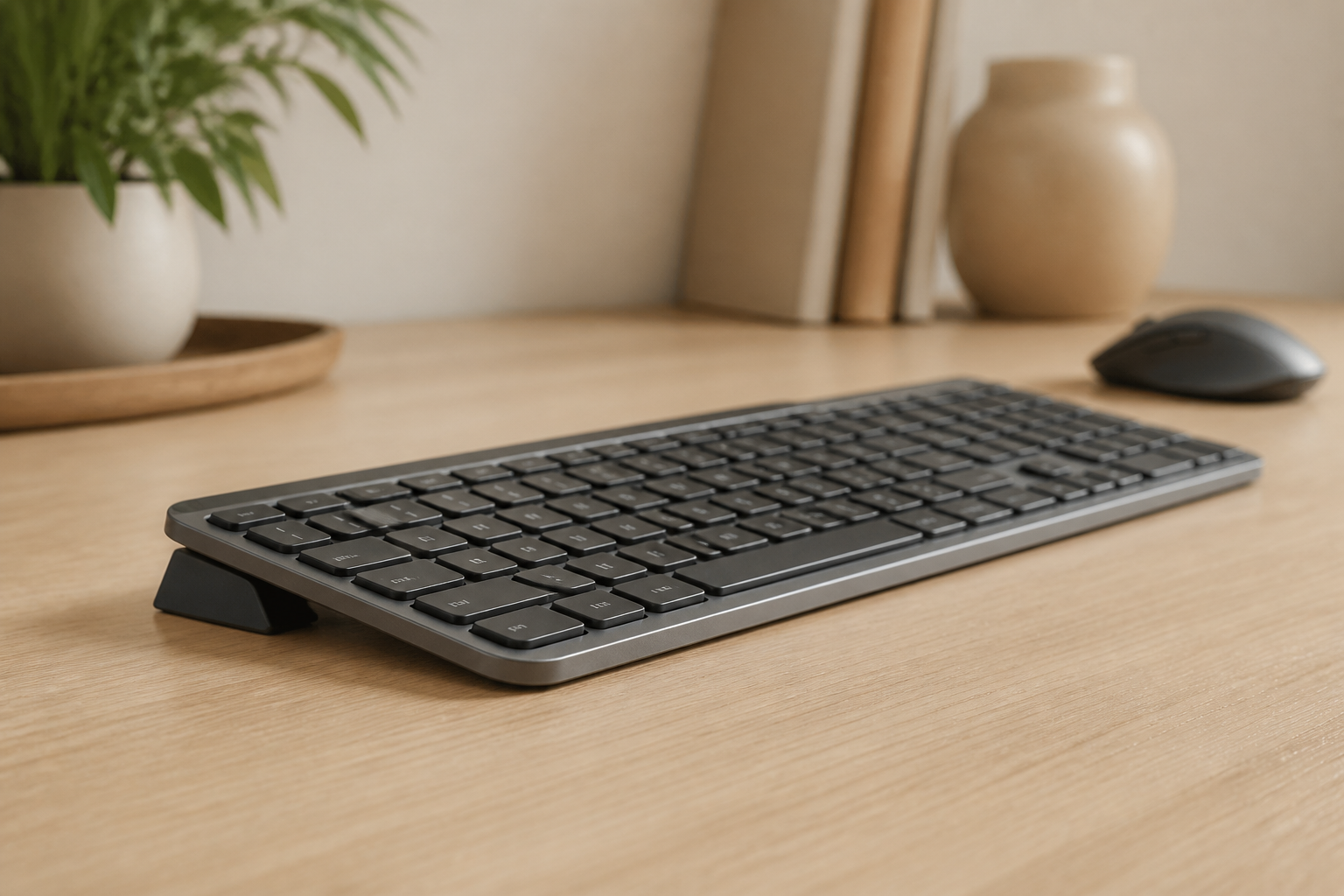
For compatible Logitech MX Keys models, KeyRiser provides a fixed 15° design without a spring mechanism. It is not adjustable, and that is intentional: fewer moving parts make the setup simple to install and easy to repeat. See the specifications and compatibility page before ordering.
Setup checklist
- Measure the keyboard and the available desk space.
- Keep the keyboard near elbow height rather than simply making it taller.
- Test the angle for a short session before changing several ergonomic variables.
- Check that the platform does not slide or rock.
- Keep shoulders relaxed and take regular breaks.
- Stop and reassess if the new position increases discomfort.
A riser is one part of a workstation. Chair height, monitor position, pointing-device placement, and work habits all affect comfort.
FAQ
Are spring-assisted keyboard risers worth it?
They can be worthwhile when you need frequent height or angle changes. If you need one stable position, a fixed riser may deliver the practical benefit with less complexity and a lower cost.
What is the best keyboard riser for a heavy keyboard?
Choose based on verified dimensions, dynamic stability, and a suitable load rating. A sturdy fixed platform can be better than a spring arm that flexes under typing.
Does KeyRiser use a spring mechanism?
No. KeyRiser is a fixed-angle riser designed for compatible Logitech MX Keys models. Its value is a compact, repeatable 15° setup rather than adjustable spring hardware.
Can a riser treat wrist pain?
No riser is a medical treatment. Changing keyboard position may improve comfort for some people, but persistent pain, numbness, or weakness should be discussed with a qualified healthcare professional.
Bottom line
Spring-assisted risers are useful for adjustability, but springs do not automatically create a better workstation. Compare stability, fit, usable weight capacity, desk footprint, and return terms. If you want a simple fixed-angle option for a compatible Logitech MX Keys, check KeyRiser on Amazon after confirming the current listing details.
Ready for a Better Typing Angle?
Check KeyRiser on Amazon and confirm compatibility with your MX Keys model.
Buy Now - $9.99Related Articles


Complete your MX Keys setup
KeyRiser first, then the desk complements
KeyRiser addresses keyboard angle. These recommendations cover adjacent setup needs without replacing it.