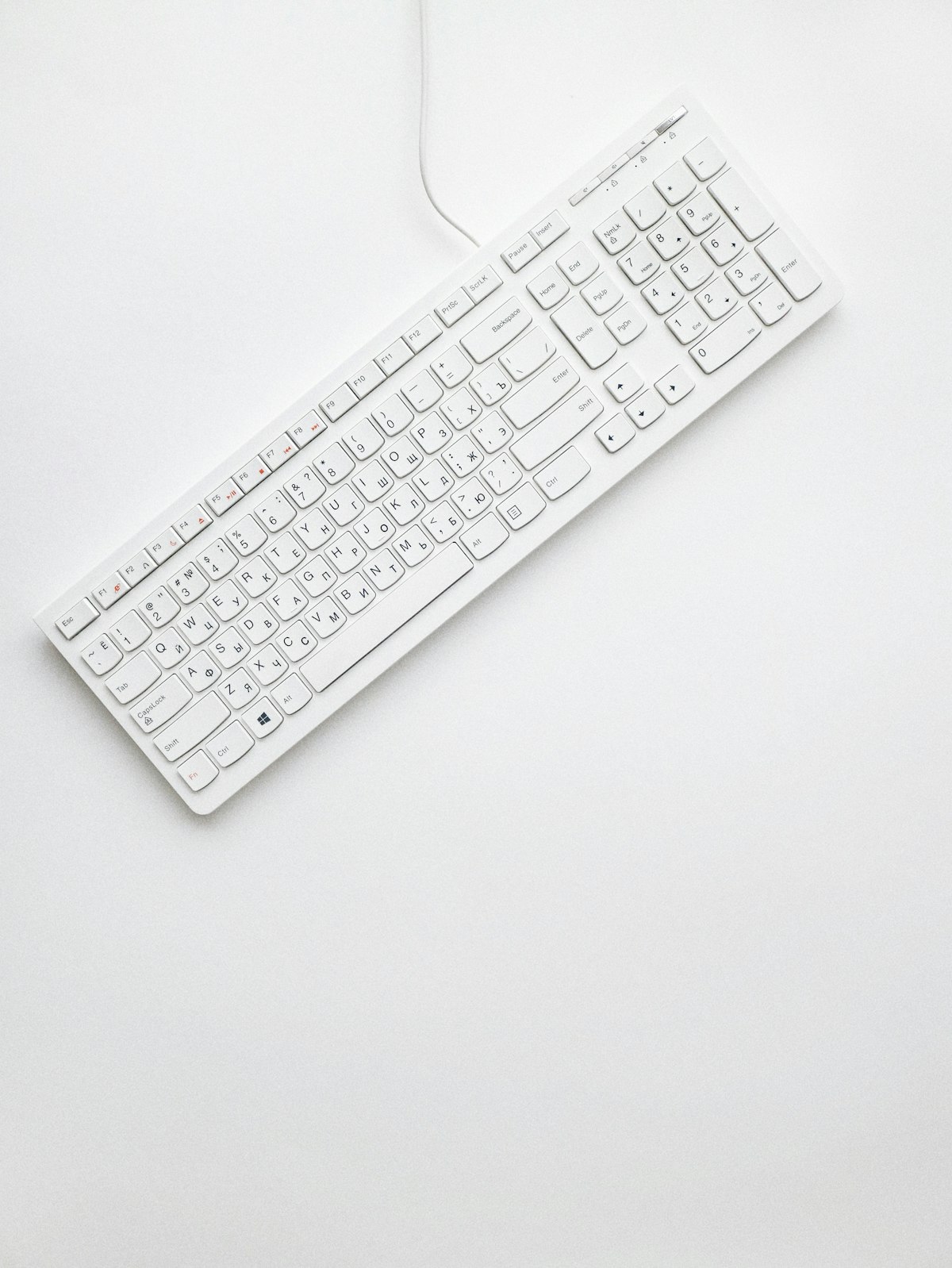
7 MX Keys Ergonomic Mistakes and How to Fix Them in 2026
Avoid the most common Logitech MX Keys setup mistakes. Learn practical fixes for keyboard angle, desk height, and wrist comfort to reduce daily typing strain.
7 MX Keys Ergonomic Mistakes and How to Fix Them in 2026
TL;DR
Avoid the most common Logitech MX Keys setup mistakes. Learn practical fixes for keyboard angle, desk height, and wrist comfort to reduce daily typing strain. This article gives a clear action plan you can apply in one workweek.
Many people buy the Logitech MX Keys because it feels premium, but then keep the exact same setup habits that caused wrist and forearm strain before. The keyboard alone cannot fix ergonomics. Your angle, desk height, break timing, and arm position still control most of your comfort outcomes. This guide covers the seven mistakes we see most often and the practical fixes that deliver results in one week.

Action Checklist
- Mistake 1: Using keyboard feet or positive tilt. Fix: Keep the keyboard flat and use a front-elevating riser for neutral wrists.
- Mistake 2: Keyboard too far from the body. Fix: Keep it close enough so elbows stay near 90 degrees without shoulder tension.
- Mistake 3: Wrists resting on the desk edge while typing. Fix: Float hands while typing and rest only during pauses.
- Mistake 4: Mouse placed too far right. Fix: Keep mouse close to reduce shoulder abduction.
- Mistake 5: Monitor too low. Fix: Raise top of screen near eye level to avoid neck flexion.
- Mistake 6: Marathon typing blocks. Fix: Add micro-breaks every 25-30 minutes.
- Mistake 7: Ignoring early symptoms. Fix: Adjust setup at first signs of tingling, stiffness, or fatigue.
Practical Setup Plan
- Start with keyboard angle and keyboard distance before buying extra tools.
- Adjust monitor and chair so shoulders stay relaxed and wrists stay neutral.
- Test for five days and track pain, fatigue, and typing consistency.
- Keep only changes that improve comfort without reducing output.
Recommended Next Reads
- Product details and compatibility
- Buying and shipping information
- More ergonomic guides
- Support and setup help
FAQ
Is the MX Keys ergonomic by default?
It is comfortable to type on, but default placement is not automatically ergonomic. Position and tilt determine real outcomes.
What is the fastest improvement I can make?
Correct keyboard tilt and distance first. These two changes usually improve comfort immediately.
Do I need to replace my keyboard?
Not usually. Most users can improve comfort by fixing setup variables instead of buying a new keyboard.
Final Takeaway
Good ergonomics is not one decision; it is a repeatable system. If you apply the checklist above and keep your setup consistent, you should see lower typing strain and better daily endurance.
Ready to Eliminate Wrist Pain?
Get your ergonomic keyboard stand today and start typing pain-free.
Frequently Asked Questions
Everything you need to know about our ergonomic keyboard stand
How can I prevent wrist pain while typing?
The best way to prevent wrist pain is to maintain a neutral wrist position. Use an ergonomic keyboard stand with a 15° angle, keep your wrists straight, and take regular breaks. Our keyboard stand helps align your wrists in the optimal position. Read more ergonomic tips on our blog.
What is the ideal keyboard angle for ergonomics?
Research shows that a 15° angle is optimal for reducing wrist strain. This angle allows your wrists to maintain a neutral position, preventing the repetitive stress that leads to carpal tunnel syndrome and RSI. Our keyboard stand is specifically designed with this scientifically-proven angle. Check our product specifications.
Can keyboard ergonomics really improve productivity?
Absolutely! When you're not distracted by wrist pain or discomfort, you can type faster and work longer. Studies show that proper ergonomics can improve typing speed by up to 25% and reduce errors. Many professionals report significant productivity gains after improving their workstation setup.
How long does it take to see results from ergonomic improvements?
Most people notice improvement within the first week of using proper ergonomic equipment. Pain reduction is often immediate, while long-term benefits like increased productivity and reduced fatigue develop over 2-4 weeks of consistent use.
Is an ergonomic keyboard stand worth it?
Yes! An ergonomic keyboard stand is one of the most cost-effective ways to improve your workstation. For under $15, you can reduce wrist pain, prevent long-term injuries, and boost productivity. It's much more affordable than expensive ergonomic keyboards while providing similar benefits. Discover KeyRiser today.