Keyboard Tray vs Keyboard Riser for Home Office Setup
Compare keyboard tray vs keyboard riser options for home office comfort, budget, setup complexity, and real-world typing ergonomics. Includes safe tips for
Keyboard Tray vs Keyboard Riser: Which Wins?
TL;DR
The best answer to keyboard tray vs keyboard riser depends on what is actually wrong with your setup. A keyboard tray is better when desk height is the main problem and you need deeper adjustability. A keyboard riser is better when the desk height is mostly fine but the keyboard angle is not. For many home office users, a desktop option like KeyRiser wins because it is simple, compact, and easy to live with. But if your desk is too high, your shoulders are constantly lifted, or multiple people share the station, a tray can still be the stronger ergonomic choice.
People often compare trays and risers as if they solve the same problem equally well. They do not. A tray changes where the keyboard lives. A riser changes how the keyboard sits. That difference matters.
If you buy the wrong one, you can end up spending money on an accessory that looks ergonomic without actually fixing what your body is reacting to.
What a Keyboard Tray Solves Best
A keyboard tray is usually mounted under the desk and lets the keyboard sit lower than the desktop surface. In many setups, that is the biggest possible ergonomic advantage. If the desk itself is too high relative to your elbows, lowering the keyboard can immediately reduce shoulder lift and forearm tension.
A tray is strongest when:
- your desk height is too high and cannot be adjusted
- you need more range of height and tilt adjustment
- you share the desk with another person
- you want the keyboard hidden away when not in use
This is why trays are often recommended in more formal office ergonomics discussions. They do more than change angle. They change the working plane.
The downside is that they also add complexity:
- installation takes time
- not every desk supports them well
- some trays wobble or feel shallow
- cable routing and leg clearance can become annoying
For renters, minimal setups, or people who just want one clean fix, that complexity is often the reason trays stay on the shopping list instead of becoming part of the desk.
What a Keyboard Riser Solves Best
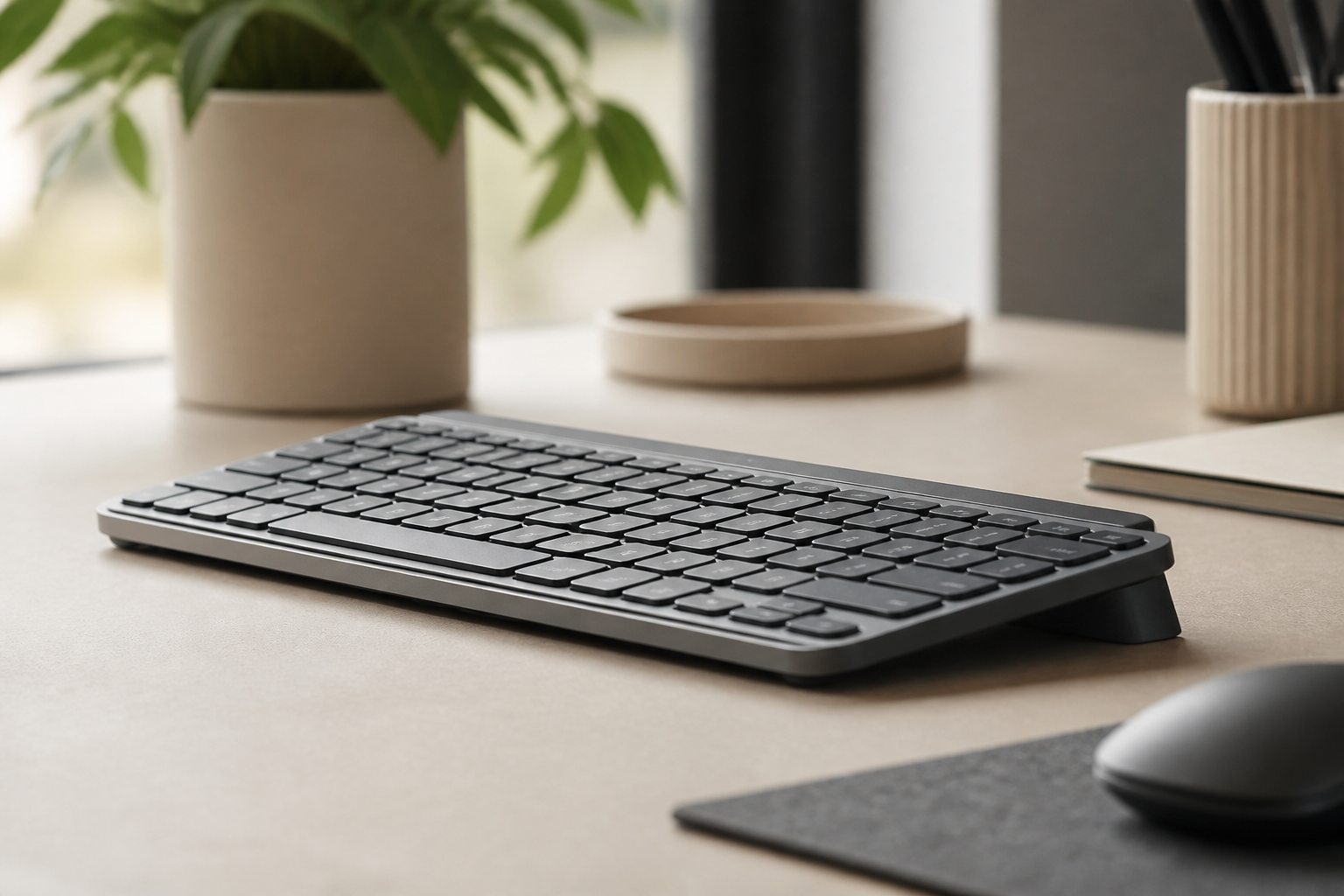
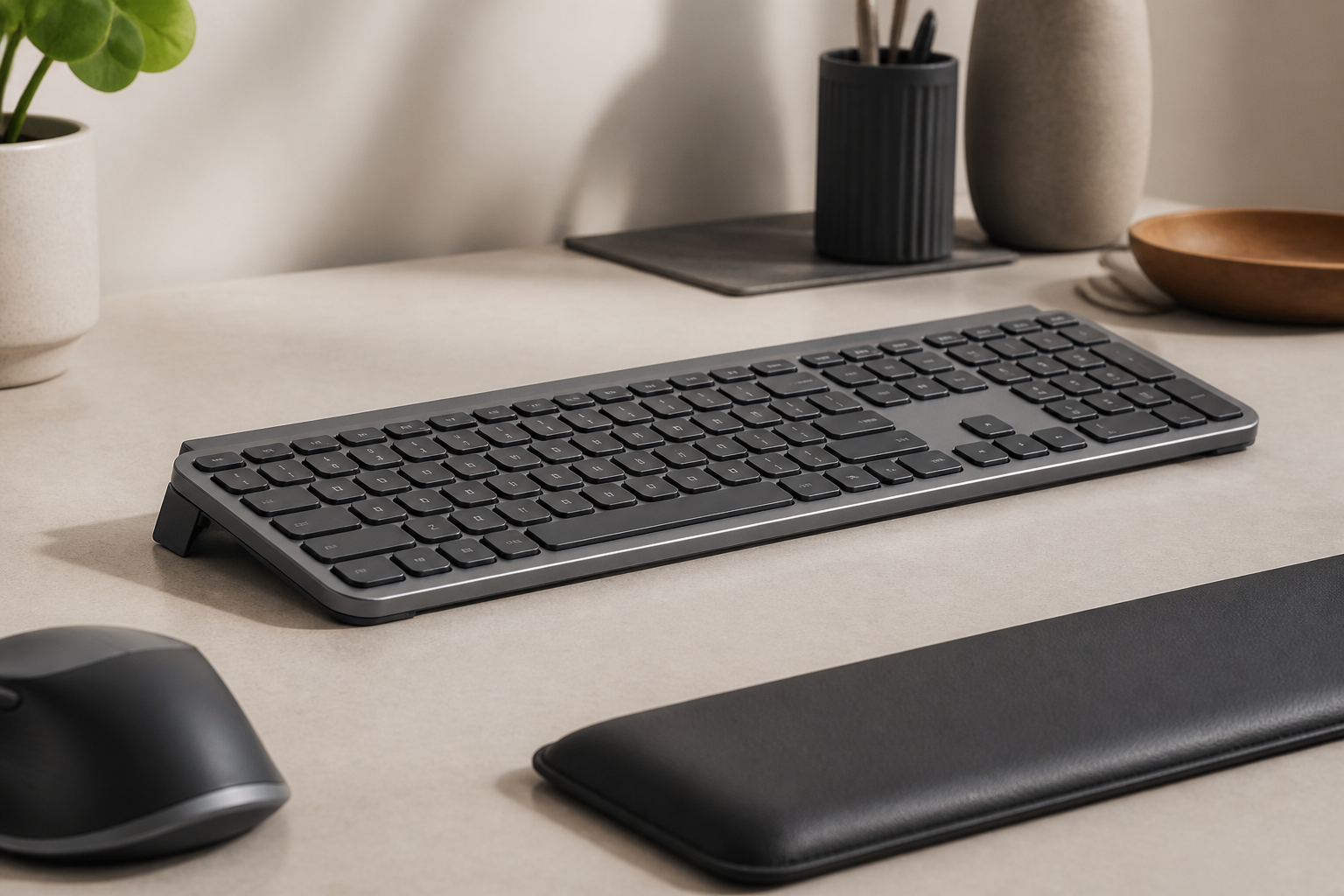
A keyboard riser works on the desk surface itself. It is the better option when your main issue is not desk height but keyboard angle. That is a common situation with Logitech MX Keys users. The keyboard is good. The desk is acceptable. But the typing angle still leaves the wrists working harder than they should.
A riser is strongest when:
- you already like your desk
- you want a faster, lower-commitment fix
- you need something compact and portable
- you use a specific keyboard model and want a more tailored fit
KeyRiser is a good example of where a riser clearly makes sense. It is built around compatible Logitech MX Keys models, so the value is not “generic ergonomic accessory” value. The value is that it turns a flat keyboard into a more intentional setup without adding a bulky platform or requiring under-desk hardware.
That said, a riser cannot solve everything. If the desk is simply too high, raising the front edge alone will not fix shoulder position.
Which One Is Better for Home Office Users?
For home office work, the deciding factor is usually tolerance for installation versus need for adjustment.
Choose a tray first if:
- your desk height is clearly wrong
- you feel your shoulders lift while typing
- you need a lower keyboard plane, not just a different angle
Choose a riser first if:
- the desk is mostly workable
- you want a cleaner, smaller change
- you use Logitech MX Keys or Logitech MX Keys Mini and want a direct fit
For many remote workers, a riser wins because home office setups are often hybrid spaces. The desk may be in a bedroom, shared room, or small apartment. Simpler gear survives in those environments better than large permanent hardware.
Cost, Maintenance, and Day-to-Day Friction
Ergonomic accessories should not only work in theory. They should remain easy to live with in practice.
Keyboard trays usually cost more once you include:
- the tray itself
- mounting hardware
- setup time
- the risk of buying the wrong size for your desk
Risers are usually easier to adopt because they:
- sit on the existing desk
- need almost no setup
- are easier to remove or reposition
- do not affect knee space
That does not automatically make them better. It just means they carry less day-to-day friction. If the ergonomic gain is enough for your specific problem, that simplicity becomes a real advantage.
When KeyRiser Is the Better Buy
KeyRiser is the better buy when:
- you use a compatible MX Keys model
- you want a cleaner typing angle without major desk changes
- you prefer a focused accessory over a large adjustable system
- you want a quick ergonomic improvement that does not require tools
Before buying, check specifications and support so you know exactly how it fits your setup. If you are already convinced the angle is the issue, the buy page is the most direct next step.
When a Keyboard Tray Is Honestly the Better Answer
There are situations where the more honest recommendation is a tray, not a riser:
- the desk is too high even with chair adjustments
- you need large range of height change
- your workstation serves multiple users
- you are building a fully adjustable dedicated office station
In those cases, choosing a riser first may treat the symptom rather than the setup geometry.
FAQ
Is a keyboard tray more ergonomic than a keyboard riser?
Not automatically. A tray is more adjustable and can solve desk-height problems, but a riser is often enough when the main issue is keyboard angle.
Can I use a keyboard riser instead of a tray?
Yes, if the desk height is already acceptable and the goal is to improve wrist angle rather than lower the keyboard plane.
Who should buy KeyRiser instead of a tray?
MX Keys and MX Keys Mini users who want a simpler on-desk solution and do not need full under-desk adjustability.
What should I check before choosing either option?
Check elbow height, shoulder tension, keyboard angle, desk depth, and how much installation you are realistically willing to tolerate.
Final Takeaway
The tray-versus-riser decision gets much easier when you stop asking which one is “best” and start asking which problem needs to be solved first. If the desk is too high, a tray usually wins. If the keyboard angle is the real issue, a focused riser like KeyRiser is often the cleaner answer.
Ready for a Better Typing Angle?
Check KeyRiser on Amazon and confirm compatibility with your MX Keys model.
Buy Now - $12.99Frequently Asked Questions
Everything you need to know about our ergonomic keyboard stand
How can I make typing more comfortable?
Start with desk height, keyboard position, relaxed shoulders, and regular breaks. A keyboard riser can change the typing angle for supported keyboards, but comfort depends on the full setup. Read more ergonomic tips on our blog.
What is the ideal keyboard angle for ergonomics?
There is no single ideal angle for every person. KeyRiser uses a fixed 15° rear lift so MX Keys users can try a more defined keyboard angle without replacing their keyboard. Check our product specifications.
Can keyboard ergonomics really improve productivity?
A more comfortable workstation can make long typing sessions easier to sustain, but productivity gains vary by person, work style, and desk setup.
How long does it take to see results from ergonomic improvements?
Some setup changes feel different immediately, while others take time to evaluate. Try changes gradually and consult a qualified professional for persistent pain, numbness, or suspected injury.
Is an ergonomic keyboard stand worth it?
It can be worth it if you want to keep your keyboard and test a different typing angle. KeyRiser is model-specific for MX Keys, MX Keys S, and MX Keys Mini. Discover KeyRiser today.