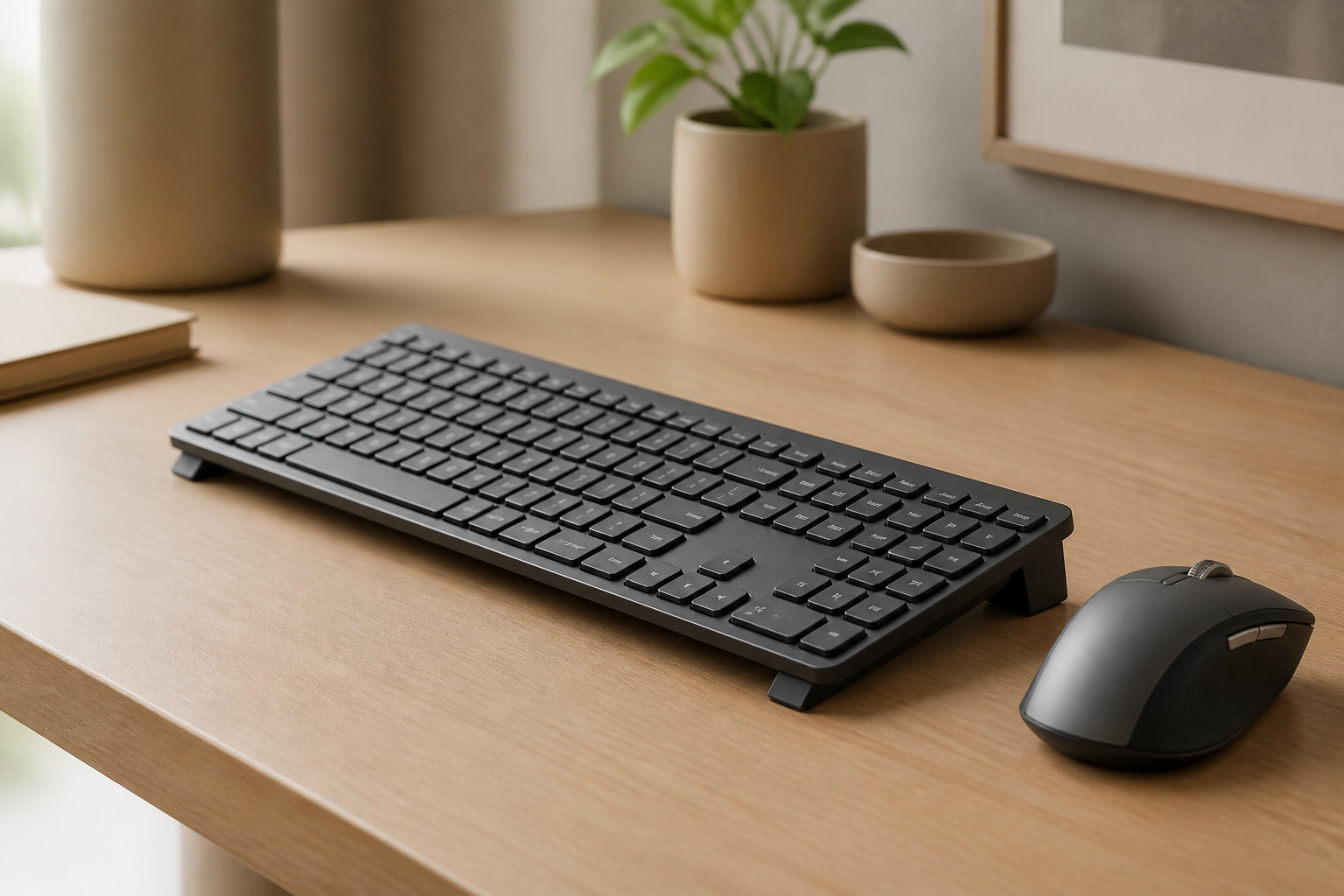
Small Hands Keyboard Ergonomics for MX Keys Users Guide
Learn how to improve small hands keyboard ergonomics with MX Keys or MX Keys Mini, from mouse reach and layout choice to angle and daily comfort. Includes safe
Small Hands Keyboard Ergonomics for MX Keys
TL;DR
Good small hands keyboard ergonomics is not only about buying a smaller keyboard. It is about reducing reach, keeping the shoulders relaxed, and choosing a layout that matches the way you actually work. For some people, the best answer is MX Keys Mini. For others, it is still the full-size MX Keys with smarter positioning. A stable keyboard stand like KeyRiser helps when angle is part of the problem, but width, mouse distance, and shortcut habits matter just as much. If your hands feel stretched, tense, or fatigued, the setup is probably asking too much from your reach.
People with small hands are often told to “just get used to it” when a keyboard feels wide, tiring, or awkward. That is lazy advice. If a layout forces you to overreach for the mouse, hold tension in the shoulders, or keep the wrists in a compromised position, your setup deserves adjustment.
The good news is that Logitech MX Keys and Logitech MX Keys Mini can all be part of a strong ergonomic workspace. The better question is not “Which keyboard is best?” It is “Which layout and setup ask the least from my body over a full workday?”
Why Small Hands Change Keyboard Ergonomics
When your hands are smaller, small differences in width and reach stop being theoretical. A full-size board with a numpad moves the mouse farther away. A wide shortcut spread makes one-handed commands feel less natural. Reaching from the home row to navigation keys, modifiers, or mouse targets can create subtle but repeated tension.
That tension usually shows up in three places first:
- the shoulders, because the arms stay slightly wider than ideal
- the thumbs and pinkies, because large key combinations take more stretch
- the wrists, because people compensate for reach by rotating or lifting the hands
None of that automatically means the full-size MX Keys is wrong. It means the margin for bad setup is smaller. If your desk is shallow, your mouse is large, and your keyboard sits flat, the total load can feel much worse for someone with small hands than for someone with larger reach.
MX Keys or MX Keys Mini?
For small hands, the MX Keys Mini is often the easier starting point. The narrower layout reduces mouse reach immediately and makes the typing zone feel more centered. For writers, developers, marketers, and general office users who do not depend on a numpad all day, that can be a meaningful comfort upgrade.
The full-size MX Keys still makes sense if:
- you work heavily in spreadsheets
- you do finance, accounting, or data entry
- you rely on dedicated navigation keys and a numpad for speed
The tradeoff is that the full-size board asks for more discipline in the rest of the setup. Mouse placement matters more. Desk width matters more. Shoulder relaxation matters more.
If you are undecided, use this rule:
- choose MX Keys Mini if reducing side reach is your main goal
- choose MX Keys if numeric input is part of your daily workload
If you want deeper product comparison before buying or switching, the compare page and specifications page are the fastest way to narrow it down.
The Three Adjustments That Matter Most
Small hands users usually get the biggest benefit from three changes before buying anything else.
1. Bring the Mouse Closer
If you use a full-size keyboard, the mouse is often the real problem. The farther the mouse sits from the body, the more the shoulder stays open and the arm stays active. For smaller users, that extra width adds up fast.
Try to keep the mouse:
- directly beside the keyboard
- at the same front-to-back depth
- close enough that the elbow stays near the torso
2. Center the Keyboard on Your Body
A common mistake is centering the keyboard visually on the desk instead of anatomically on your body. If the keyboard is offset because of desk objects, aesthetics, or habit, one side of the body ends up doing more work than the other.
3. Fix Keyboard Angle
If your hands already feel compact and slightly folded inward, a flat keyboard can add even more strain by pushing the wrists upward. That is where KeyRiser becomes relevant. It does not solve keyboard width, but it can help reduce the angle problem for compatible MX Keys models.
Where a Keyboard Stand Helps and Where It Does Not
This is important: a keyboard stand is not a universal cure for small hands. If the real issue is layout width or mouse reach, a stand alone will not fix it.
Where a stand helps:
- your wrists bend upward on a flat desk
- the keyboard feels fine in width but tiring in angle
- you like your current MX Keys model and want to improve comfort without replacing it
Where a stand does not solve the whole problem:
- the mouse is still too far away
- the numpad is the main reason your shoulder is working too hard
- your desk forces the keyboard too far forward
That is why the right ergonomic plan is layered. Angle matters. But angle works best when width, distance, and posture are already reasonably controlled.
A Practical 10-Minute Reset for Small Hands
If your setup feels tiring, try this reset before buying more gear:
- Center the keyboard with your torso.
- Move the mouse right next to the keyboard.
- Lower shoulder tension consciously before you start typing.
- Check whether the wrists are neutral or bent upward.
- If the angle still feels wrong, add a stable stand such as KeyRiser.
- Work for 20 minutes and notice whether tension shows up first in the wrist, shoulder, or thumb.
That last part matters because it tells you what to fix next. If the wrist complains first, angle may be the priority. If the shoulder complains first, width and mouse position are usually the bigger issue.
When to Seek Help Beyond Desk Tweaks
Ergonomic changes are useful, but they are not a diagnosis. If you have persistent numbness, weakness, burning pain, or symptoms that keep getting worse even after setup improvements, it is time to speak with a qualified clinician.
That is especially true if:
- symptoms wake you at night
- grip strength feels reduced
- pain spreads up the arm
- one hand is clearly worse for days at a time
You can use ergonomic changes to reduce load, but they should not replace medical evaluation when symptoms feel persistent or neurological.
Helpful Pages for MX Keys Users
If you are refining an existing setup, start with product details, support, and guides. If you are deciding between models or trying to confirm fit, use specifications and FAQ. If your main question is whether a stand is the right investment, the buy page and compare page will help you decide faster.
FAQ
Is MX Keys Mini always better for small hands?
No. It is often better for reducing mouse reach, but users who depend on a numpad may still work more comfortably on the full-size MX Keys.
Can a keyboard stand help if my hands are small?
Yes, if keyboard angle is part of the problem. A stand like KeyRiser helps with wrist position, but it does not reduce keyboard width.
What usually causes the most fatigue for small hands?
For many people, it is a combination of wide mouse reach, large key combinations, and a flat keyboard angle rather than any single factor alone.
Should I worry if I feel numbness or weakness?
Yes. Setup changes are worth trying, but persistent numbness, weakness, or worsening pain should be evaluated by a clinician.
Final Takeaway
Small hands keyboard ergonomics is really about reducing unnecessary reach. Choose the layout that matches your work, bring the mouse closer, center the board on your body, and fix angle if needed. For many MX Keys users, KeyRiser is part of that answer, but the best setup is always the one that asks the least from your hands by the end of the day.
Ready for a Better Typing Angle?
Check KeyRiser on Amazon and confirm compatibility with your MX Keys model.
Buy Now - $12.99Frequently Asked Questions
Everything you need to know about our ergonomic keyboard stand
How can I make typing more comfortable?
Start with desk height, keyboard position, relaxed shoulders, and regular breaks. A keyboard riser can change the typing angle for supported keyboards, but comfort depends on the full setup. Read more ergonomic tips on our blog.
What is the ideal keyboard angle for ergonomics?
There is no single ideal angle for every person. KeyRiser uses a fixed 15° rear lift so MX Keys users can try a more defined keyboard angle without replacing their keyboard. Check our product specifications.
Can keyboard ergonomics really improve productivity?
A more comfortable workstation can make long typing sessions easier to sustain, but productivity gains vary by person, work style, and desk setup.
How long does it take to see results from ergonomic improvements?
Some setup changes feel different immediately, while others take time to evaluate. Try changes gradually and consult a qualified professional for persistent pain, numbness, or suspected injury.
Is an ergonomic keyboard stand worth it?
It can be worth it if you want to keep your keyboard and test a different typing angle. KeyRiser is model-specific for MX Keys, MX Keys S, and MX Keys Mini. Discover KeyRiser today.