Office Manager Guide to Keyboard Ergonomics for Teams
A practical office manager guide to keyboard ergonomics for teams: compatibility checks, buying criteria, shared desks, and rollout tips. Includes fit checks.
Quick answer: An office manager buying keyboard ergonomics for a team should standardize the basics before ordering accessories. Confirm keyboard models, desk depth, shared-seat rules, and mouse reach first, then add KeyRiser where compatible Logitech MX Keys desks need a stable and repeatable keyboard angle.
Team ergonomics often fails because the purchase is treated like a gadget order. One person asks for a stand, another wants a wrist rest, and a shared desk ends up with three mismatched fixes. The stronger approach is to define the problem, pick a standard, and roll it out only where it fits.
Why this setup matters
Official ergonomic guidance is consistent on the goal: keep hands, wrists, and forearms close to neutral, reduce awkward reaches, and match the keyboard to the worker rather than forcing the worker to adapt to the desk.
The goal is a repeatable workstation baseline. That baseline should help employees set up quickly on Monday morning, after a meeting room move, or when switching between home and office.
Setup checklist
- Inventory keyboard models before buying anything; MX Keys, MX Keys S, and MX Keys Mini desks are the best KeyRiser candidates.
- Measure desk depth and note any keyboard trays, monitor arms, or document holders that change reach.
- Decide whether each station is assigned, hot desk, or hybrid carry-in.
- Pilot the setup with heavy typists, support agents, spreadsheet users, and shorter employees before a broader order.
- Write a one-page reset standard with chair, keyboard, mouse, and monitor positions.
- Check that any accessory is easy to clean, stable, and not dependent on personal tinkering.
Where KeyRiser fits
KeyRiser is a sensible procurement option when a team already uses compatible Logitech keyboards and needs a consistent desk angle without replacing keyboards. It is not the only ergonomic step, but it is easy to evaluate because the success criteria are concrete: fit, stability, repeatability, and employee comfort.
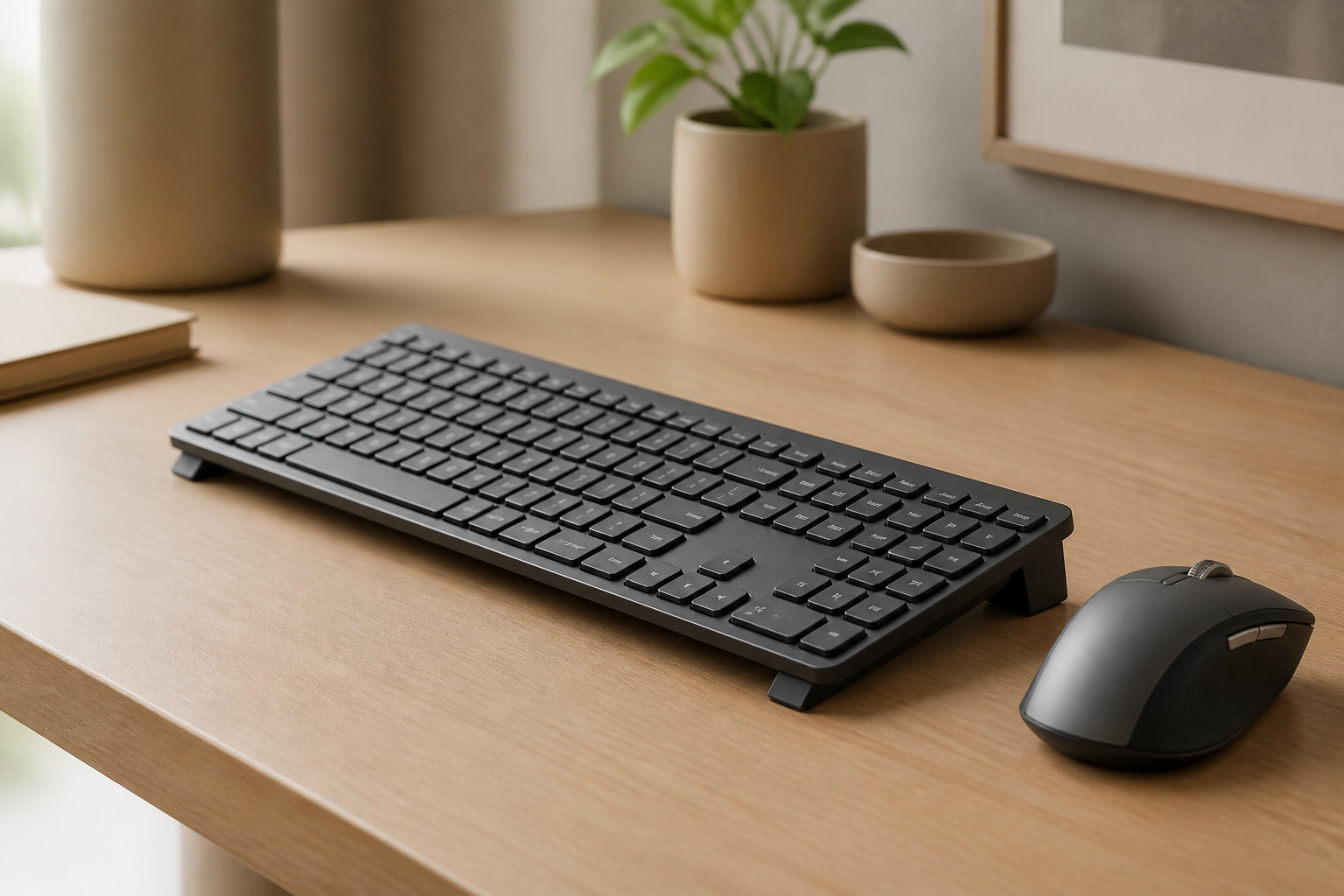
- It gives MX Keys, MX Keys S, and MX Keys Mini users a fixed angle instead of unstable books or improvised wedges.
- It keeps the keyboard footprint familiar, which matters when the desk is already crowded.
- It is easiest to evaluate after chair height, monitor height, and mouse reach are already reasonable.
Buying signals
Look for these signals before buying any keyboard riser or stand:
- Several employees have created their own keyboard angle fixes.
- The company already standardizes on MX Keys or MX Keys S.
- Hot desks feel different every day because accessories move around.
- You need a simple ergonomic improvement that can be explained in minutes.
15-minute adjustment plan
- Set the chair so your elbows rest near your sides and your shoulders stay relaxed.
- Place the keyboard directly in front of your torso, not offset toward the mouse.
- Check whether your wrists bend upward, outward, or rest on the desk edge while typing.
- Add a keyboard stand only if it helps your wrists stay straighter after the chair and desk are adjusted.
- Type a real task for 10 minutes, then judge comfort from wrist angle, shoulder tension, and desk stability.
Common mistakes
- Buying one accessory for every desk before a pilot.
- Mixing incompatible keyboard sizes in the same rollout.
- Treating wrist rests, keyboard trays, and risers as interchangeable.
- Skipping employee feedback after the first week.
Related KeyRiser resources
- Check current Amazon availability
- Compare KeyRiser with other solutions
- Review KeyRiser specifications
- Read more ergonomic guides
Sources used
- OSHA keyboard guidance
- OSHA neutral workstation positions
- Cornell keyboard and mouse ergonomics
- Mayo Clinic office ergonomics
- NIH computer workstation self-assessment
FAQ
How should office managers choose keyboard risers?
Start with compatibility, desk depth, stability, cleaning needs, and whether the riser supports the actual keyboard model. A pilot with heavy typists is safer than buying for every desk immediately.
Is KeyRiser suitable for office teams?
KeyRiser can suit teams using compatible Logitech MX Keys, MX Keys S, and MX Keys Mini models. It should be evaluated station by station for fit, comfort, and workflow before a larger purchase.
Should every employee get the same ergonomic accessory?
Not necessarily. Standardize the setup process, not every object. Different keyboard models, desk sizes, and user needs may require different solutions.
What is the simplest team rollout plan?
Inventory equipment, run a small pilot, collect feedback, document reset positions, then expand only to desks where the accessory solves a clear problem.
This guide is ergonomic education, not medical advice. If pain, numbness, tingling, weakness, or swelling persists, consult a qualified health professional.
Ready for a Better Typing Angle?
Check KeyRiser on Amazon and confirm compatibility with your MX Keys model.
Buy Now - $12.99Frequently Asked Questions
Everything you need to know about our ergonomic keyboard stand
How can I make typing more comfortable?
Start with desk height, keyboard position, relaxed shoulders, and regular breaks. A keyboard riser can change the typing angle for supported keyboards, but comfort depends on the full setup. Read more ergonomic tips on our blog.
What is the ideal keyboard angle for ergonomics?
There is no single ideal angle for every person. KeyRiser uses a fixed 15° rear lift so MX Keys users can try a more defined keyboard angle without replacing their keyboard. Check our product specifications.
Can keyboard ergonomics really improve productivity?
A more comfortable workstation can make long typing sessions easier to sustain, but productivity gains vary by person, work style, and desk setup.
How long does it take to see results from ergonomic improvements?
Some setup changes feel different immediately, while others take time to evaluate. Try changes gradually and consult a qualified professional for persistent pain, numbness, or suspected injury.
Is an ergonomic keyboard stand worth it?
It can be worth it if you want to keep your keyboard and test a different typing angle. KeyRiser is model-specific for MX Keys, MX Keys S, and MX Keys Mini. Discover KeyRiser today.