Typing Comfort: Check Your Keyboard Setup First Guide
If your fingers go numb when typing, check keyboard angle, desk pressure, mouse reach, and work rhythm before assuming the worst. Includes safe tips for
Numb Fingers When Typing? Fix Setup First
TL;DR
If you have numb fingers when typing, do not jump straight to worst-case conclusions, but do not ignore the signal either. In many desk setups, finger numbness starts with a mix of wrist extension, pressure at the desk edge, poor mouse placement, and long periods without movement. Those are fixable. Start by checking keyboard angle, how close the keyboard sits, and whether your forearms are being compressed. A stable stand like KeyRiser can help if the keyboard is too flat, but it is only one part of the solution. Persistent or worsening symptoms deserve professional evaluation.
Finger numbness is one of those symptoms people tend to explain away for too long. They blame a busy week, a harder workout, bad sleep, or stress. Sometimes they are right. But sometimes the desk is quietly asking the hands to work in a position they cannot tolerate for eight hours a day.
The goal of this guide is simple: help you separate common setup problems from signals that should not be shrugged off.
The Most Common Desk-Setup Triggers
Finger numbness during typing often starts with one of four practical issues.
1. A Keyboard That Sits Too Flat
When the keyboard angle pushes the wrists upward, the hands spend long periods in a less relaxed position. That does not checkout support numbness, but it increases the chance that the fingers feel tingly, heavy, or slow after a long work block.
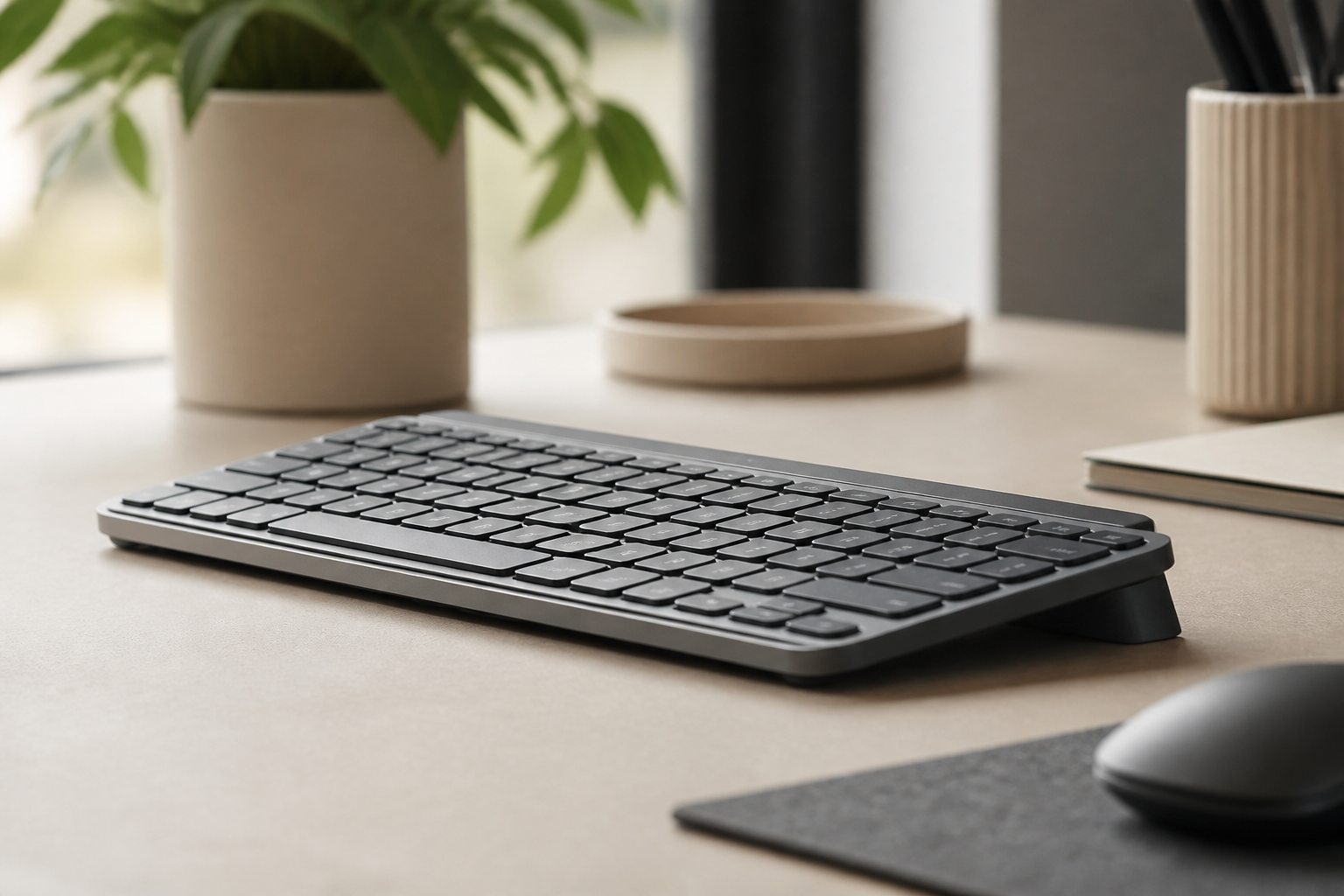
This is especially relevant for low-profile keyboards like Logitech MX Keys. They feel sleek and easy to type on, but if the desk keeps the hands in extension, the benefits of the keyboard itself do not fully show up in the body.
2. Forearms Pressing Into the Desk Edge
Many people type with their forearms or wrists resting against a hard desk edge. The pressure is subtle, but over time it can make the hands feel strange, especially if you stay in one position for too long.
3. Mouse Reach Pulling the Whole Arm Outward
Sometimes the fingers are not the first problem. The problem starts higher up. If the mouse sits too far to the side, the shoulder stays tense and the arm stays slightly extended. That can make the hand work harder than it needs to.
4. Too Few Position Changes
Even a decent setup becomes a bad setup if nothing moves for hours. Static posture is part of the problem. Long uninterrupted typing sessions make small issues louder.
A Five-Minute Setup Check
Before buying anything, run this quick check:
- Sit back in your chair and let the shoulders relax.
- Place your hands on the keyboard without lifting the shoulders.
- Check whether the wrists are straight or bent upward.
- Notice whether the desk edge is pressing into your wrists or forearms.
- Move the mouse closer so the elbow stays nearer the torso.
- Type for ten minutes and notice which fingers go numb first and when.
This test is useful because it turns a vague feeling into a pattern. If numbness shows up only after the wrists bend upward, angle may be a major factor. If it appears when you lean forward into the desk edge, contact pressure is more likely part of the issue.
When KeyRiser Actually Helps
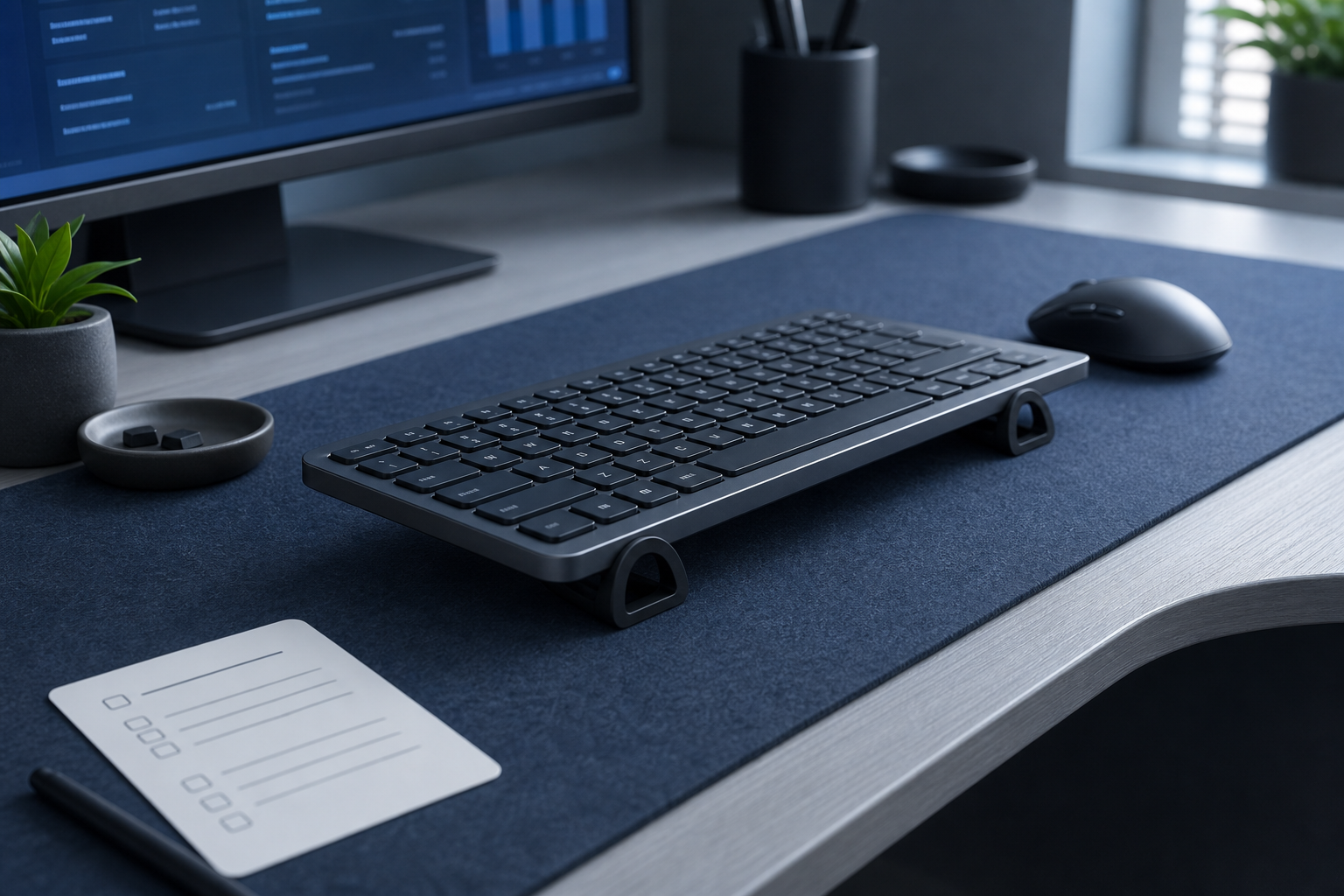
KeyRiser helps when the keyboard angle is the main reason your wrists are sitting too high. It is a good fit for Logitech MX Keys and Logitech MX Keys Mini users who already like the keyboard but know the desk position is not helping.
It is not the whole answer when:
- the mouse is still too far away
- the desk edge is still digging into the forearm
- you are working in long unbroken sessions without movement
That is why angle should be treated as one variable in a wider setup check, not a magic fix. If you improve angle and nothing else changes, symptoms may improve only partway.
Practical Fixes You Can Try This Week
The best changes are the ones you can repeat every day without thinking about them.
- Pull the keyboard close enough that elbows stay near your sides.
- Stop resting the wrists hard on the desk edge while typing.
- Bring the mouse closer and keep it level with the keyboard.
- Break long typing blocks with short movement intervals.
- If the keyboard feels too flat, test a stable stand like KeyRiser.
If you are unsure whether the issue is setup or compatibility, the support page, guides, and specifications page are good places to check next.
Red Flags You Should Not Self-Diagnose Away
This article is not a medical diagnosis. If symptoms are mild and clearly linked to long typing sessions, setup changes are a reasonable first step. But there are times when you should stop experimenting and get proper medical advice.
Take persistent numbness seriously if:
- it keeps happening even after reducing typing load
- it wakes you at night
- you notice weakness or clumsiness
- the hand feels colder, less coordinated, or visibly different
- symptoms travel beyond the fingers and keep intensifying
Ergonomic improvements are supportive, not diagnostic. They reduce strain. They do not replace evaluation when something feels clearly off.
Helpful Pages Before You Change Your Setup
If you use Logitech MX Keys and want to fix angle or compatibility, visit product details and buy. If you need fit information first, go to specifications. If the bigger question is how your full setup should work together, guides, support, and FAQ are the most useful next reads.
FAQ
Why do my fingers go numb only after long typing sessions?
That usually points to cumulative strain rather than a single instant problem. Angle, pressure, reach, and lack of movement can build up over time.
Can a keyboard stand stop finger numbness?
It can help if wrist angle is part of the cause. For Logitech MX Keys users, KeyRiser is useful when the board sits too flat on the desk.
Should I stop typing completely if my fingers feel numb?
If symptoms are mild and obviously setup-related, reduce load and fix the setup first. If numbness is persistent, worsening, or paired with weakness, get medical advice.
Is the desk edge really that important?
Yes. Constant pressure at the wrist or forearm is a common and underappreciated contributor to hand discomfort during desk work.
Final Takeaway
When numb fingers show up during typing, treat the desk as a likely suspect before treating the symptom like a mystery. Check angle, pressure, reach, and movement first. For compatible MX Keys users, KeyRiser can be a smart part of that fix, but the real goal is a setup that leaves your hands feeling less loaded at the end of the day, not just more decorated.
Ready for a Better Typing Angle?
Check KeyRiser on Amazon and confirm compatibility with your MX Keys model.
Buy Now - $12.99Frequently Asked Questions
Everything you need to know about our ergonomic keyboard stand
How can I make typing more comfortable?
Start with desk height, keyboard position, relaxed shoulders, and regular breaks. A keyboard riser can change the typing angle for supported keyboards, but comfort depends on the full setup. Read more ergonomic tips on our blog.
What is the ideal keyboard angle for ergonomics?
There is no single ideal angle for every person. KeyRiser uses a fixed 15° rear lift so MX Keys users can try a more defined keyboard angle without replacing their keyboard. Check our product specifications.
Can keyboard ergonomics really improve productivity?
A more comfortable workstation can make long typing sessions easier to sustain, but productivity gains vary by person, work style, and desk setup.
How long does it take to see results from ergonomic improvements?
Some setup changes feel different immediately, while others take time to evaluate. Try changes gradually and consult a qualified professional for persistent pain, numbness, or suspected injury.
Is an ergonomic keyboard stand worth it?
It can be worth it if you want to keep your keyboard and test a different typing angle. KeyRiser is model-specific for MX Keys, MX Keys S, and MX Keys Mini. Discover KeyRiser today.